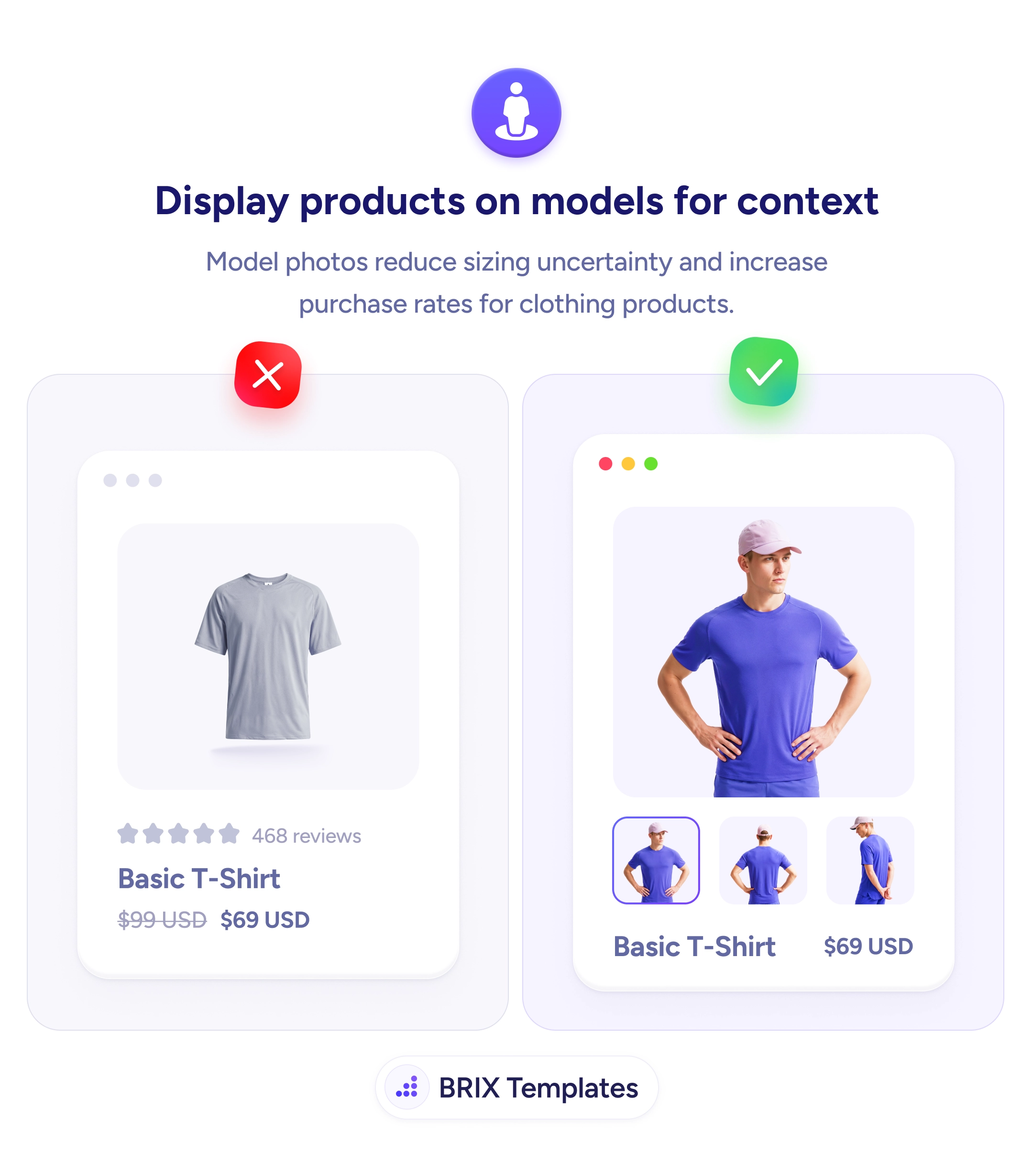
A clothing card that shows a flat, grey shirt on a white background tells the shopper what the garment looks like on its own — but not how it will look on a body. For apparel, that second question is the one that decides the purchase. Without a person for scale, fit, and drape, the buyer is left guessing whether it will actually suit them, and guessing shoppers hesitate, abandon, or over-order and return.
The fix is to show the product worn on a model, from more than one angle. The same shirt on a person — with front, back, and side thumbnails to click through — answers fit and proportion the way a fitting room would, letting the buyer mentally try it on. Reducing that sizing uncertainty is one of the most direct ways to lift purchase rates and cut returns on clothing.
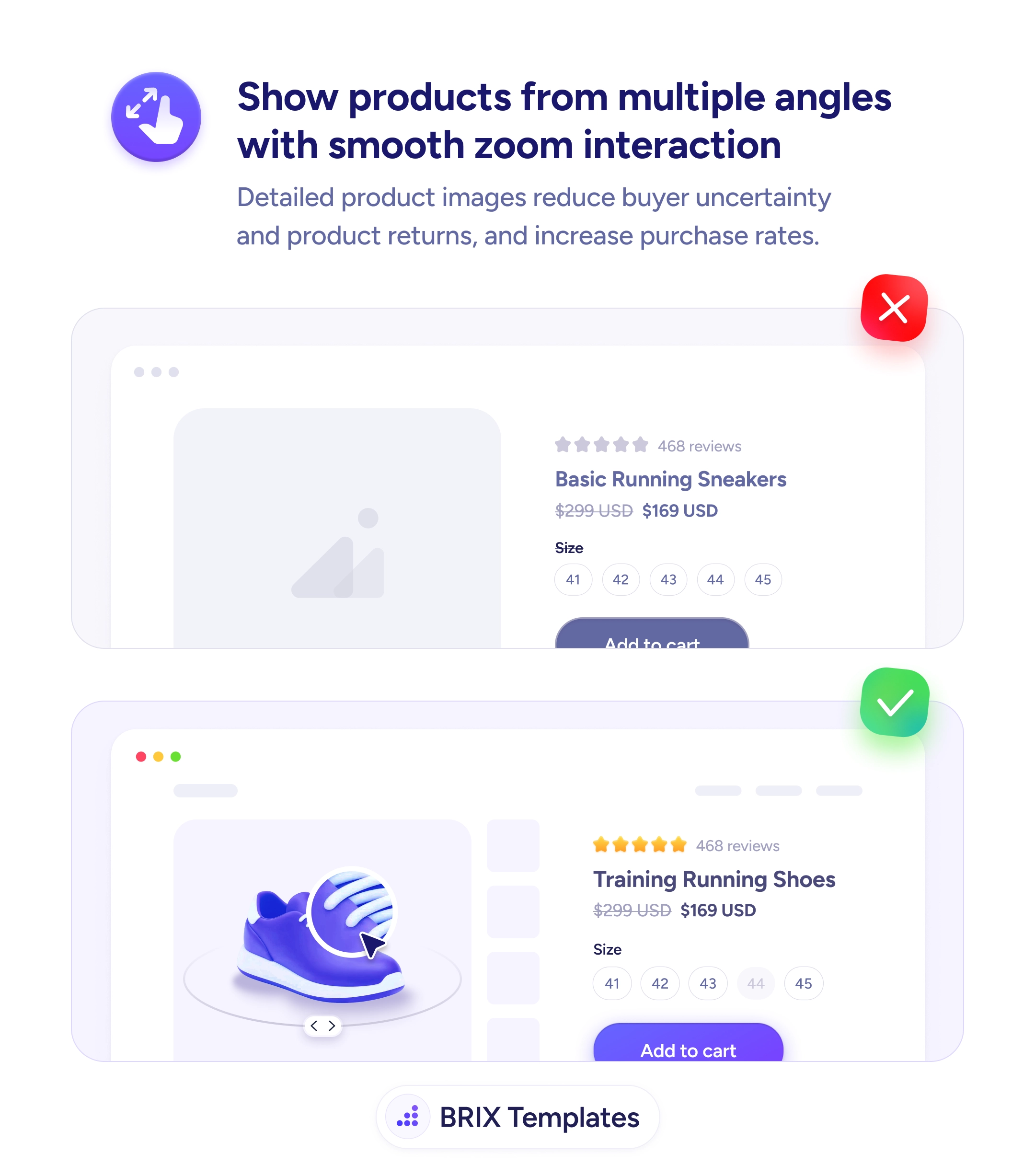
Model shots land hardest inside a multi-angle gallery the buyer can explore, and they pair naturally with a size guide that’s easy to find — one shows how a size looks worn, the other gives the measurements to confirm it. Keep a clean on-white shot in the set too, so color and cut stay easy to judge; the aim is to add human context, not remove catalog clarity.
- Show the item worn — a model answers the fit question a flat shot can’t.
- Give multiple angles — front, back, and side let the buyer try it on mentally.
- Use selectable thumbnails so the shopper controls what they inspect.
- Keep one plain shot for true color and cut without distraction.
- No live models? Add context anyway — mannequin, styled flat-lay, or model measurements.