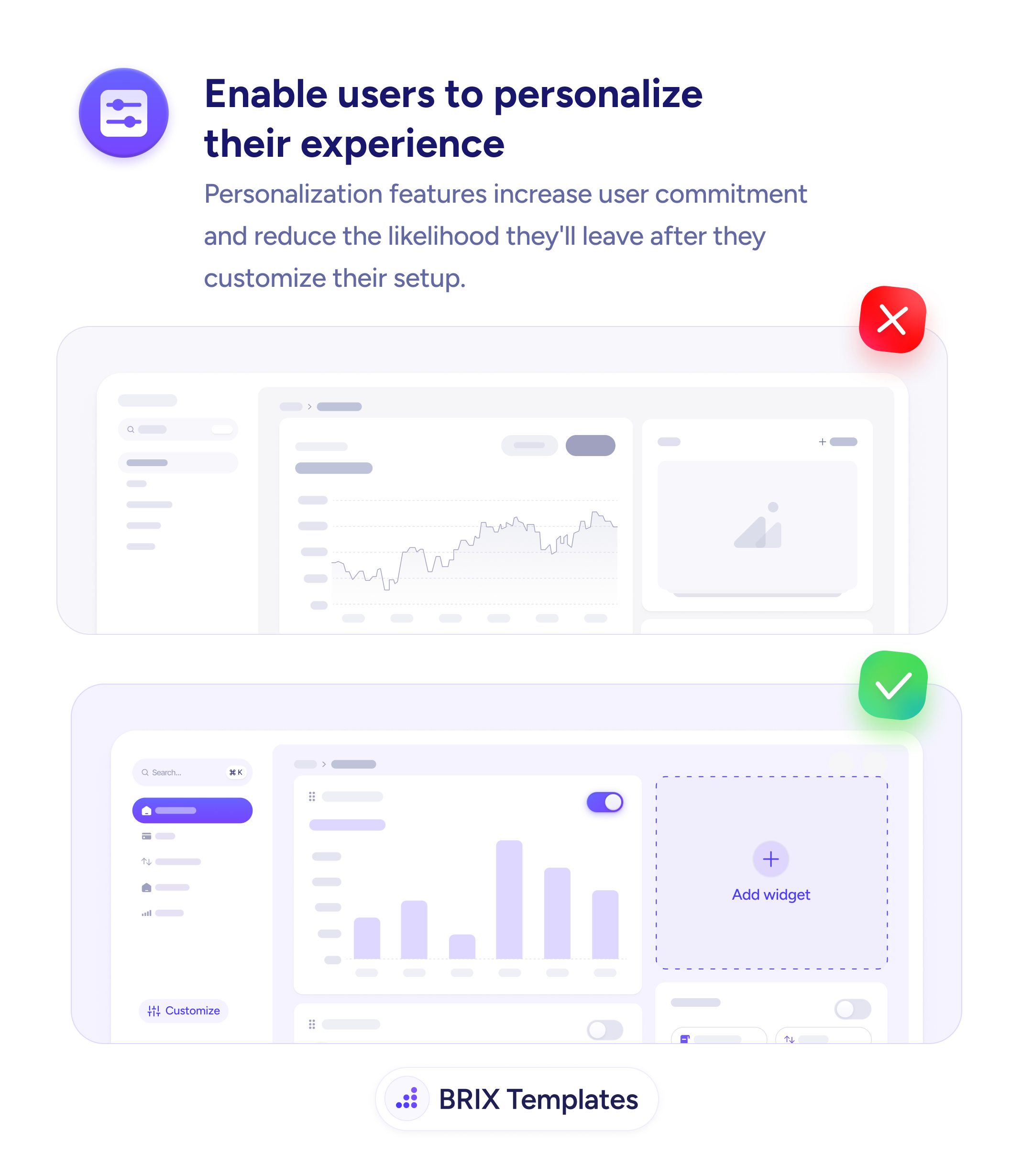
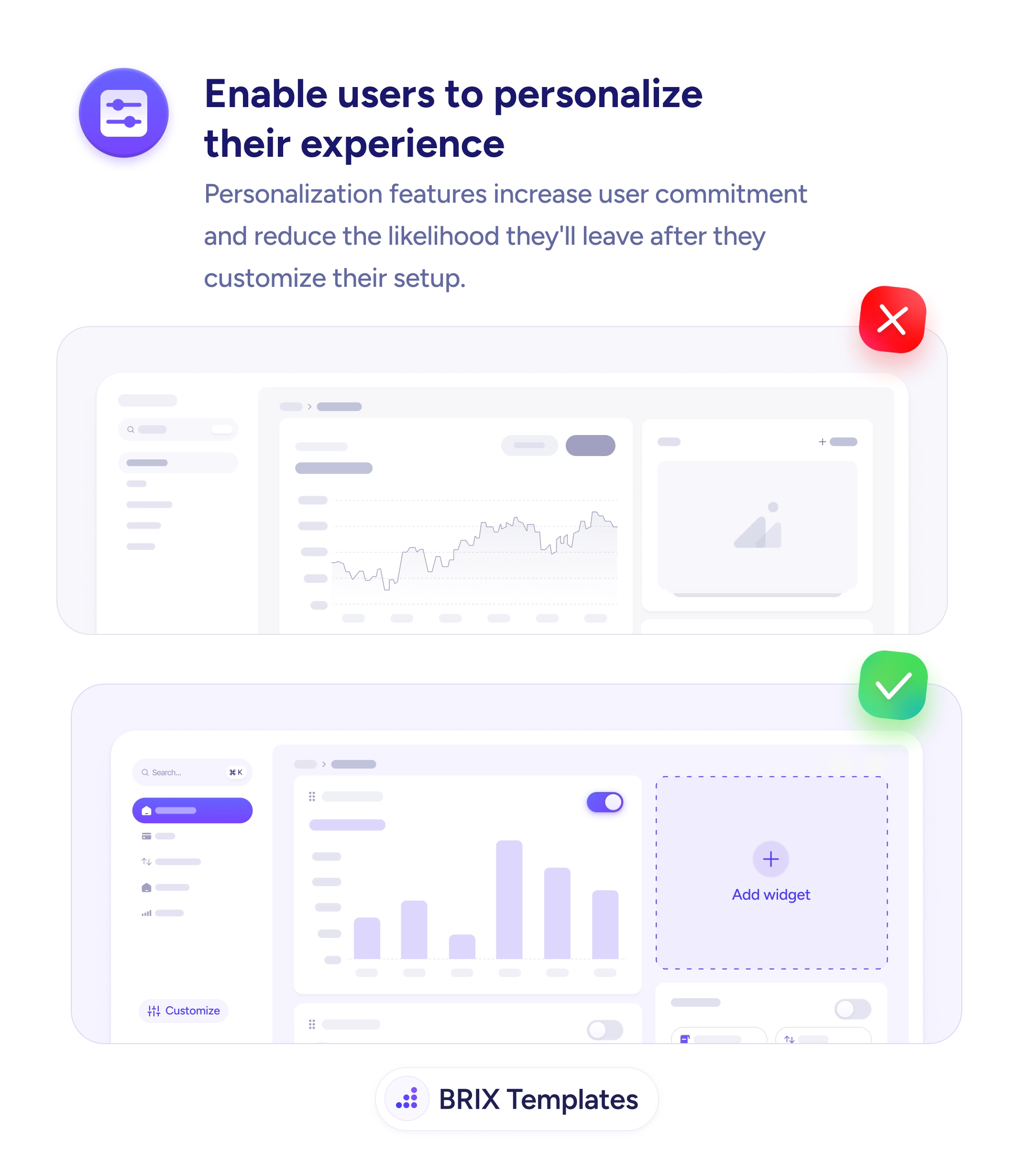
A dashboard with a fixed layout — a static sidebar, a chart the user can’t move, panels they can’t hide — is functional but generic. It works the same for everyone, which means it belongs to no one. Nothing about it reflects how a particular user works, so there’s nothing they’d lose by closing it and trying a competitor. A tool that carries no personal investment is an easy tool to leave.
The fix is to let users shape the experience to their own needs. A dashboard where they can reorder items, add and remove widgets, and toggle sections on and off lets each person foreground what matters to them. That effort is the point: once someone has built a setup tailored to their work, that configuration becomes a cost they’d have to abandon to leave — and that friction quietly keeps them around.
Ship a sensible default so the product works out of the box and keep customization discoverable but optional, so new users aren’t taxed with setup on arrival. Because personalizing means user actions reshape the interface, give clear feedback on what each toggle or move does so control never feels risky. And persist each configuration to the account — a layout that resets discards the very investment you were trying to build.
- Let users customize what matters — widget order, layout, visible sections, key defaults.
- Ship a working default so personalization is a choice, not a setup tax on new users.
- Make it discoverable but optional — a clear “Customize” control users find when ready.
- Persist setups to the account so effort survives sessions and devices.
- Offer an easy reset for anyone who over-customizes and wants a clean slate.