Navigation
People rarely search once — make the second search a tap, not a retype
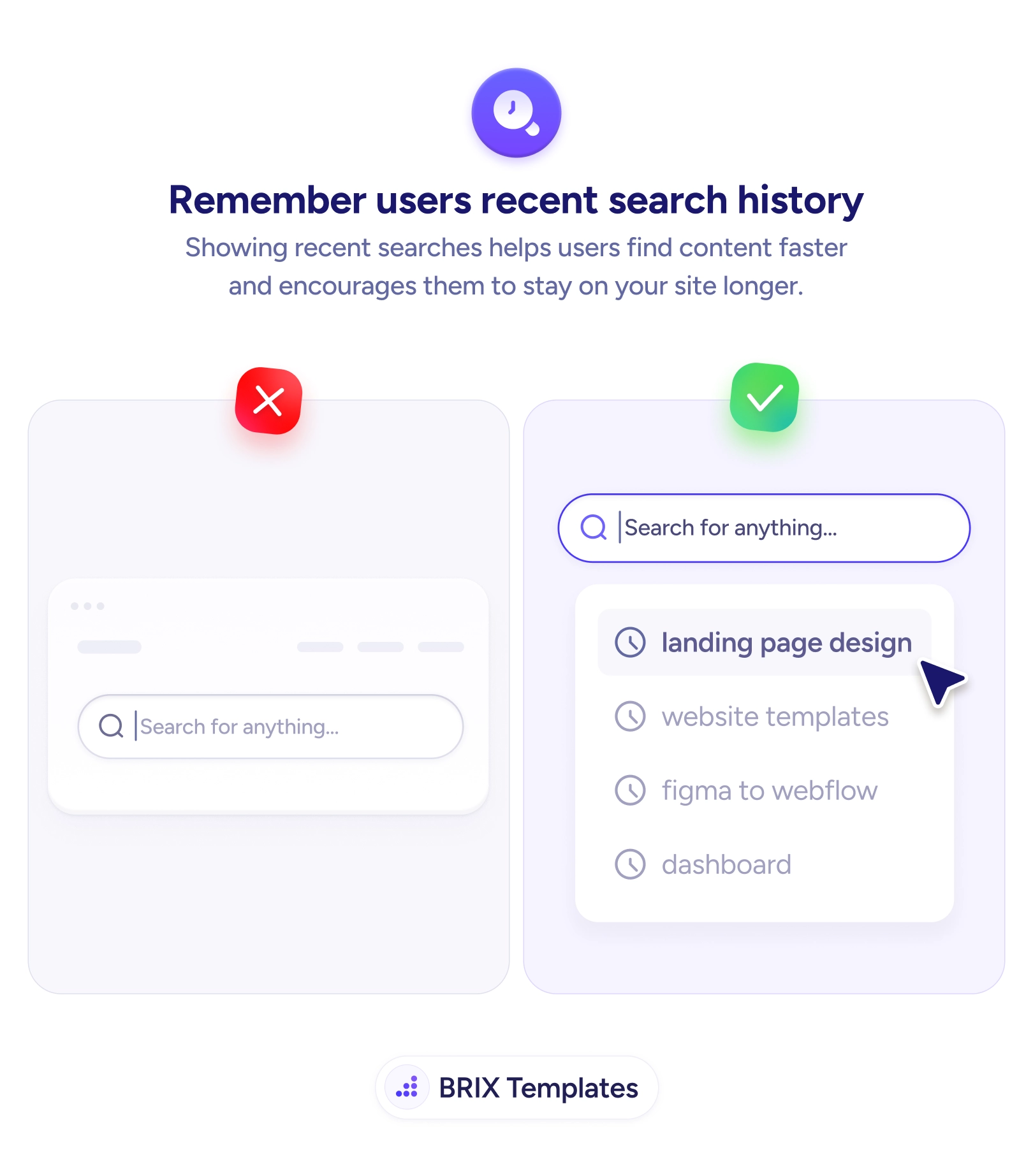
Users often repeat or refine a search. Surface their recent queries in the search box so they pick up where they left off instead of typing it all again.

Navigation
People rarely search once — make the second search a tap, not a retype
Users often repeat or refine a search. Surface their recent queries in the search box so they pick up where they left off instead of typing it all again.
Search is almost never a one-shot action. People refine, rephrase, and come back to the same query later — and when the search box greets them empty every single time, they’re forced to retype what they just typed minutes ago. The intent is identical to before, but the effort resets to zero each time. That repeated typing is small per instance and large in aggregate; it’s friction on the exact path a user takes when they’re trying hardest to find something.
The fix is to surface recent searches the moment the field is focused. A short dropdown of past queries — each marked with a clock icon — lets the user re-run or tweak one in a single tap instead of starting over. This is the recall counterpart to autocomplete that predicts the query as you type: one anticipates a new search, the other remembers the ones already made, and together they make the search box feel like it knows what the user is doing.
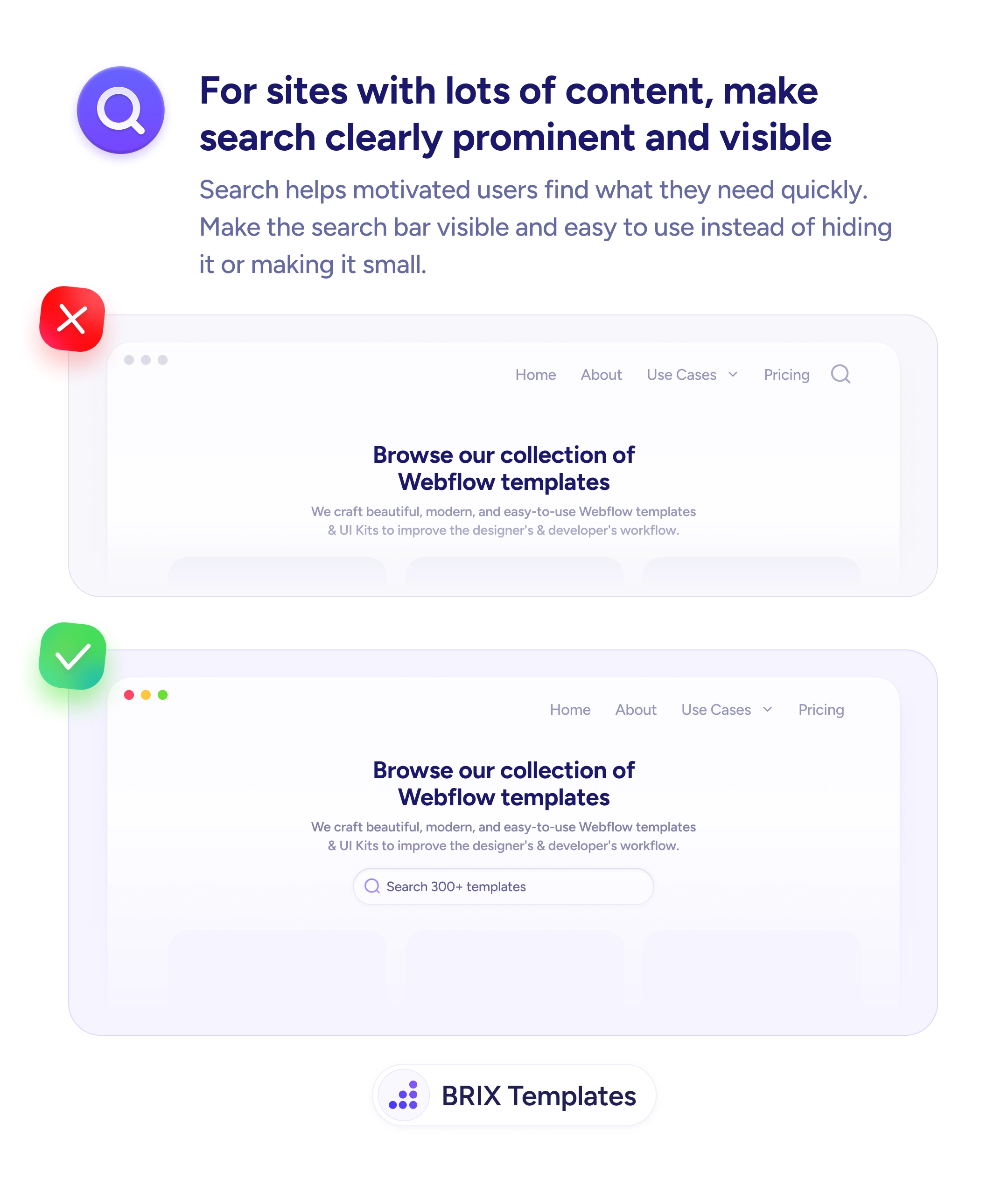
Start by storing the last handful of queries — roughly four to six, most-recent-first and de-duplicated — and showing them on focus, before any typing. As the user types, let live suggestions take over. Decide where to keep the history based on value: local storage for a lightweight per-device convenience, or account-synced history for logged-in users who switch devices. Always give an easy way to clear it. Paired with a search bar that’s prominent and easy to find, this makes returning to search nearly effortless.
Searching is iterative, so the interface should treat it that way. Remember what the user just looked for, offer it back in a tap, and you turn every repeat or refinement from a fresh round of typing into a quick continuation of what they were already doing.
The moment the user focuses the empty search field, before they type anything. That's the point where they're deciding what to search, and showing their last few queries lets them re-run or tweak one instead of retyping. As they start typing, recent searches can blend into or give way to live autocomplete suggestions that match the new input.
A short list — roughly the last four to six — is enough to be useful without becoming a wall of history. Order them most-recent-first, and consider de-duplicating so the same query doesn't appear repeatedly. The goal is quick recall of what they were just doing, not a complete archive of everything they've ever searched.
It depends on the value and sensitivity. For a quick, privacy-light convenience, local storage on the device keeps history per browser without server involvement. For logged-in users who switch devices, syncing history to their account is more useful but means handling it as user data — with the ability to view and clear it. Match the storage to whether continuity across devices is worth the added responsibility.
Yes, if a user doesn't expect their queries to be saved or can't clear them — especially on shared devices or for sensitive searches. Give an easy way to remove individual entries or clear the whole history, and be thoughtful about saving searches that could be private. Convenience that the user can't switch off starts to feel like surveillance.