Navigation
A 'No results' page is what happens when your search doesn't try
A 'No results' screen is a dead end. Live suggestions fix misspellings, expand partial queries, and help users find content faster.

Navigation
A 'No results' page is what happens when your search doesn't try
A 'No results' screen is a dead end. Live suggestions fix misspellings, expand partial queries, and help users find content faster.
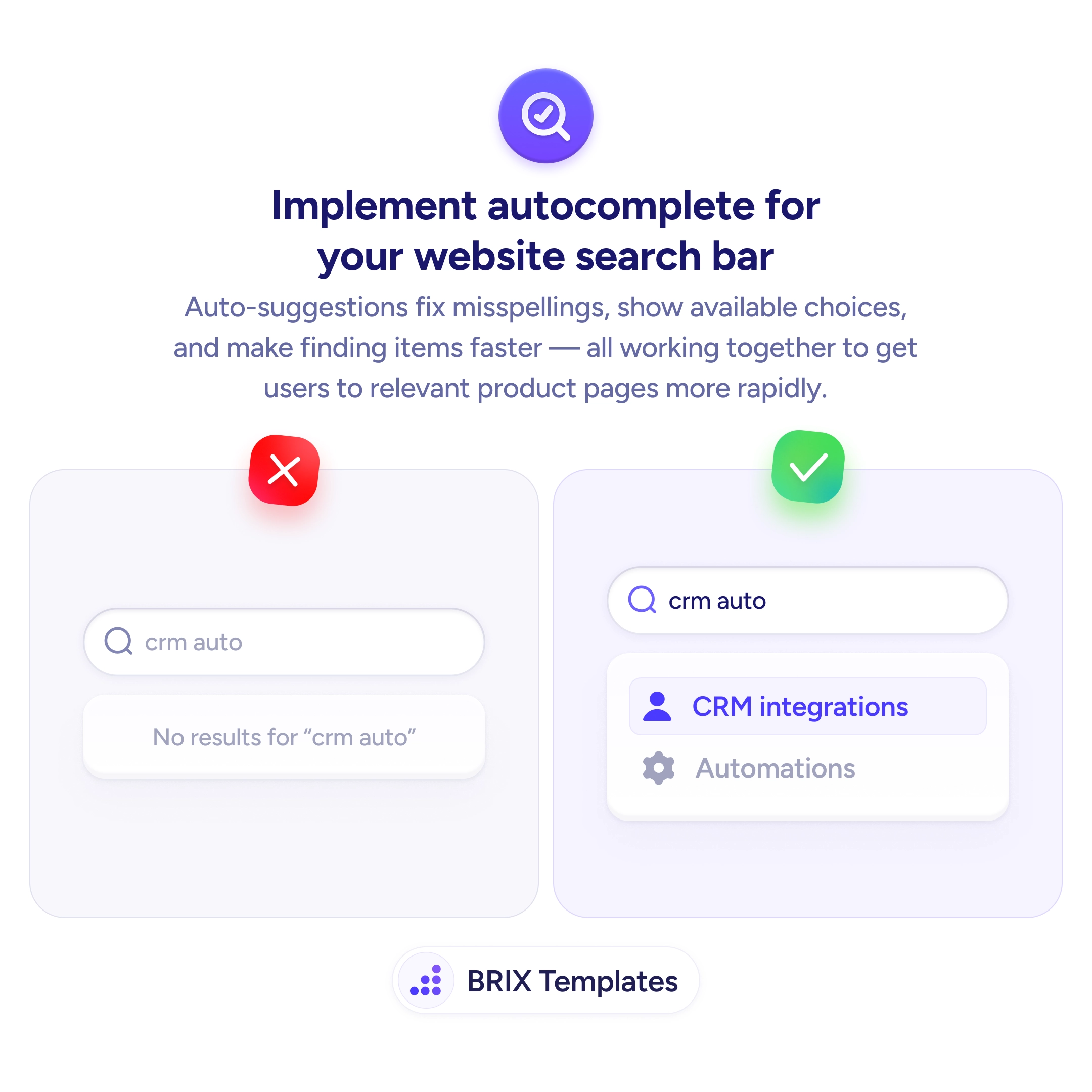
When a search bar returns “No results” for queries like “crm auto” — even when the user was about to type “automation” — it creates unnecessary friction. The user has to back up, retype, or give up entirely. Without autocomplete, exact-match search punishes anyone who doesn’t type the precise term used in your content.
A more effective approach is to implement autocomplete suggestions that appear as the user types. Auto-suggestions can correct misspellings, expand partial queries, and show relevant options before the user finishes typing. Instead of a dead-end “No results” message, users see a list of matching items — which shortens the path to the right page and reduces frustration.
Start returning suggestions after the first 2-3 characters. Match against both titles and keywords so users can find items by topic, not just exact name. Highlight the matched portion of each suggestion to show users why it appeared. Include item categories or icons next to suggestions to help users distinguish similar results at a glance.
Autocomplete search can dramatically reduce the time users spend hunting for content. Users who see relevant suggestions appear as they type typically reach their destination faster and with less frustration than users forced to guess exact terms — which often translates to more successful searches and deeper site engagement.
Yes. Fuzzy matching handles typos, missing characters, and transposed letters — all common when users type quickly. A query like 'crm auto' should return 'CRM automation' even without an exact match.
Match partial phrases and support prefix matching on each word. 'form val' should return 'form validation' even if the user hasn't completed the second word. Breaking queries into tokens improves match quality.
Both — use relevance to filter the candidate set, then rank by popularity within that set. A popular item is usually the best match for ambiguous queries, while relevance ensures you're showing items related to the input.
Show fallback content — popular items, recent searches, or suggestions to rephrase. A blank dropdown feels broken; an empty-state with helpful alternatives keeps the user moving forward.