A plan that shows only “$49/month” leaves the buyer doing math you could have done for them. To judge whether it’s a good deal, they have to figure out how much each project, seat, or unit actually costs — and to compare it against the next tier, they have to do that calculation again, in their head, across every plan. Most won’t. They’ll either guess, default to the cheapest option, or stall on the decision entirely, because the totals give them no easy way to see where the value is.
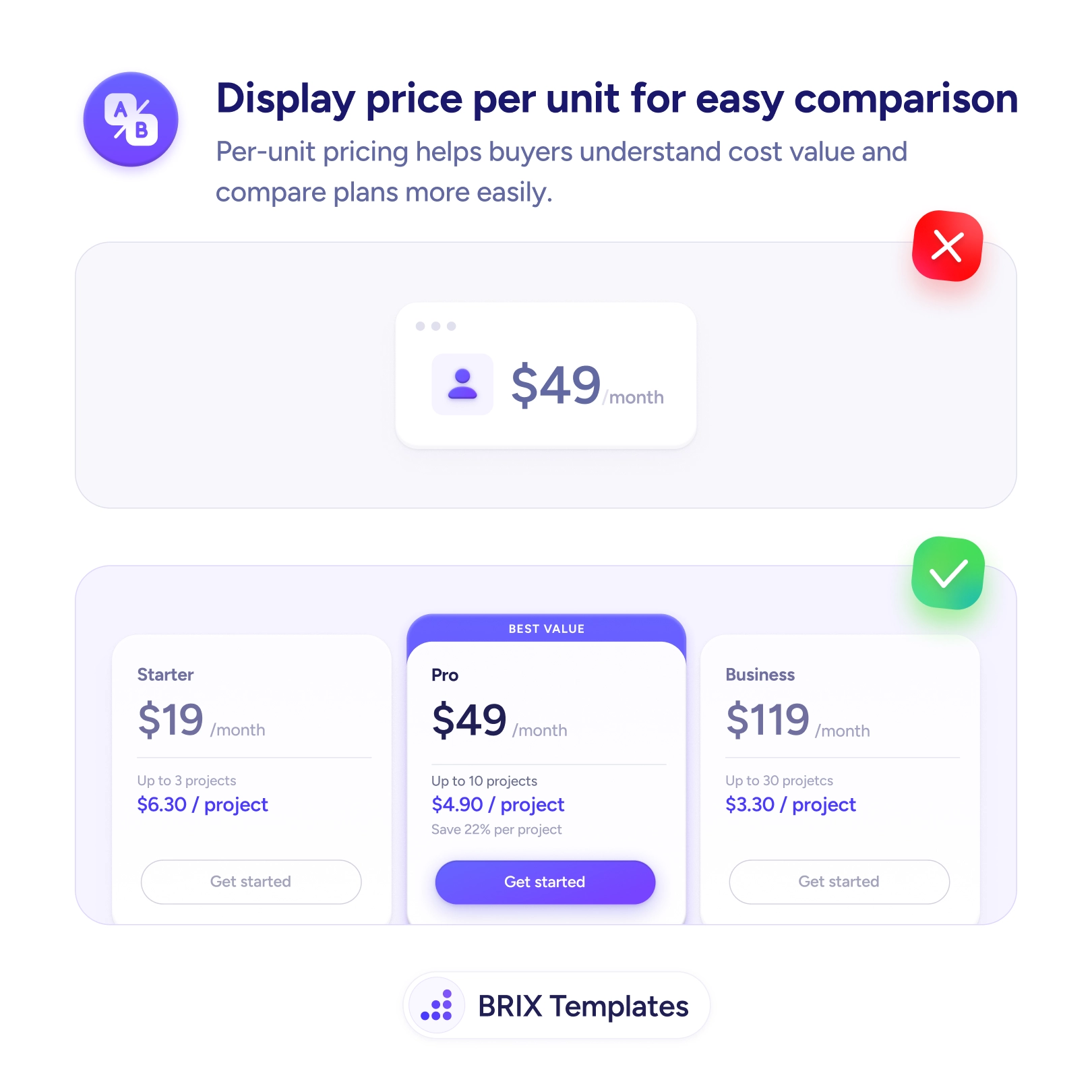
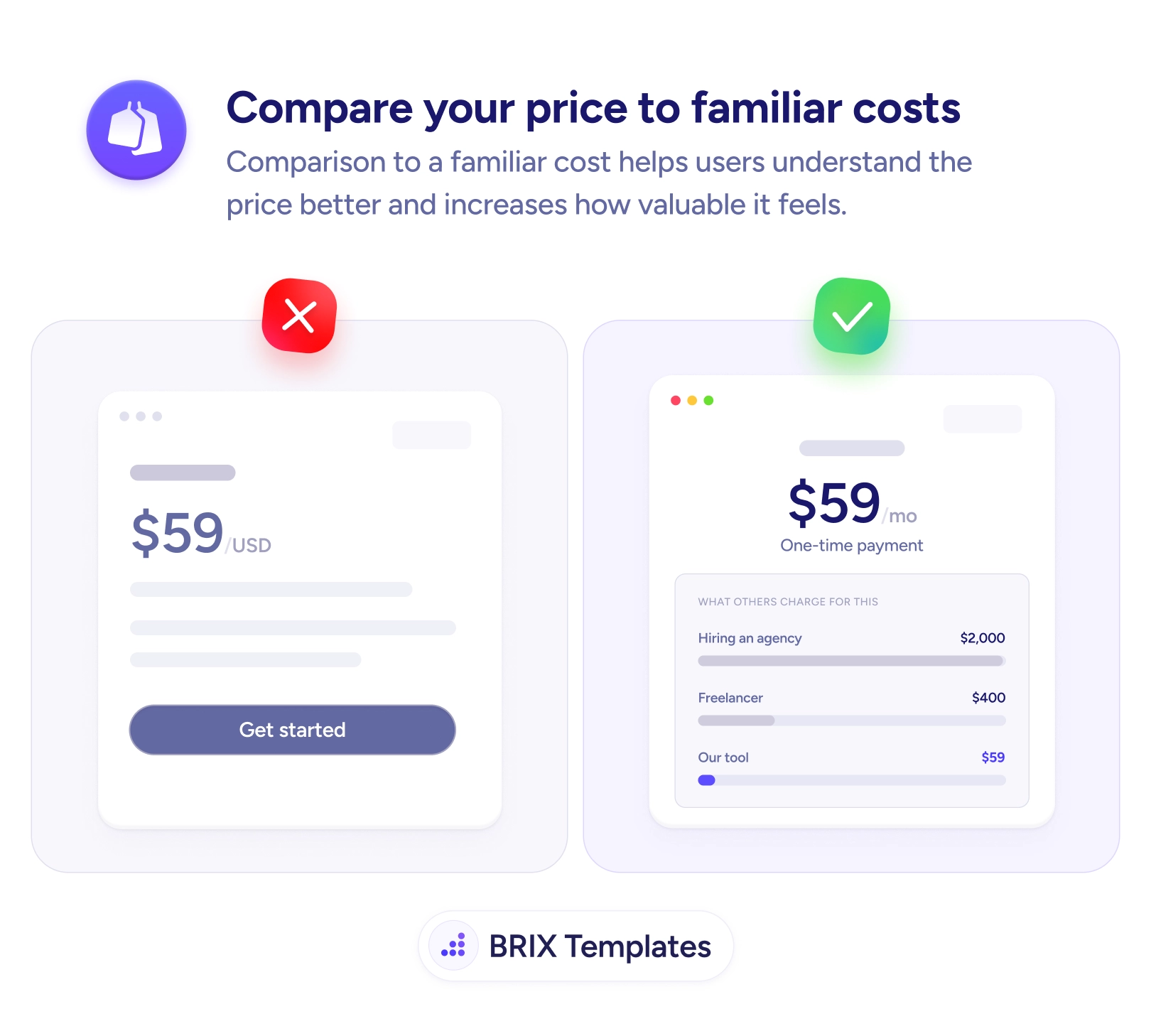
The fix is to show the cost per unit right under the total. When Starter works out to $6.30/project, Pro to $4.90/project, and Business to $3.30/project, the value curve becomes obvious at a glance and the buyer can see why a bigger plan is the better deal per unit. This is the same context-giving move as comparing your price to a familiar cost — both turn a bare number into one the buyer can actually evaluate.
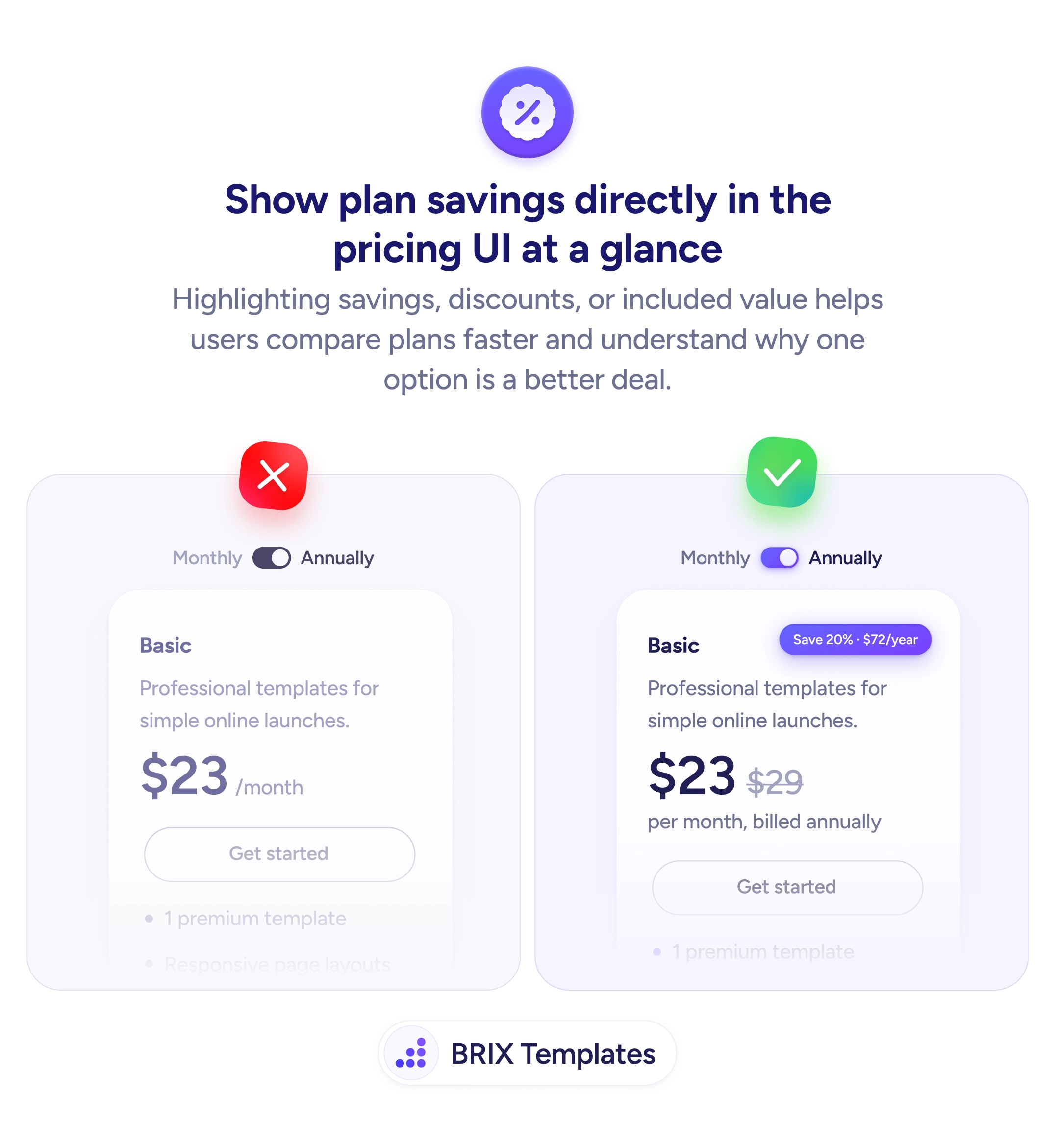
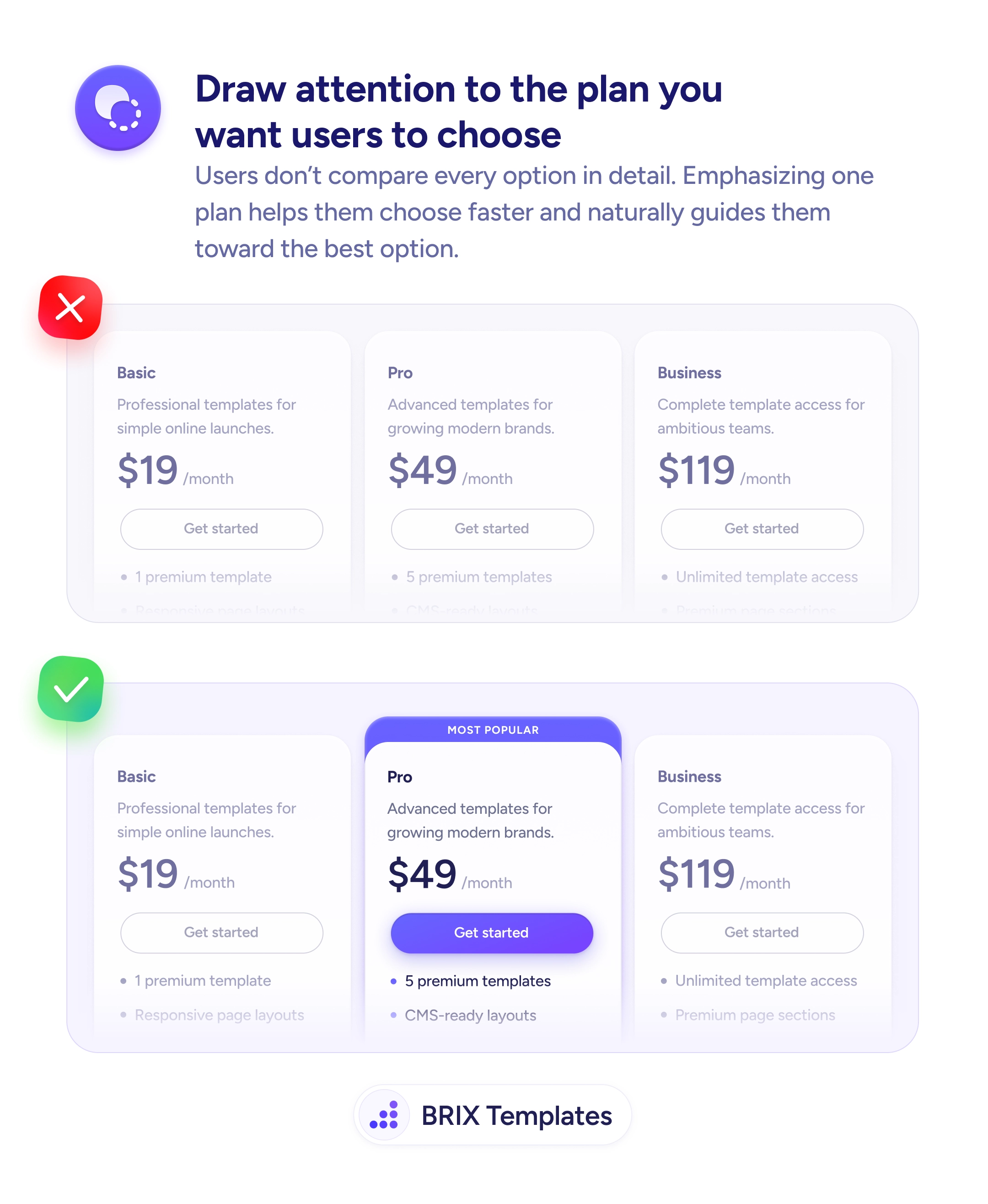
Start by identifying the unit your buyer scales on — projects, seats, storage, calls — and computing the per-unit cost for each tier. Place it as a single supporting line beneath the headline price; keep the total prominent since that’s the real bill. The per-unit math usually makes one tier the clear winner, which pairs well with highlighting a recommended plan and with showing the savings honestly.
- Price by the unit buyers scale on — projects, seats, storage — not an abstract one.
- Show per-unit cost beneath the total, keeping the real monthly figure prominent.
- Use a single supporting line per card so the breakdown clarifies instead of clutters.
- Let the honest economics show, even when the cheapest plan has the worst per-unit rate.
- Surface the best-value tier the math points to, without hiding the alternatives.
Buyers commit faster when the page answers “what does each one actually cost me?” for them. Do the per-unit math up front, place it beside the total, and you turn a row of hard-to-compare prices into a clear value story that points to the right plan.