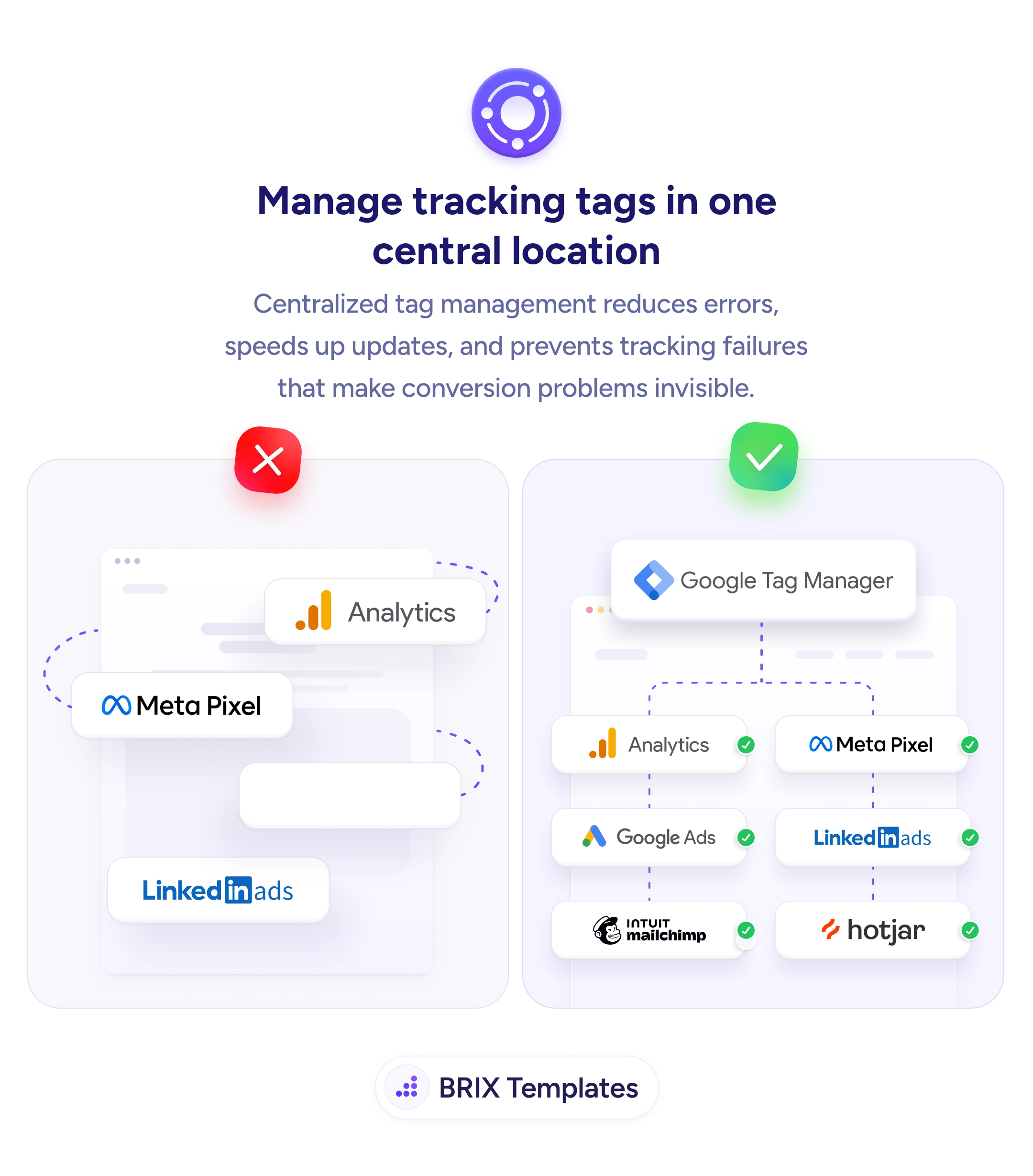
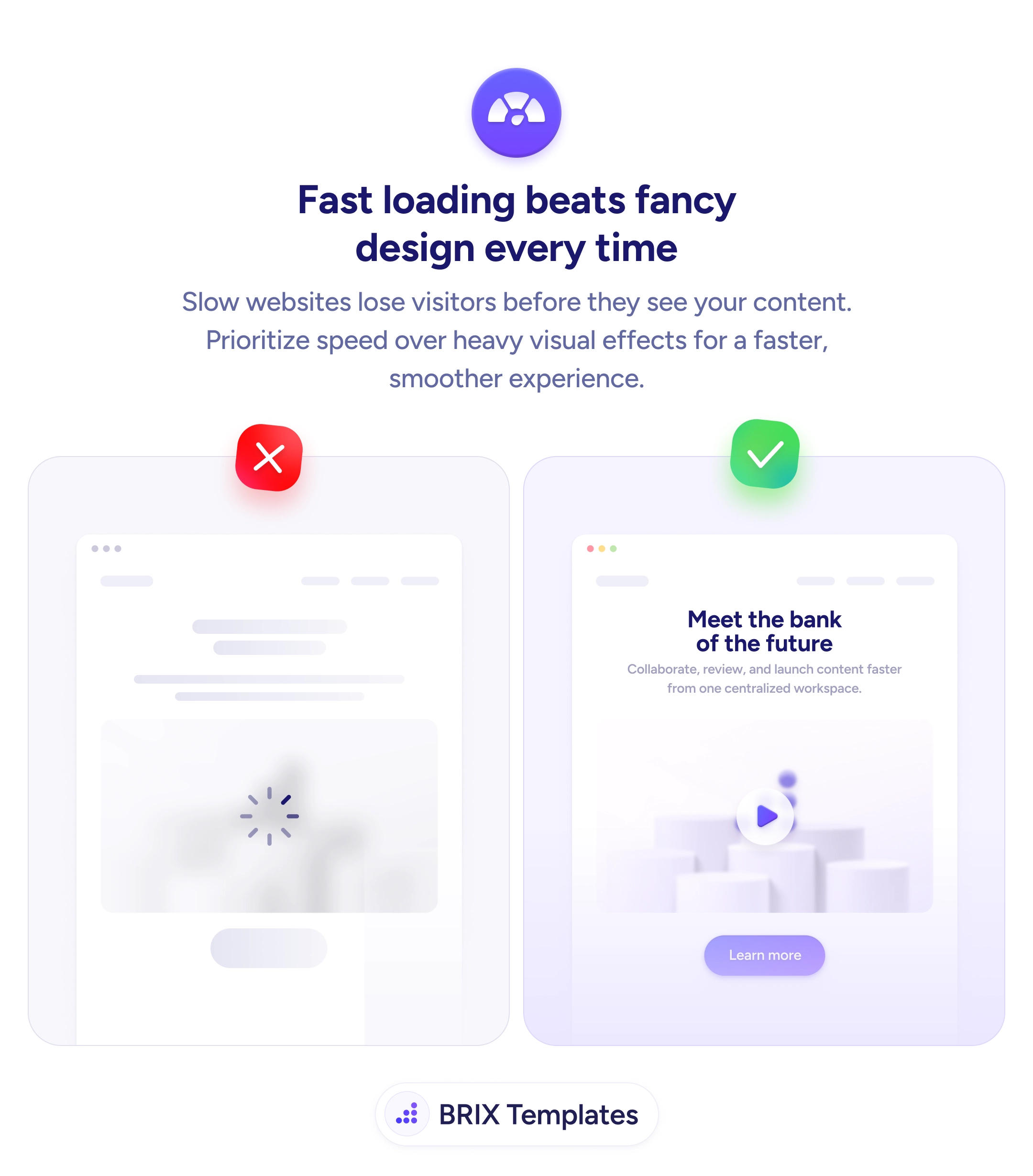
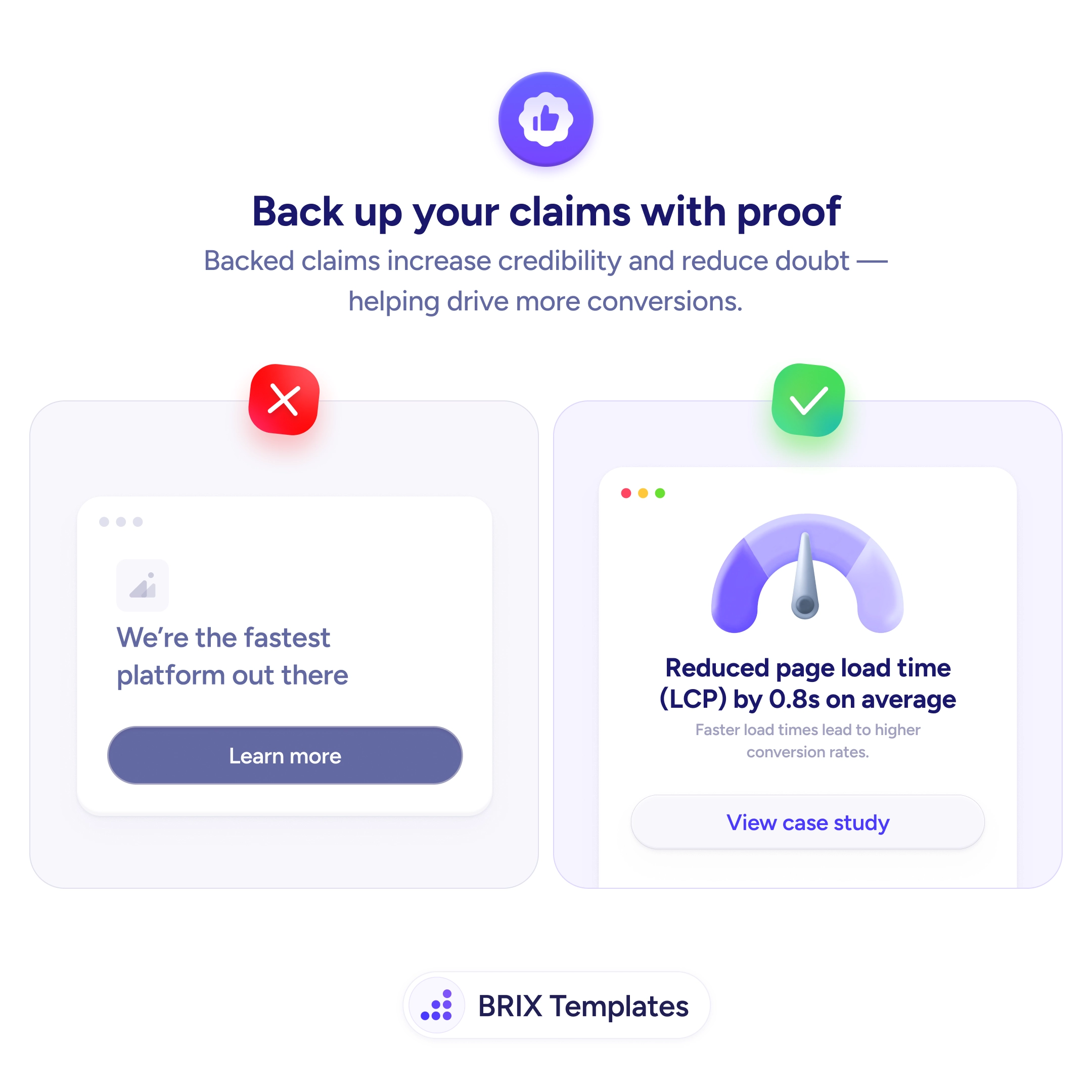
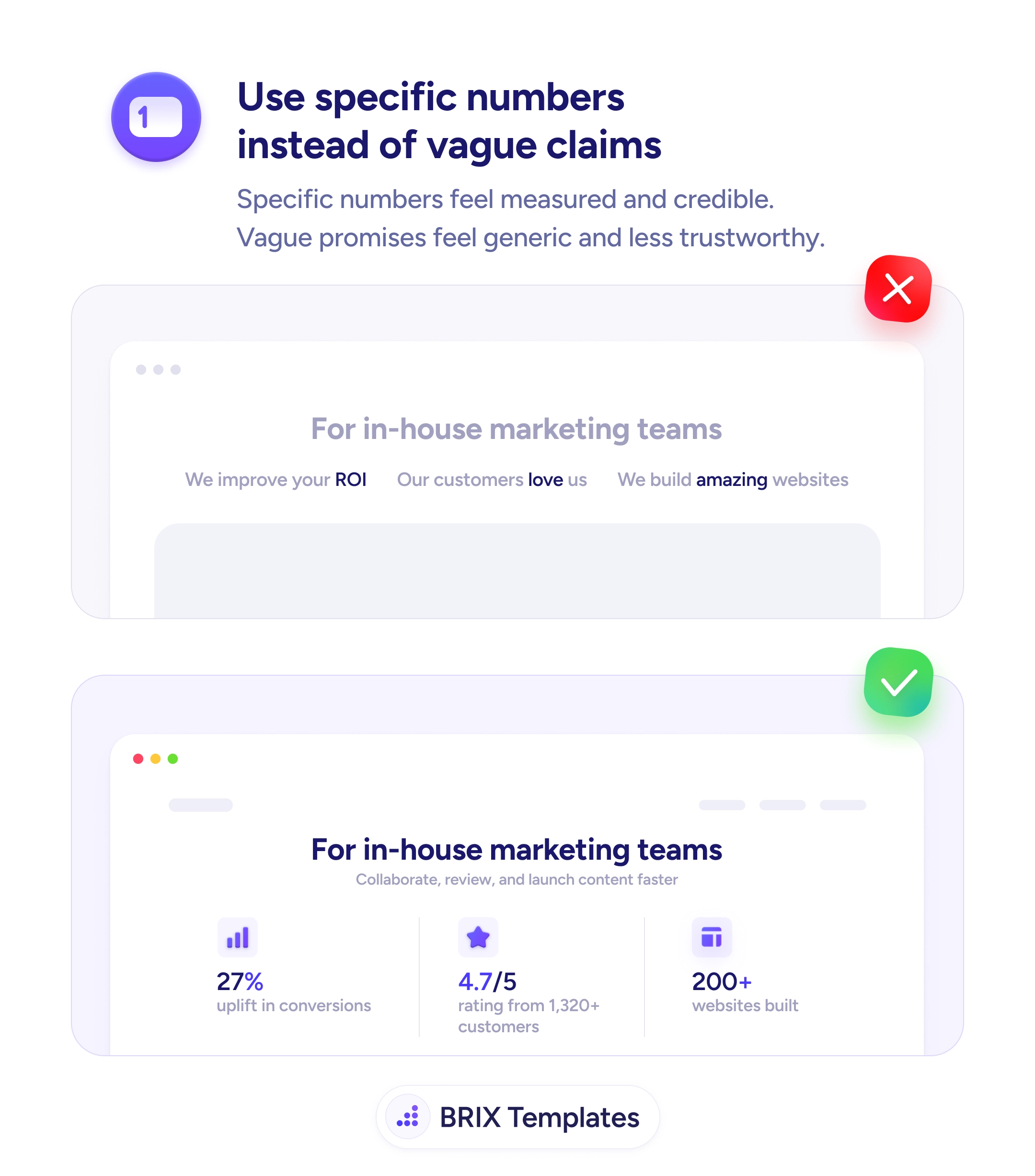
UX tip graphic titled 'Manage tracking tags in one central location.' The left panel marked with a red X shows tracking tags — Analytics, Meta Pixel, and LinkedIn Ads — scattered loosely around a browser window and connected by tangled dotted lines, hard-coded and disorganized. The right panel marked with a green checkmark shows a single 'Google Tag Manager' container at the top feeding cleanly into a tidy grid of verified tags — Analytics, Meta Pixel, Google Ads, LinkedIn Ads, Intuit Mailchimp, and Hotjar — each marked with a green check. BRIX Templates branding at the bottom.

Status & feedback

You can't fix a conversion problem you can't see — and broken tracking is why you can't see it

Hard-coded, scattered tracking tags break silently and hide conversion problems. Manage them in one container so tracking stays reliable and easy to update.

How to manage tracking tags in one central location

When every marketing tag — Analytics, Meta Pixel, Google Ads, LinkedIn — is hard-coded separately into the site, tracking becomes a tangle no one fully owns. A redesign drops a snippet, a developer edits the wrong template, a pixel fires twice, and nothing visibly breaks. The page still loads; the data just quietly goes wrong. And because the failure is invisible, conversion problems hide behind numbers you no longer have reason to trust.

The fix is to route every tag through one central container — a tag manager that holds, fires, and versions each script from a single place. Instead of scattered snippets buried across templates, you get one source of truth: tags are added, edited, and removed without touching site code, changes are versioned and reversible, and it’s easy to see at a glance what’s actually firing. Centralization turns a fragile web of snippets into something you can audit and trust.

Start by inventorying every tag currently on the site and consolidating them into a single manager, removing duplicates and anything obsolete as you go. Fewer hard-coded scripts also means a lighter page, which matters because tag bloat drags down load speed. Then treat your measurement like any other claim that has to hold up — reliable tracking is what lets you back decisions with real proof instead of numbers you can’t verify.

  • Route every tag through one container so tracking has a single source of truth.
  • Inventory and dedupe existing tags — remove obsolete and double-firing scripts.
  • Version your changes so a broken tag can be rolled back, not hunted through templates.
  • Watch page weight — consolidating hard-coded scripts keeps the site fast.
  • Verify tags fire correctly on a schedule, since silent tracking failures hide real problems.

Frequently asked questions

Why does centralized tag management matter for conversions?

Because you optimize against your data, and broken tracking corrupts the data silently. A misfiring or missing tag can hide a checkout that stopped converting, misattribute a campaign, or double-count events — leading you to fix the wrong thing. Centralizing tags makes tracking auditable and reliable, which is the precondition for trusting any conversion metric you act on.

Isn't a tag manager just for marketers?

It's run by marketers or analysts, but the win is organizational: changes stop requiring a developer and a deploy, so tags get added and fixed faster and with fewer errors. Developers benefit too — one container instead of snippets scattered across templates means less code to maintain and fewer accidental breakages during redesigns.

Does adding a tag manager slow the page down?

Done right, it usually helps net — one asynchronous container replaces many separate hard-coded scripts, and consolidating lets you drop obsolete tags that were quietly loading. It can hurt if you pile in dozens of heavy tags without review, so treat the container as something to prune, not just fill. Fewer, well-managed tags keep the page light.

What's the risk of leaving tags hard-coded across the site?

Silent failure. Scattered snippets break during redesigns, fire inconsistently, and no one notices until the data looks off weeks later. There's no single place to see what's running, so audits are painful and duplicates accumulate. The tracking that's supposed to reveal problems becomes a problem you can't see.