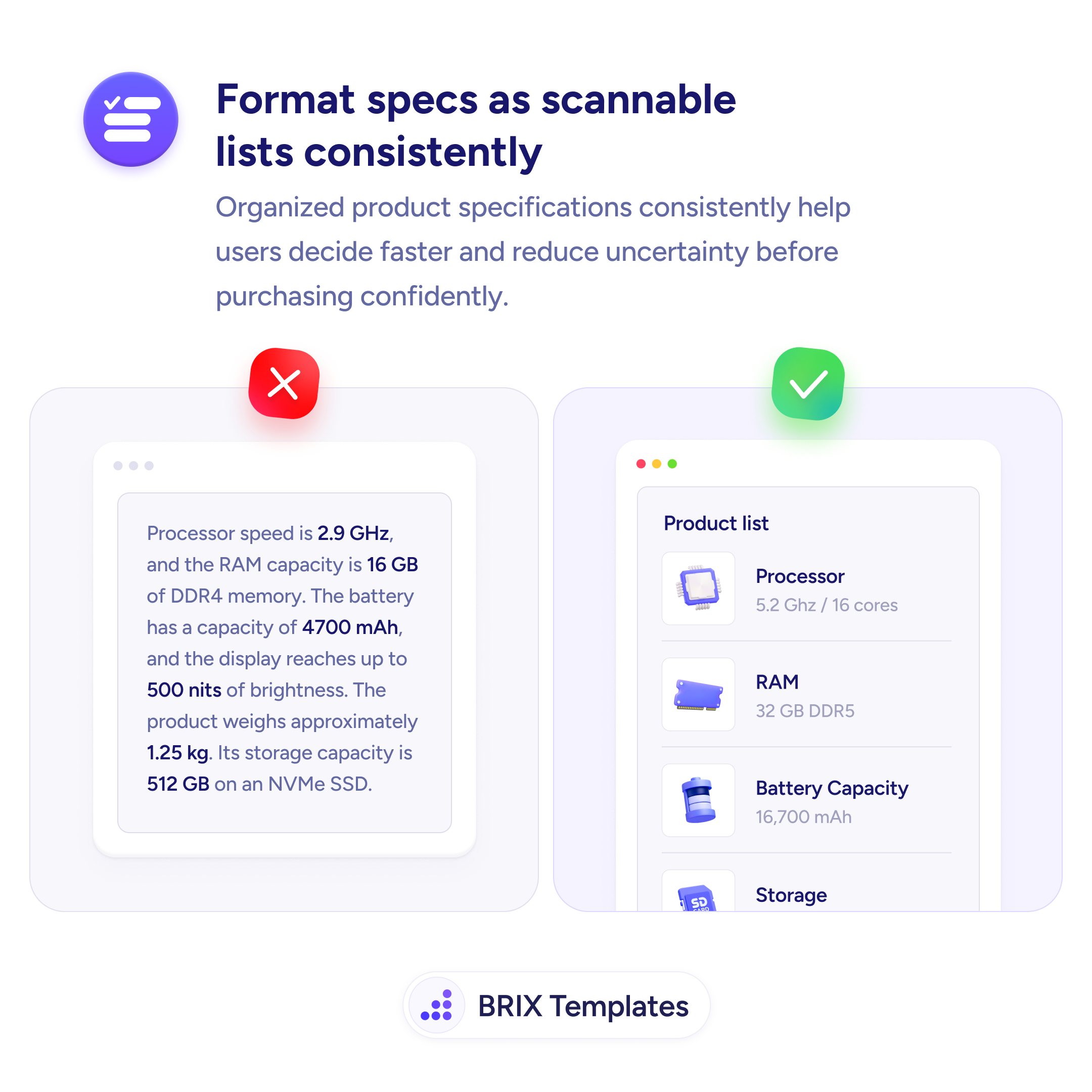
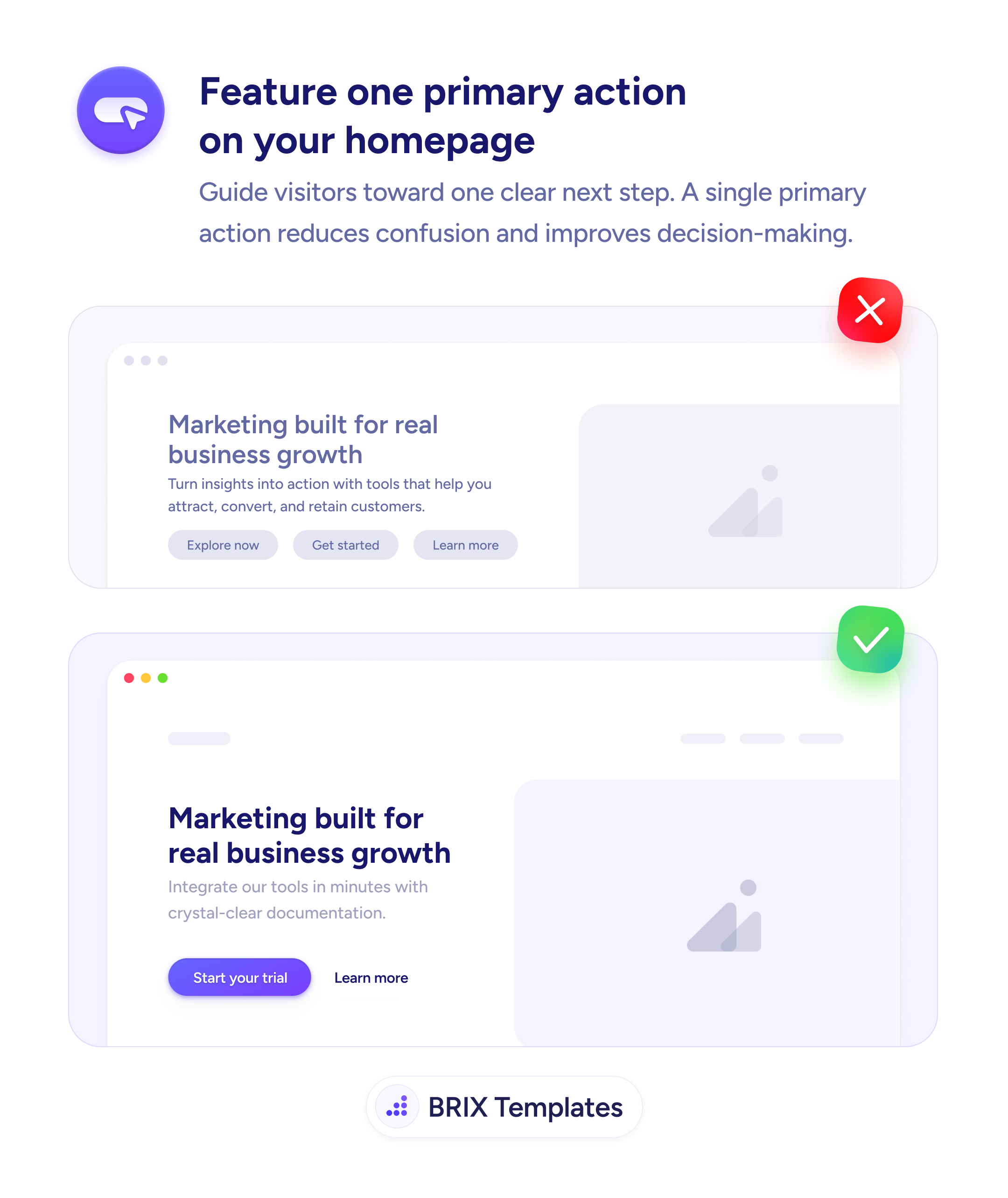
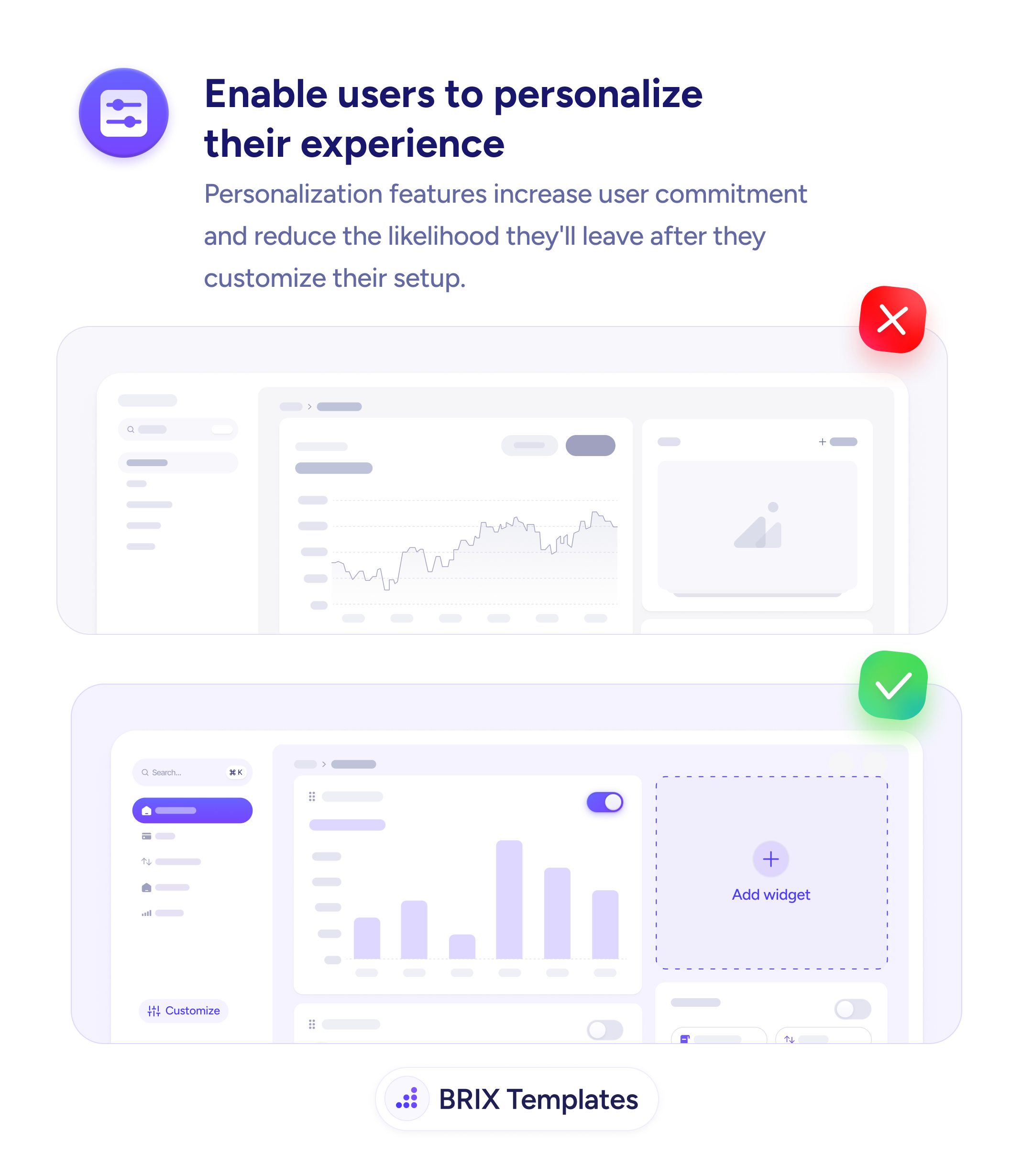
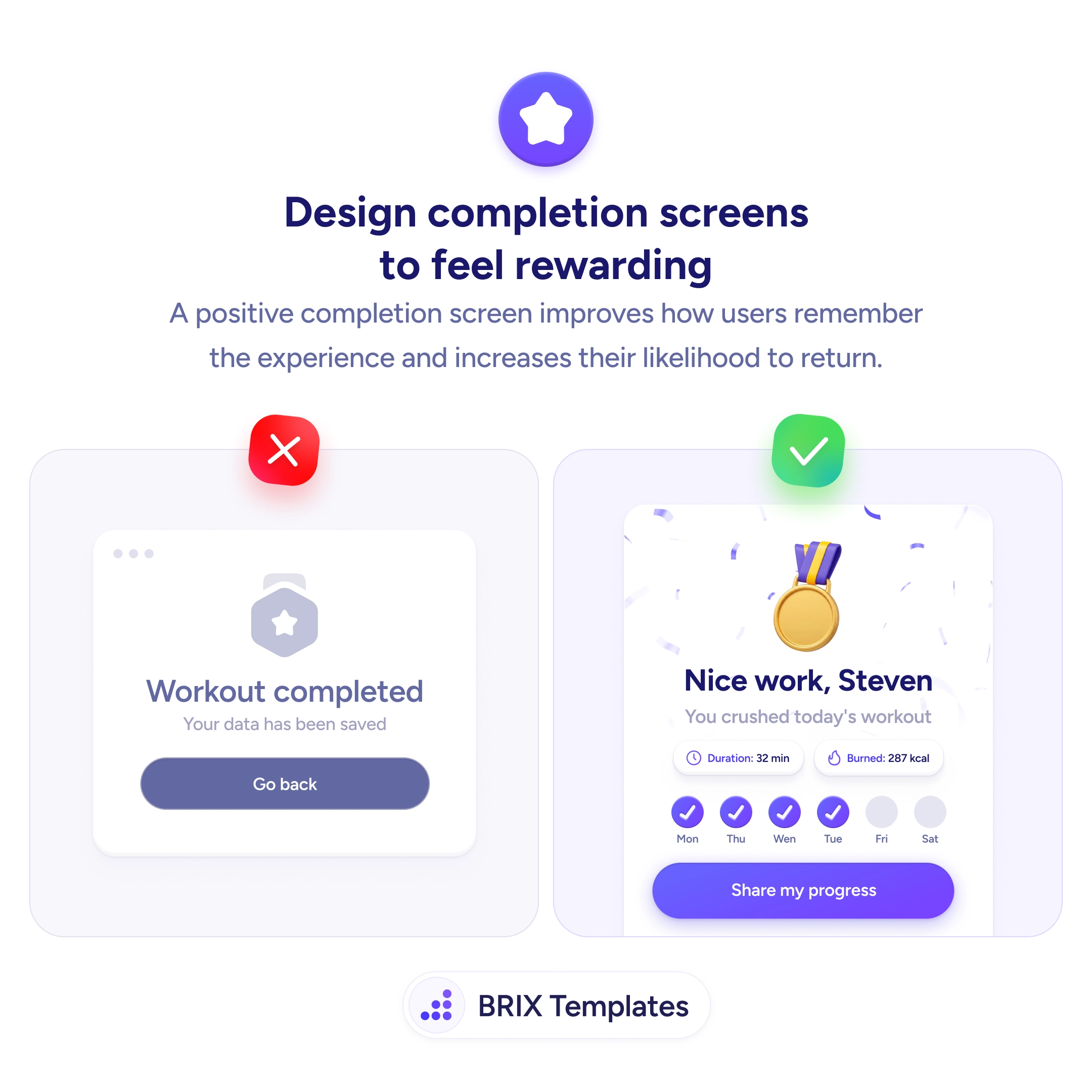
UX tip graphic titled 'Design completion screens to feel rewarding.' The left panel marked with a red X shows a plain workout-completed screen: a grey badge icon, the text 'Workout completed — Your data has been saved,' and a single 'Go back' button. The right panel marked with a green checkmark shows a celebratory screen with confetti and a gold medal, the headline 'Nice work, Steven — You crushed today's workout,' stat chips for 'Duration: 32 min' and 'Burned: 287 kcal,' a weekly streak of checked-off days (Mon, Thu, Wed, Tue done; Fri, Sat pending), and a 'Share my progress' button. BRIX Templates branding at the bottom.

Status & feedback

The screen a user sees after finishing is the one they remember — most apps waste it on 'data saved'

A flat 'completed, go back' ends a task on a shrug. Design completion screens that celebrate the win to shape how users remember the app and return.

How to design completion screens that feel rewarding

A task that ends on “Workout completed — Your data has been saved” and a lone “Go back” button treats a genuine accomplishment as a database write. The user just put in real effort, and the app’s response is a shrug. Because the ending of an experience does outsized work in how people remember the whole thing, a flat completion screen quietly makes the app forgettable — and a forgettable app is one there’s little pull to reopen.

The fix is to make the finish feel like a reward. A personal headline — “Nice work, Steven. You crushed today’s workout” — with the real stats (32 minutes, 287 kcal), a visible streak, and a way to share turns the moment into recognition of what the user achieved. The celebration works because it reflects genuine effort with their own data; that’s what makes it read as earned rather than as empty confetti.

Treat this screen as the payoff for the progress you’ve been tracking all along — the streak closing on a high note is the same motivation loop paying out. Match the fanfare to the effort, though: reserve the rewarding treatment for real milestones and keep routine saves quiet, the way a small state change simply confirms an action landed. End with a forward action so the win leads somewhere.

  • Name the accomplishment personally — recognition beats “data saved.”
  • Show real numbers — the user’s actual stats make the celebration feel earned.
  • Surface ongoing progress — a streak or goal turns one win into momentum.
  • Match fanfare to effort — celebrate milestones, keep routine confirmations quiet.
  • Offer a next step — sharing or starting again gives the good feeling somewhere to go.

Frequently asked questions

Why does a completion screen affect whether users return?

Because the ending disproportionately shapes the memory of the whole experience. A task that finishes on 'Your data has been saved' and a 'Go back' button ends on a flat, transactional note — the effort the user just put in gets no acknowledgement. A screen that names the accomplishment, shows what they achieved, and feels like a small reward leaves them associating the app with a good feeling, which is what pulls them back tomorrow.

What makes a completion screen feel rewarding rather than gimmicky?

Reward the real thing they did, with their real data. A medal plus 'You crushed today's workout,' the actual duration and calories, and a visible streak all reflect genuine effort, so the celebration feels earned. Empty confetti over a trivial action reads as manipulation. Tie the moment to a concrete accomplishment and it lands as recognition, not a cheap trick.

Should every completed action get a celebration screen?

No — match the fanfare to the effort. Finishing a workout, a course module, or a multi-step setup deserves a moment; saving a single setting does not. Over-celebrating small actions dilutes the effect and slows people down. Reserve the rewarding treatment for meaningful milestones and keep routine confirmations quiet and quick.

What elements belong on a rewarding completion screen?

A personal, affirming headline; a summary of what was accomplished in real numbers; a sense of ongoing progress like a streak or goal; and a forward action such as sharing or starting the next thing. Together they close the loop — recognition for what just happened, plus a hook toward what's next — instead of dead-ending on a 'go back' button.