Help & onboarding
Sound the user didn't ask for is the fastest way to make them leave
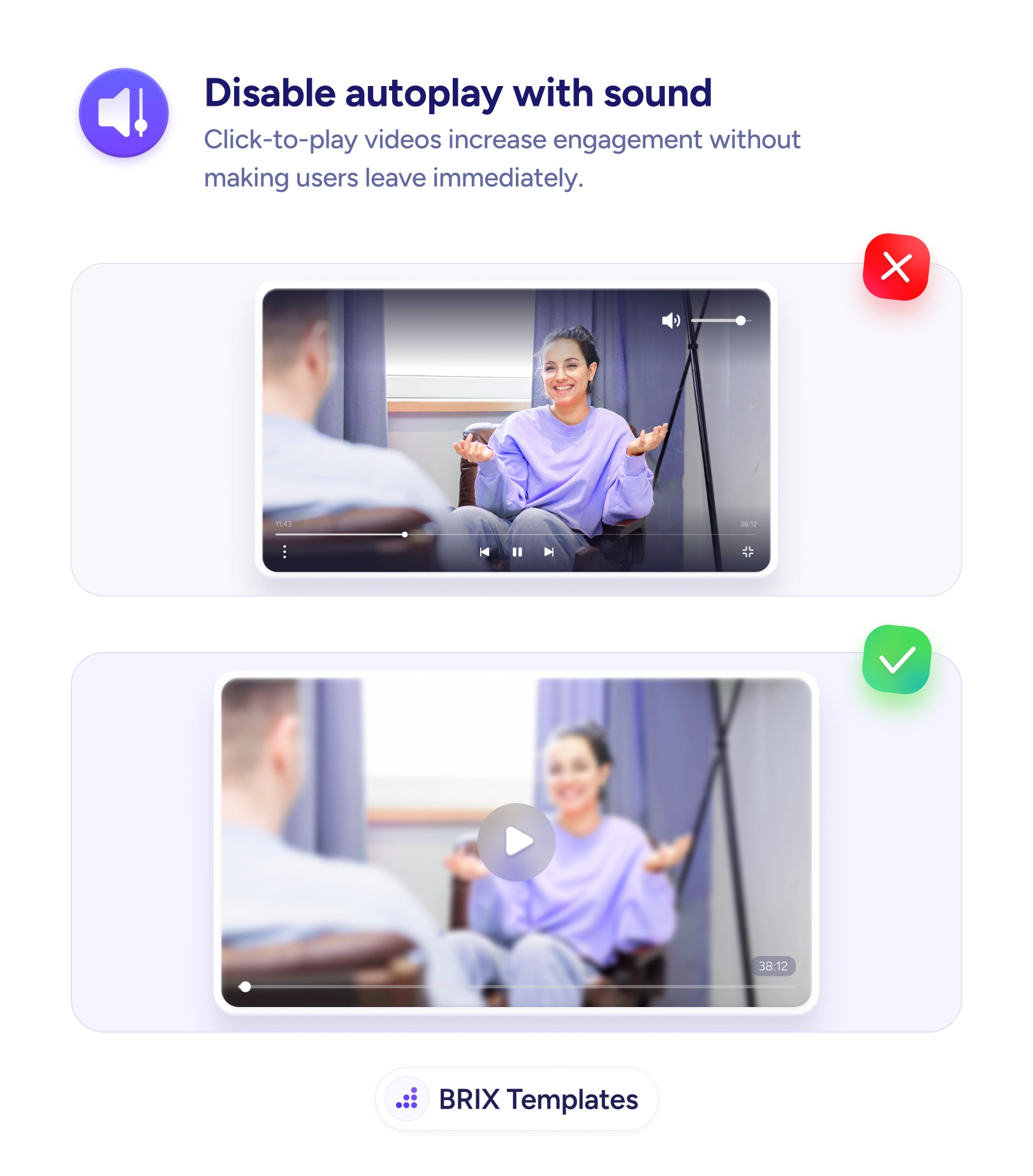
Video that blares on load makes users scramble to mute or bounce. Default to click-to-play so people choose the sound and stay engaged with your content.

Help & onboarding
Sound the user didn't ask for is the fastest way to make them leave
Video that blares on load makes users scramble to mute or bounce. Default to click-to-play so people choose the sound and stay engaged with your content.
Few things drain goodwill faster than a page that starts talking the moment it loads. The visitor is reading, maybe in an open office or a quiet room, when a video begins blasting audio they never asked for. Their first action isn’t to watch — it’s to find the mute button or close the tab. Even if the video is genuinely good, the unwanted sound frames the whole site as something that takes control away from them, and that impression is hard to undo in the seconds that follow.
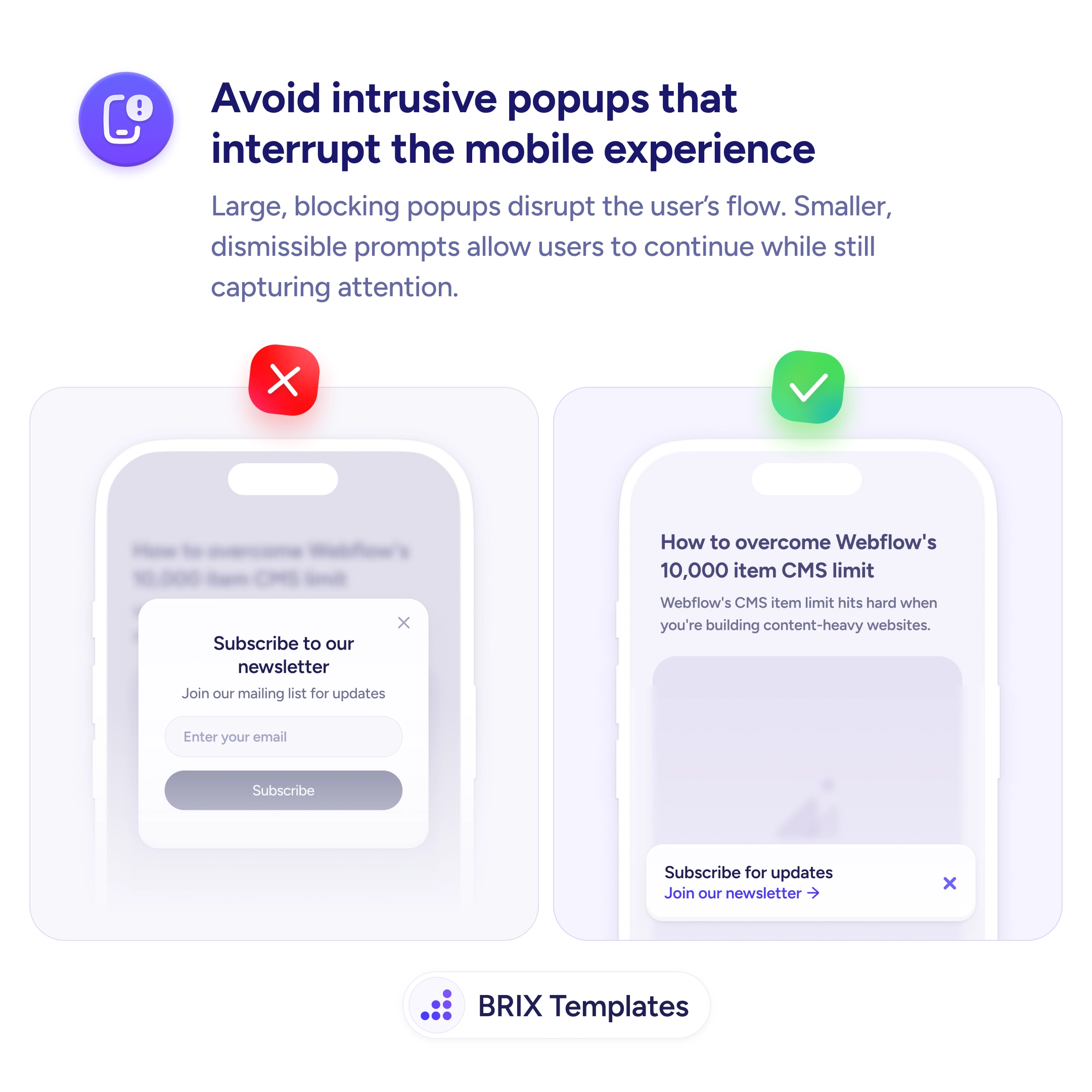
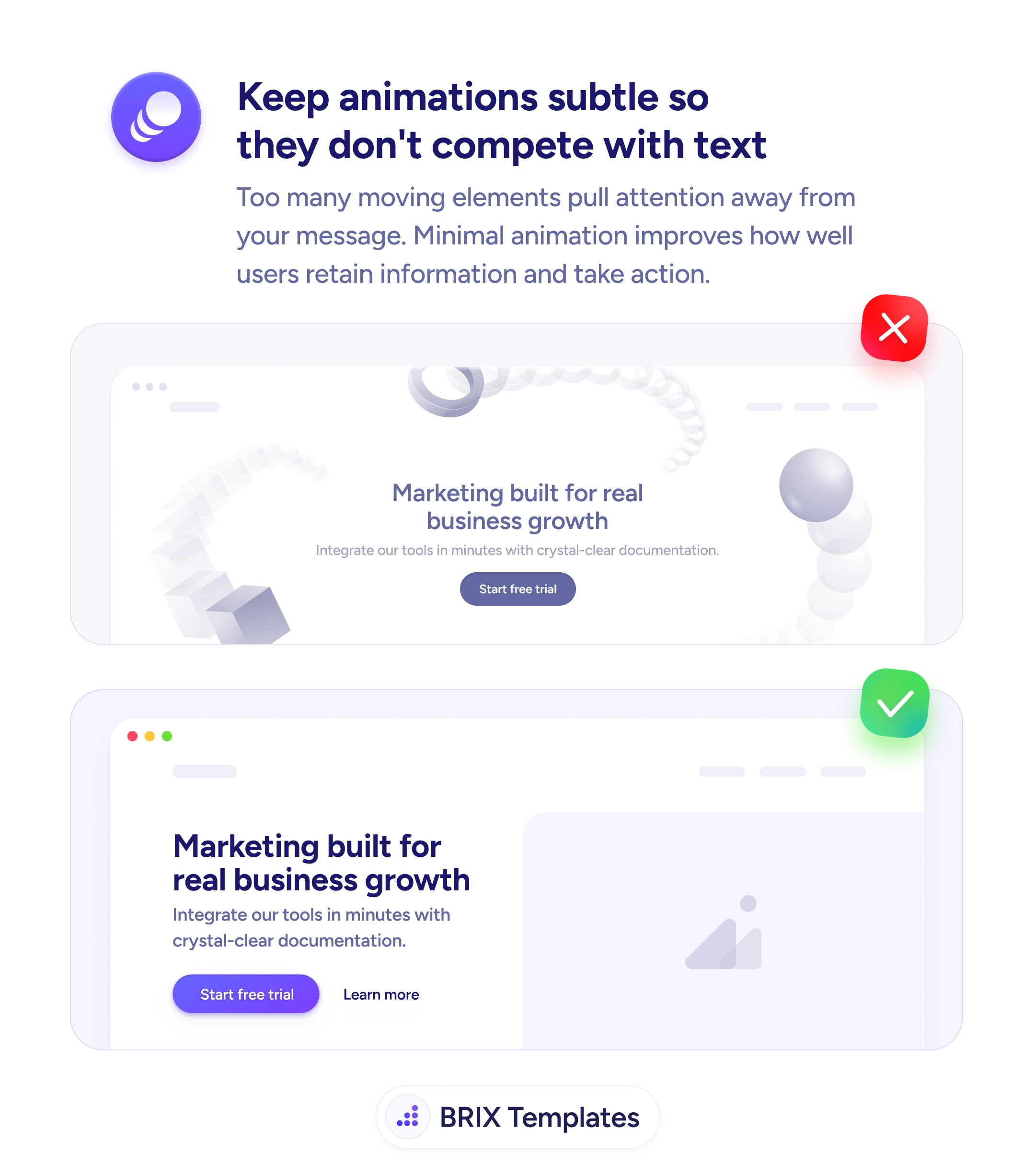
The better default is click-to-play: the video sits quietly behind an obvious play button and starts only when the user chooses. Now anyone who hears the sound actually wanted it, so they lean in instead of recoiling. This is the same restraint that keeps hero animations subtle and on-message — first-impression media should support the visitor’s attention, not ambush it, much like the reflex that makes surprise mobile popups hurt engagement.
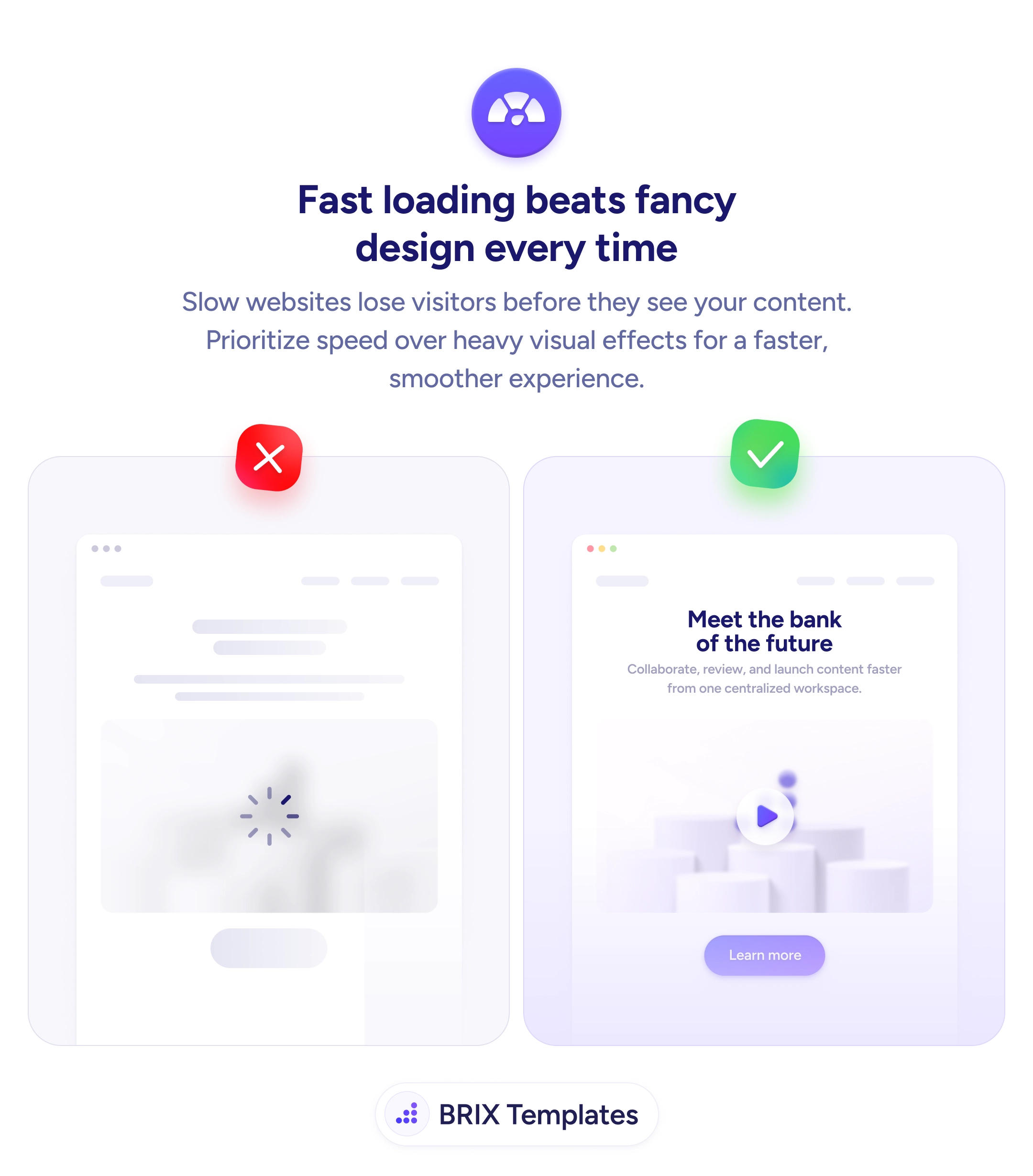
Start by setting any prominent video to muted or click-to-play by default, with a clear, inviting play control and an easy unmute. If you want motion on load, keep it a short muted loop that adds atmosphere without audio. Remember the side costs too: autoplaying media is heavy, and load speed shapes the first impression as much as sound does. The principle is simple — let the user start the experience, don’t start it on them.
The visitors who matter are the ones who choose to engage, and you don’t win them by startling them. Hand the user the play button instead of pressing it for them, and your video earns deliberate attention rather than a frantic reach for the mute.
Autoplay isn't the problem — autoplay with sound is. A short, muted, looping background video can set a mood without interrupting anyone, which is why browsers permit muted autoplay. The harm comes from audio the user didn't request: it breaks their context, embarrasses them in quiet or public settings, and reads as the site taking control away from them.
Default to click-to-play, or at minimum muted-with-a-clear-unmute control. Let the user choose to start the sound with an obvious play button. When sound is opt-in, the people who hear it actually wanted it, so they engage instead of scrambling for the mute or the back button.
They get more technical 'plays', but not more attention. A view triggered by a video the user is trying to silence isn't engagement — many of those sessions end in a bounce. Click-to-play counts fewer starts but each one is a deliberate choice, which correlates far better with watching, understanding, and converting.
Most browsers already block autoplay with sound unless the user has interacted with the site, so relying on it means inconsistent behavior you can't control. Designing for click-to-play gives you a predictable, respectful experience everywhere instead of one that depends on each browser's autoplay policy.