Status & feedback
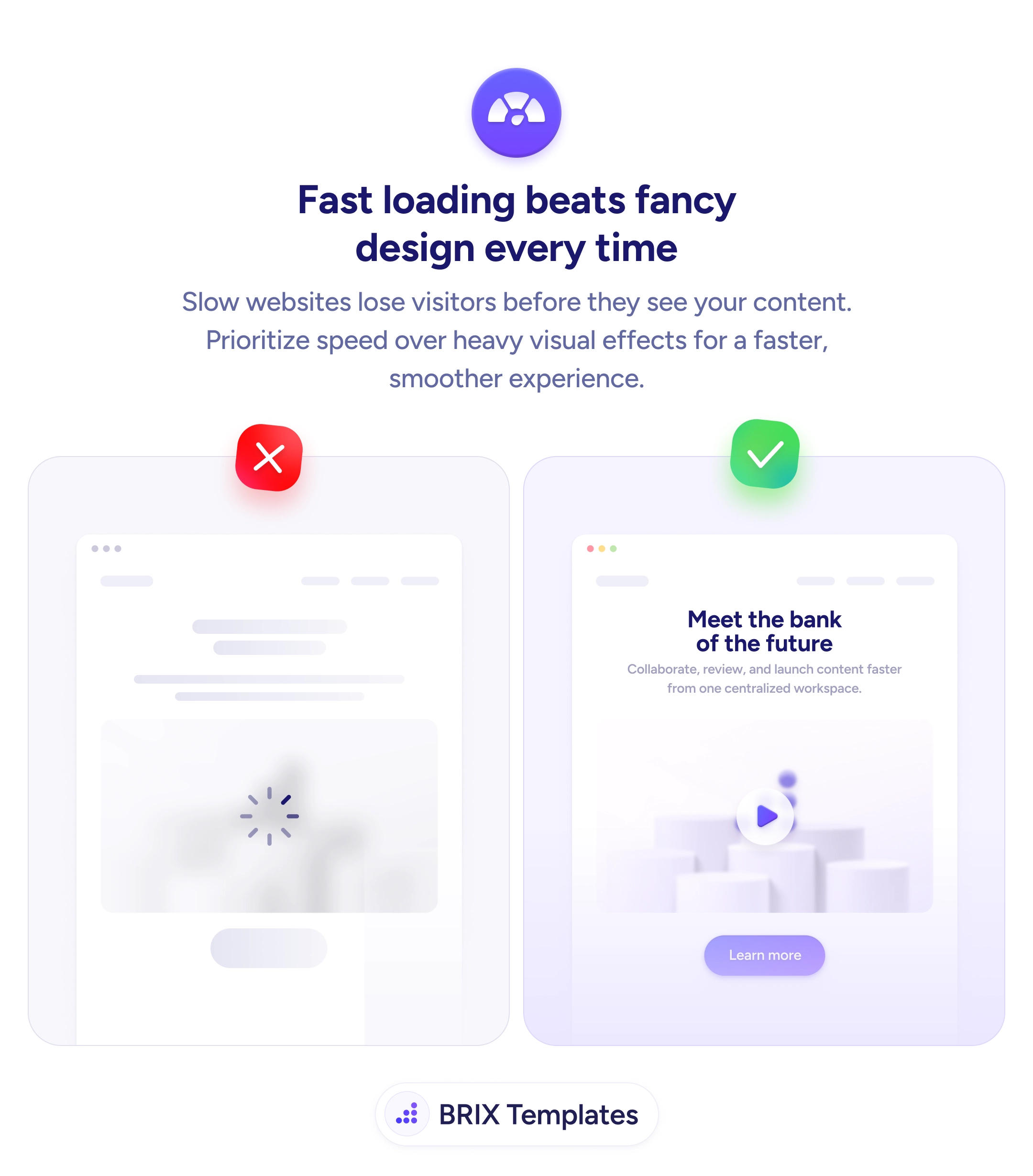
A page no one waits to see is a page no one reads
Heavy hero animations and oversized media delay loading and lose visitors before content appears. Prioritize speed over visual weight to keep users engaged.

Status & feedback
A page no one waits to see is a page no one reads
Heavy hero animations and oversized media delay loading and lose visitors before content appears. Prioritize speed over visual weight to keep users engaged.
When a website prioritizes heavy visual effects — large hero videos, complex animations, oversized images — over loading speed, many visitors leave before the page becomes usable. They see a loading spinner, a blank white screen, or skeleton placeholders, and decide it’s not worth waiting. The most carefully designed hero loses every time to a hero that nobody waits to see.
A more effective approach is to prioritize fast first paint and interactive readiness over decorative weight. Performance-first design doesn’t mean abandoning visual polish — it means choosing visuals that load quickly: optimized images, deferred non-critical scripts, and lazy-loaded media below the fold. Visitors who see a complete, readable page within a few seconds typically stay long enough to engage; visitors who see a spinner often don’t.
Audit the hero for performance first — check First Contentful Paint and Largest Contentful Paint with PageSpeed Insights or Chrome DevTools. Compress hero images aggressively — modern formats like WebP or AVIF often cut size by 30–60% with no visible quality loss. Defer non-critical JavaScript so the page becomes interactive before every analytics or animation library loads. Replace heavy autoplay videos with a static poster image or a short, compressed loop that plays on hover.
A fast-loading website can outperform a beautiful slow one because users have to see a page before they can be impressed by it. When the page loads quickly, visitors typically engage with content they would have abandoned in a slower version — speed is the design choice that compounds across every other decision on the page.
Aim for First Contentful Paint under 1.8s and Largest Contentful Paint under 2.5s on mobile. These match Google's Core Web Vitals 'good' thresholds and reflect when users typically lose patience.
Use PageSpeed Insights for lab + field data, Chrome DevTools' Lighthouse for local audits, and real-user monitoring (RUM) tools like Vercel Analytics or Cloudflare Web Analytics for production traffic. Lab tests miss real-network reality.
Compress hero images, lazy-load below-the-fold media, defer non-critical JavaScript, and remove unused CSS. These four often produce 80% of the speed gains for 20% of the work.
No — but use CSS animations (which the browser handles efficiently) over heavy JavaScript animation libraries. Subtle, GPU-accelerated effects can run smoothly without delaying paint.