A header has one job at the top of the page: orient the visitor and offer navigation. It earns its full height once, on arrival — logo, full menu, maybe a trust strip. But if it stays that tall as the user scrolls, it stops being an introduction and becomes a permanent tax on the screen, pinning a thick band across the top while the content the user actually scrolled to read gets squeezed into what’s left. The bigger the header, the worse the toll, and it’s heaviest exactly where space is scarcest — on mobile.
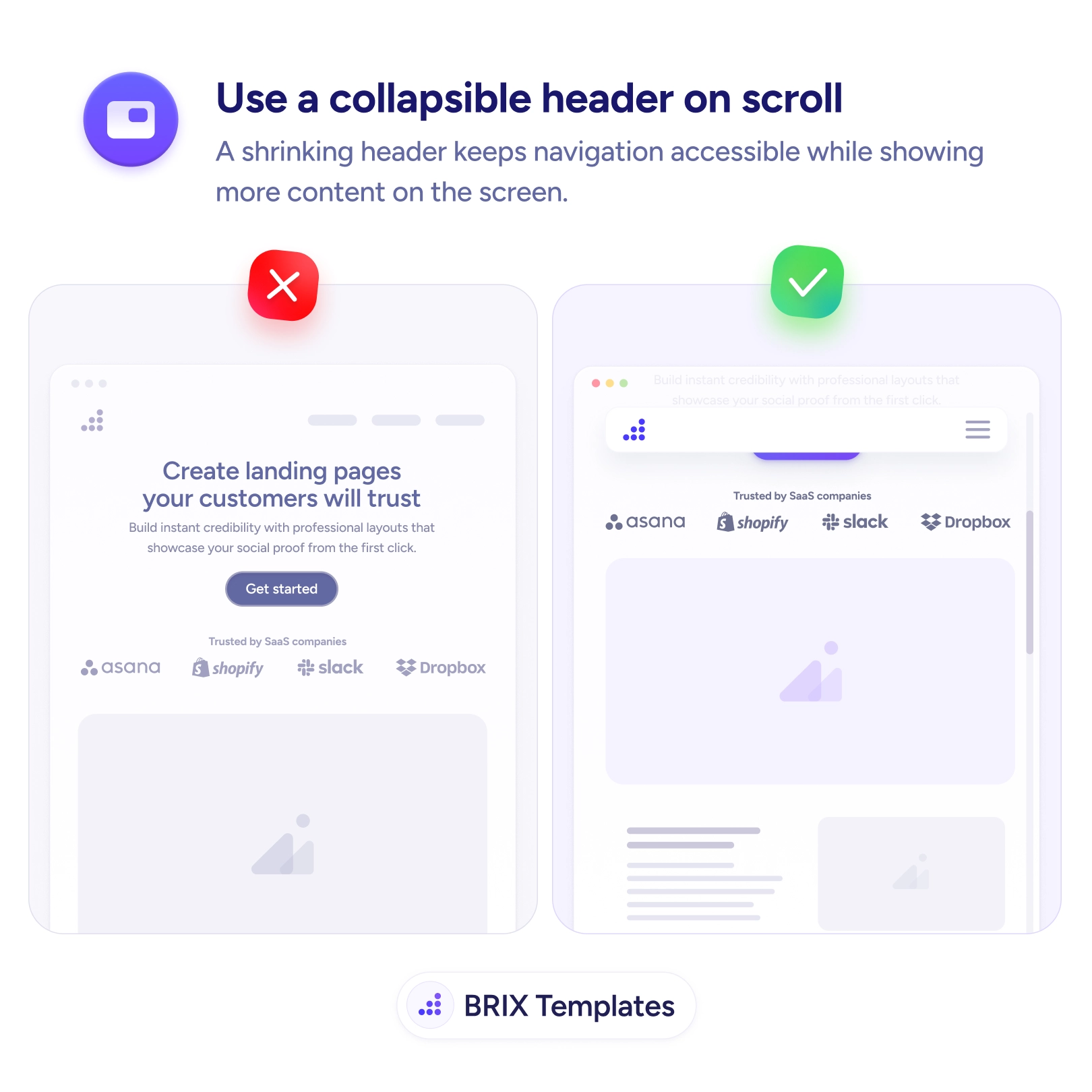
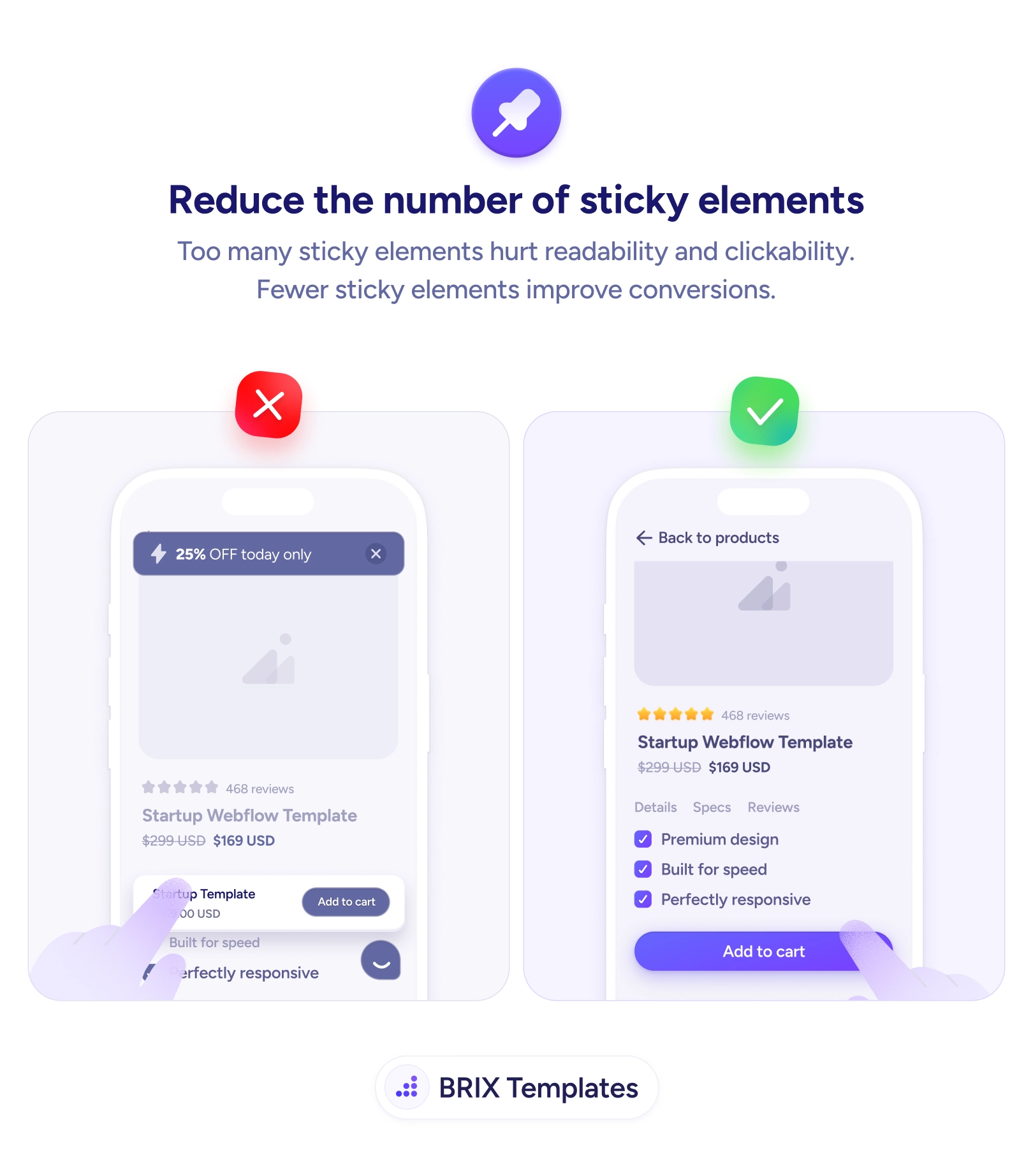
The fix is to collapse the header once scrolling begins. After the full version has made its first impression, it shrinks to a slim bar — logo and menu icon — that keeps navigation one tap away while handing most of the screen back to the content. Navigation stays available without staying large. This is how a sticky header earns its place rather than adding to clutter, the same restraint behind reducing the number of sticky elements.
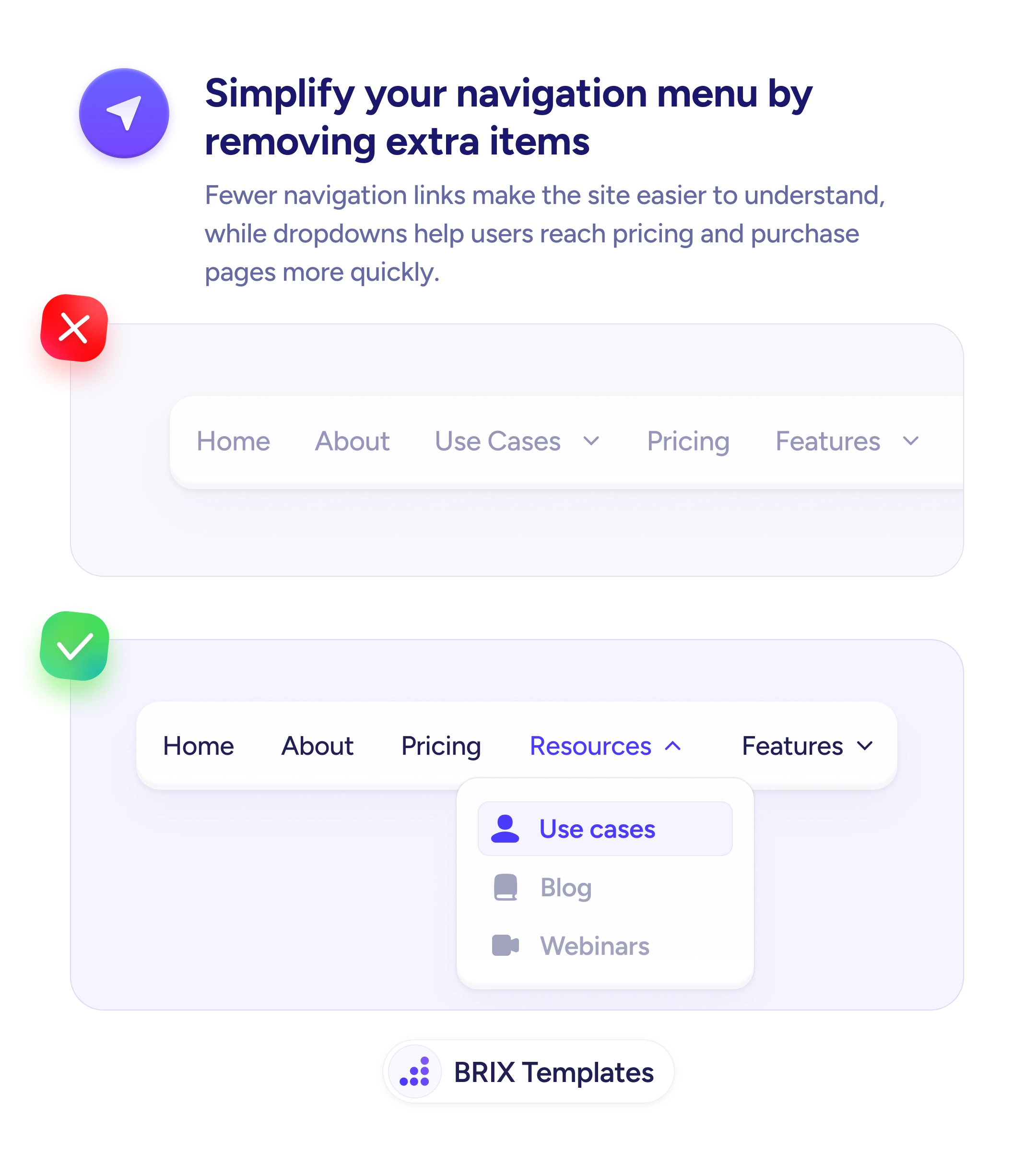
Start by deciding what the collapsed state keeps — the home logo and a path to the menu — and what it sheds, like taglines, trust strips, and expanded nav. Trigger the collapse a little after the user scrolls down, and consider revealing the fuller header when they scroll up, which signals intent to navigate. Animate the height change smoothly so content doesn’t jump, and account for the bar’s height so nothing hides beneath it. A header that collapses gracefully is easier to build when the navigation inside it is already simplified.
- Collapse the header after the first scroll, once it’s done its introductory job.
- Keep the logo and menu access in the slim state; drop taglines and trust strips.
- Reveal the fuller header on scroll-up to match the user’s intent to navigate.
- Animate the height change smoothly so content doesn’t jump or hide beneath the bar.
- Favor collapsing over fully hiding, so navigation stays reachable without scrolling back up.
The top of the page deserves attention on arrival, not occupation forever. Let the header shrink once it’s introduced the site, keep navigation a tap away in a slim bar, and you give the content room to breathe while never making the user hunt for the menu.