Help & onboarding
A 404 page should be a detour, not a dead end
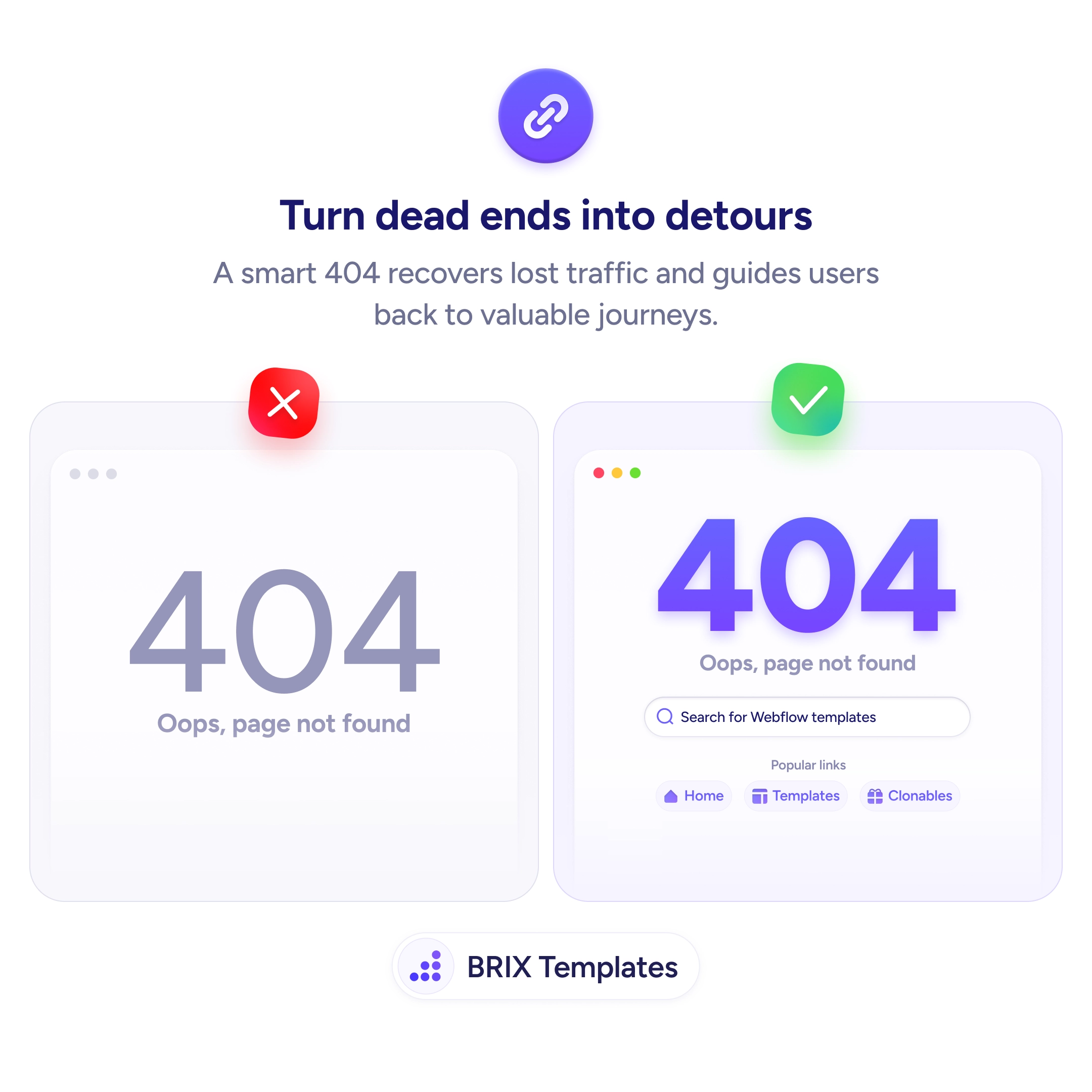
A plain 404 ends the visit. Add search and popular links so users can continue their journey instead of leaving when they hit a broken page.

Help & onboarding
A 404 page should be a detour, not a dead end
A plain 404 ends the visit. Add search and popular links so users can continue their journey instead of leaving when they hit a broken page.
When a user lands on a 404 page with nothing but “Oops, page not found,” the visit typically ends there. A plain error page is a dead end — no search, no navigation, no suggestion of where to go. Users who arrived with real intent (through a broken link, stale bookmark, or typo) leave without ever reaching a useful page.
A better approach is to turn the 404 into a detour that helps users continue their journey. A smart 404 page includes a search bar so users can try finding what they wanted, a list of popular links or common destinations, and a friendly explanation of what happened. This converts a lost visit into a recovered one — and often leads users to pages they wouldn’t have found otherwise.
Start with a clear, friendly error message — “Oops, page not found” is fine, but add context. Include a search bar prominently so users can continue looking. Show popular or relevant links — homepage, templates, blog — as one-click recovery paths. If possible, track which URLs hit 404 and fix the broken links or redirect them to the intended destinations.
A helpful 404 page can recover traffic that would otherwise be lost. Users who see recovery options often continue their session instead of bouncing — because the dead end becomes a detour with clear next steps, not a final destination.
Users landing on a dead-end 404 have no signal of what to do next. Without search, popular links, or clear navigation, the fastest action is to close the tab. A helpful 404 redirects that instinct into continued browsing.
Yes, when possible. If a URL maps to a renamed or moved page, a 301 redirect is better than a 404. Use 404s only for pages that genuinely don't exist and shouldn't be redirected.
Use server logs, Google Search Console's coverage report, or analytics tools like Plausible or Fathom. Identify the most-hit 404 URLs and either fix the broken links, redirect them, or create new pages to capture the intent.
Indirectly. A helpful 404 keeps users on site longer, which can reduce bounce rate signals. The 404 page itself shouldn't be indexed (serve an HTTP 404 status), but its quality affects overall site experience.