Help & onboarding
Visitors buy from people — show them the faces, not a stock illustration
Generic graphics on your about and team pages signal nothing. Real faces with names and roles prove there are people behind the product and ease buyer doubt.

Help & onboarding
Visitors buy from people — show them the faces, not a stock illustration
Generic graphics on your about and team pages signal nothing. Real faces with names and roles prove there are people behind the product and ease buyer doubt.
A team section built around a generic illustration and a line of vague copy tells the visitor nothing about who they’d actually be dealing with. “Get to know our team” above a stock graphic is a contradiction — it promises people and shows none. Visitors instinctively want to know there are real, accountable humans behind a product, especially before a high-commitment decision, and a placeholder where faces should be leaves that question wide open. The page meant to build trust ends up quietly withholding it.
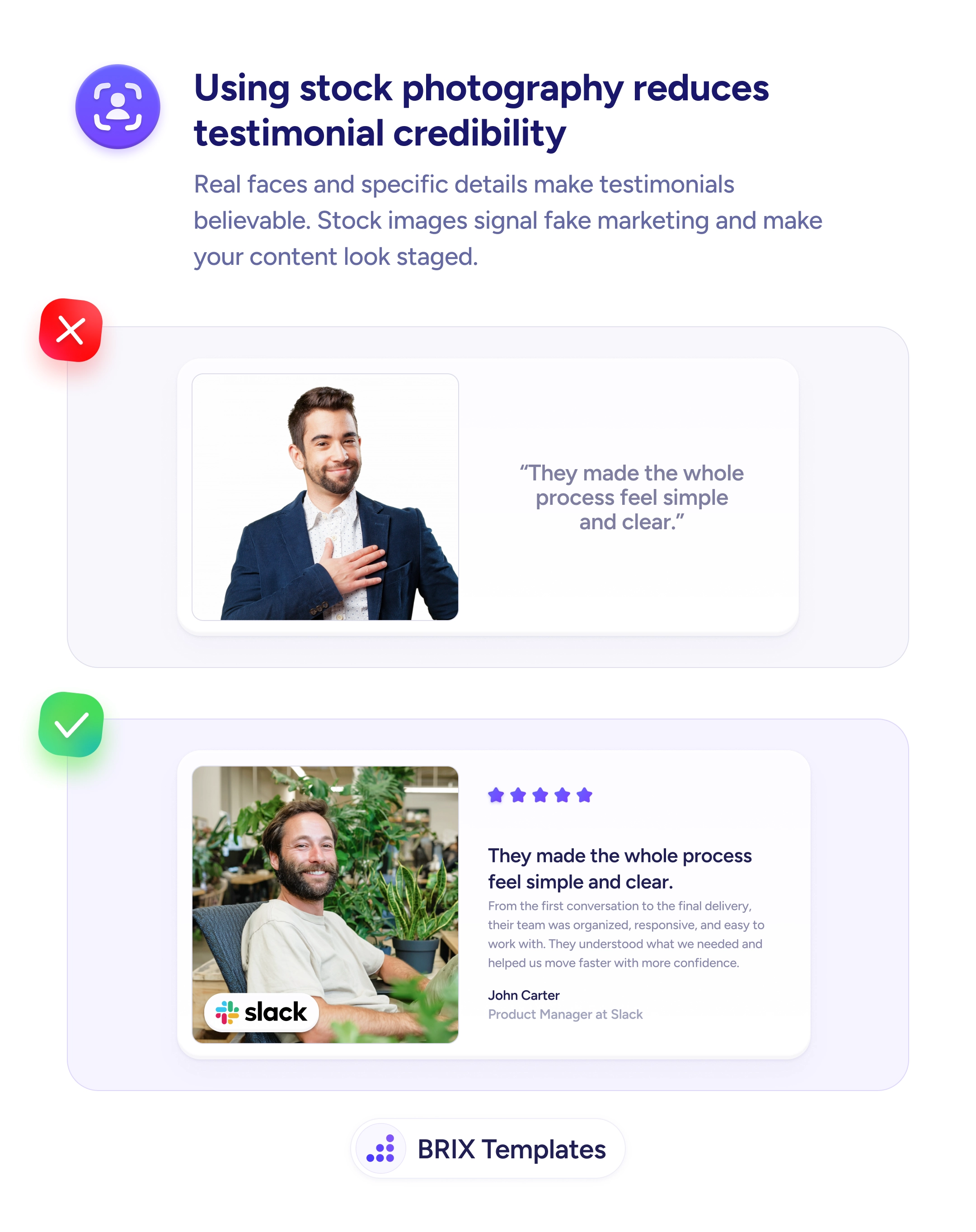
The fix is to show the real people, with names and roles. Actual headshots of Ethan Collins, Founder & CEO, Valeria Soto, VP of Engineering, and the rest of the team turn an anonymous company into one the visitor can see and place. Faces draw attention and create a sense of accountability that no illustration can manufacture. It’s the same credibility shift that makes real photos more believable in testimonials, and the same instinct behind using real product screenshots instead of generic graphics.
Start by replacing placeholder graphics with genuine photos of the people who build credibility for the buyer — founders, leadership, and the customer-facing team. Favor authentic, consistently styled images over staged stock, since a real imperfect face beats a perfect fake one. Pair each with a name and role, and place the photos where trust is being decided — near a book-a-call CTA or a complete contact section — not only on an about page few visitors reach.
People extend trust to people they can see. Swap the generic graphic for the real faces behind your work, attach names and roles, and put them where buyers hesitate — and the team page stops being decoration and starts doing the reassurance it was always meant to do.
For trust, yes. Human faces draw attention and create a sense of accountability — visitors instinctively trust a company more when they can see the actual people behind it. A polished illustration looks nice but proves nothing about who's running the business. The real photo answers 'are these real people I'd be dealing with?', which a stock graphic can't.
Authentic beats glossy here. Consistent, well-lit, genuine photos of your actual team build more trust than obviously staged stock imagery, even if they're not studio-grade. Aim for a consistent style so the set looks intentional, but don't let the lack of a professional shoot push you back toward placeholders. A real, slightly imperfect face outperforms a perfect fake one.
Show the people who build credibility for the visitor's decision — founders, leadership, and the customer-facing team are the highest-value. For a large company, a representative leadership set plus key contacts is enough; you don't need a directory. The goal is to prove real, accountable people stand behind the product, not to catalog the entire org chart.
On about and team pages, naturally, but also wherever trust is being decided — near a high-commitment CTA like 'book a call', on a contact page, or beside a service the team personally delivers. Pairing a real face with the action ('the actual team working on your project') reassures the visitor right at the point of hesitation, not just on a page they may never visit.