Checkout & payments
A price means nothing until the visitor has something to weigh it against
A number alone feels expensive. Anchor your price to a cost the visitor already understands and the same figure starts to read like a bargain.

Checkout & payments
A price means nothing until the visitor has something to weigh it against
A number alone feels expensive. Anchor your price to a cost the visitor already understands and the same figure starts to read like a bargain.
A bare price forces the visitor to do the hardest part of the decision alone. They see “$59” and have no frame for it — so their mind reaches for the most cautious reference it can find, and the number starts to feel like a cost rather than a deal. The figure isn’t the problem; the missing context is. Without something familiar to weigh it against, even a genuinely good price reads as “is this worth it?” instead of “that’s reasonable.”
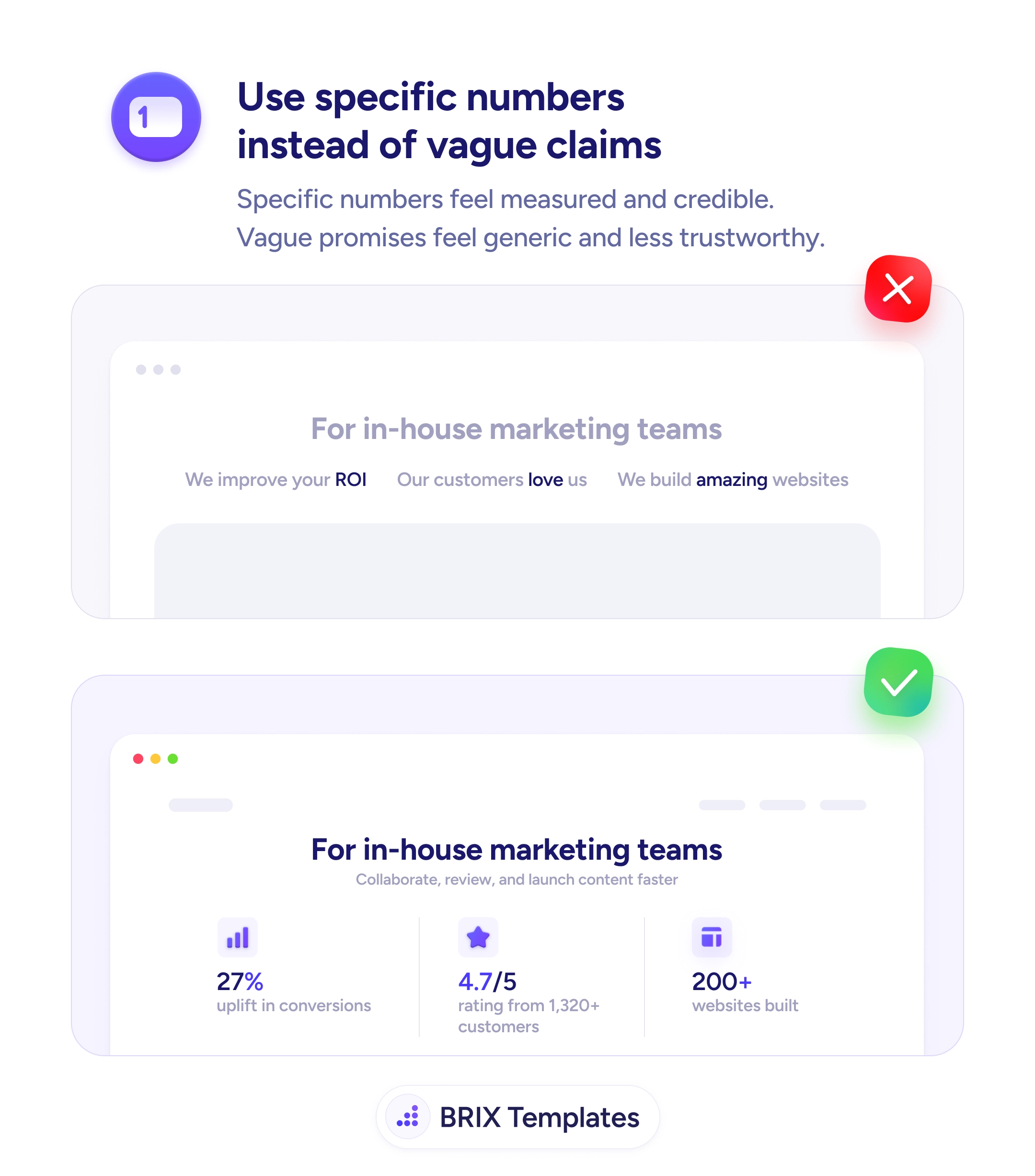
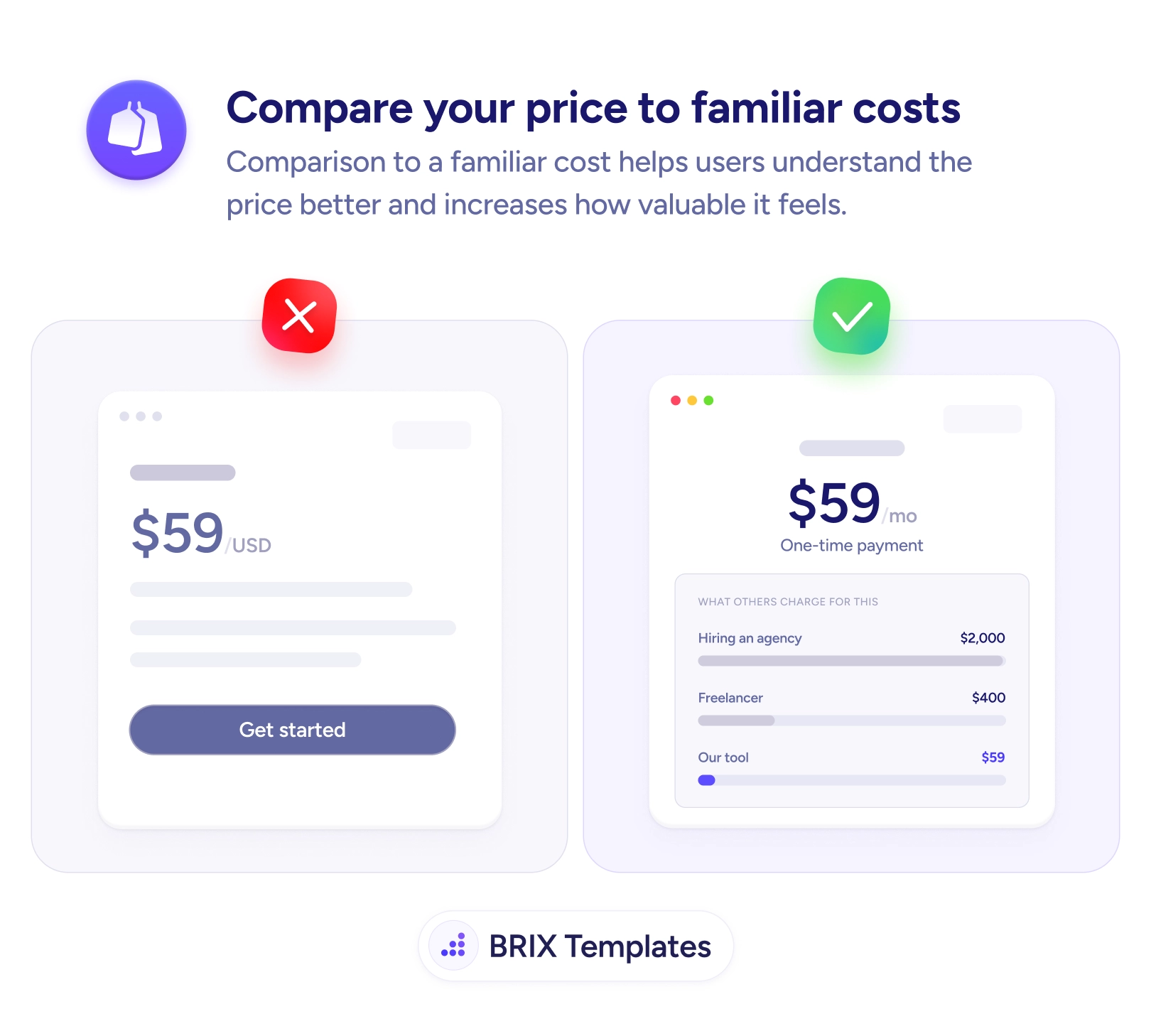
The fix is to anchor the price to a cost the visitor already understands. Show that the same job done by hiring an agency runs $2,000, a freelancer charges $400, and your tool does it for $59. Suddenly the number isn’t being judged in a vacuum — it’s being judged against alternatives the buyer was already mentally pricing. The comparison does the persuading, and it works because it’s concrete rather than a vague value claim, the same reason specific numbers beat vague marketing copy.
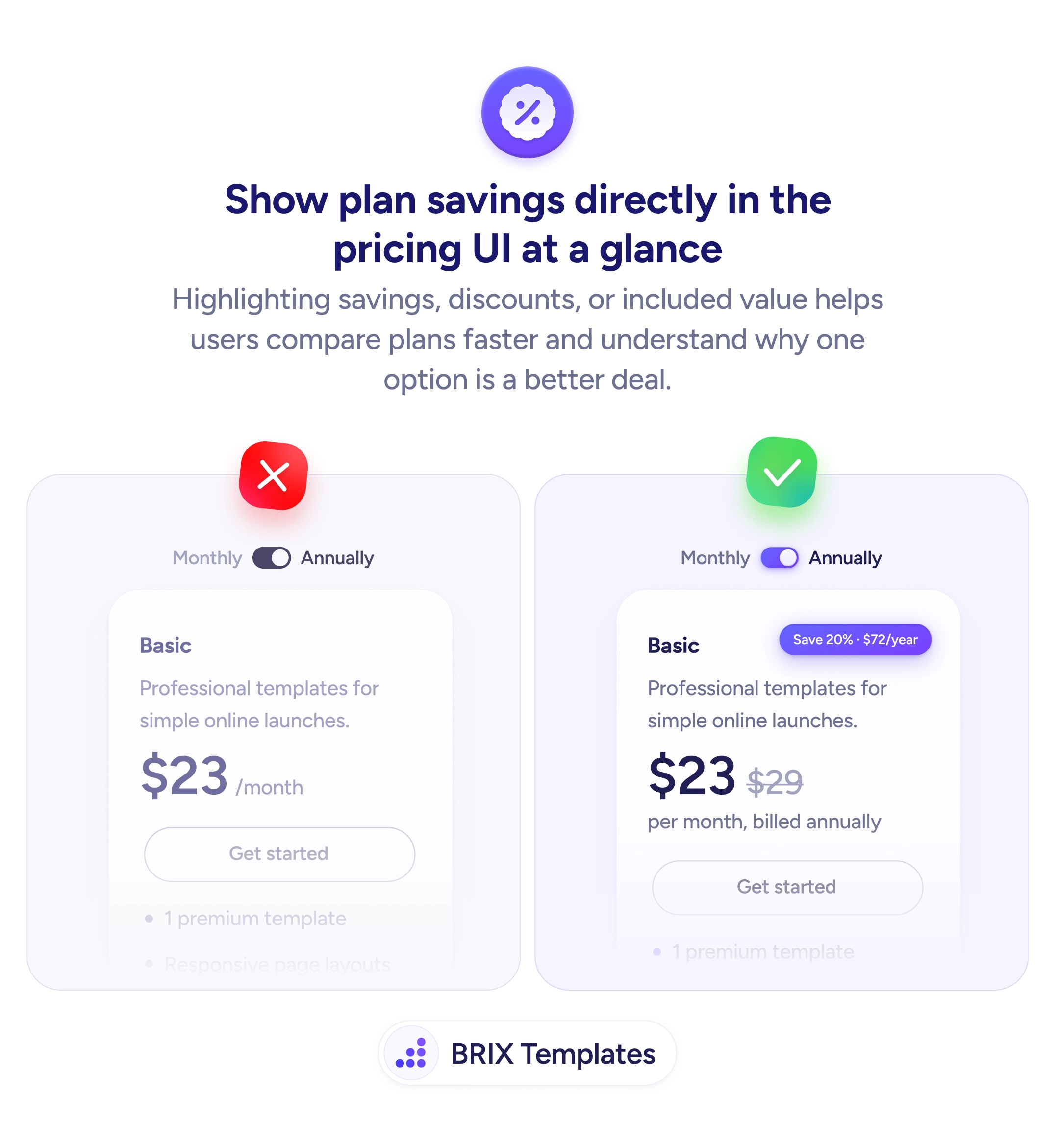
Start by listing the real alternatives your buyer would otherwise pay for — competing tools, manual labor, agency fees, the cost of doing nothing. Pick the one that feels most relevant to that audience and place a short comparison directly beside the price, not in a distant section. Keep every figure honest; an anchor only builds trust if the buyer believes it, and it works best paired with savings shown transparently on the pricing page.
A price lands differently the moment it has something familiar to stand beside. Give the visitor the comparison they’d otherwise make in their head, make it honest, and the same number that felt like a cost starts to read like the obvious choice.
Pick a cost the visitor already pays or has seriously considered — an agency retainer, a freelancer's rate, a competing tool, or the hours of manual work your product replaces. The anchor has to feel real and relevant to that buyer; comparing a $59 tool to a coffee habit lands very differently than comparing it to a $2,000 agency project.
It's only manipulative if the comparison is dishonest. Anchoring to a genuine alternative the buyer would otherwise spend on is just context — you're helping them judge value against something they understand. Inventing an inflated 'regular price' you never charge is the line you don't cross.
Right next to the price, so the anchor and the number are read together. A small table or one-line 'compared to' note beneath the figure works well. If the comparison sits in a separate section, the visitor forms a judgment about the price before they ever reach the context.
Comparing to a category of cost ('hiring an agency', 'a freelancer') is usually safer and ages better than naming a competitor, whose pricing can change overnight. Named comparisons can work, but keep them accurate and current, or they undermine the trust the comparison was meant to build.