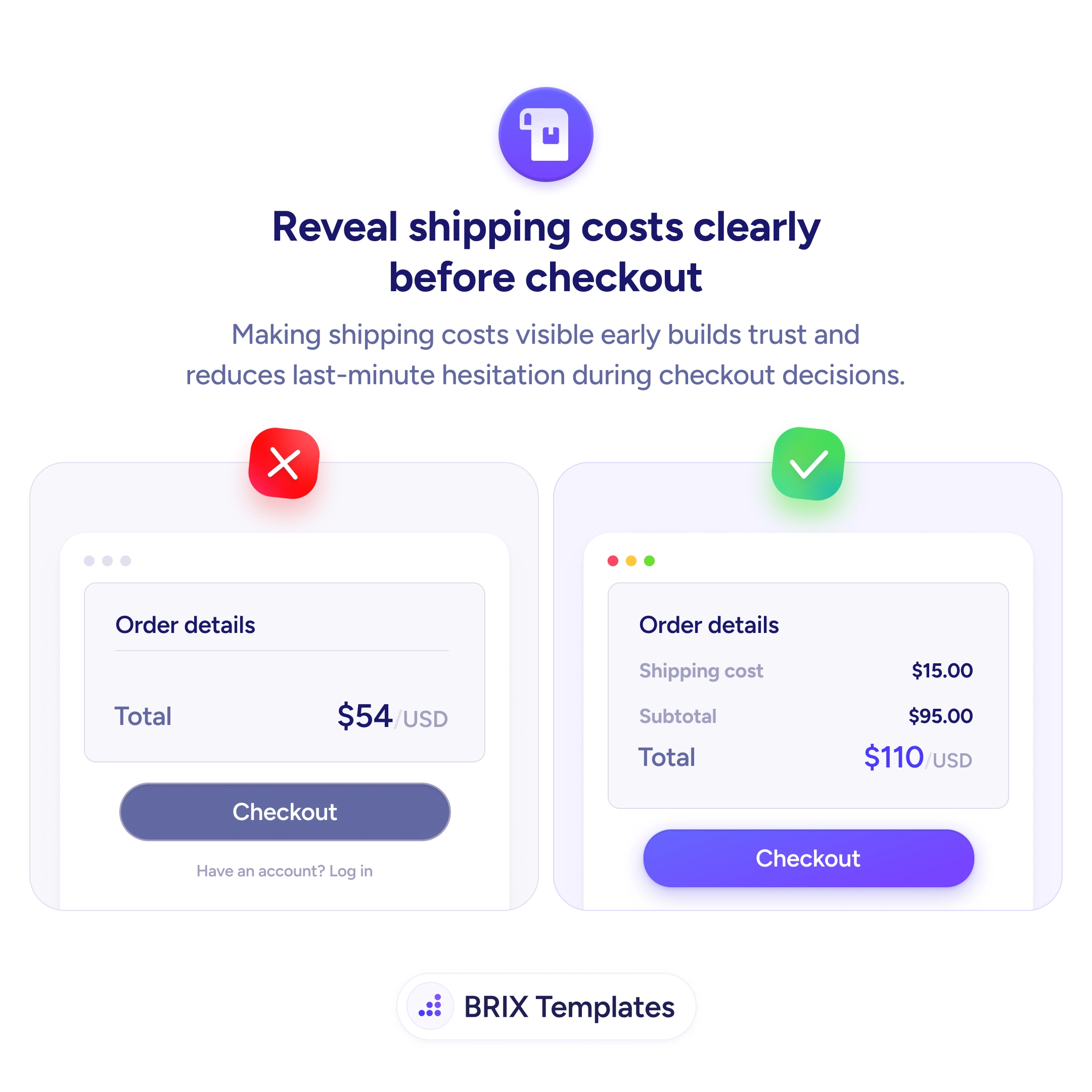
When the order summary shows only a final total — with no breakdown for shipping, taxes, or fees — buyers reach the next step of checkout expecting that number and often find a higher one. A “Total: $54” that becomes “$69” after they enter their address feels like a bait-and-switch, even when the shipping cost is reasonable. This single surprise is one of the most consistent reasons carts get abandoned, because the user’s trust in the page breaks at the worst possible moment.
A more reliable pattern is to itemize shipping cost in the order summary before checkout, so the math behind the total is visible from the moment the user opens the cart. A clean breakdown with subtotal, shipping cost, and the final total in a single block tells the user exactly what they’re agreeing to. Even when the shipping fee is the same, the experience changes completely — the buyer sees a transparent total instead of a moving one.
Show shipping on every screen that displays a total — cart drawer, cart page, and the first checkout step. Use a separate line for shipping, above subtotal, so users can compare it against the items they’re buying. Estimate when you don’t yet know the destination (“From $9.99”, “Free over $50”), and update the line as soon as the user enters a zip/postcode. Never let the total change after the user has committed to checkout without a clear, in-context explanation.
- Itemize the shipping cost on its own line in the order summary, not buried inside the total.
- Display the breakdown on the cart, the cart drawer, and the first checkout step — not only at the payment screen.
- Estimate shipping early (“From $X” or “Free over $X”) when the final cost depends on the destination.
- Update the shipping line live as soon as the user enters a postcode or selects a country.
- Set expectations on the product page with a small “Ships from $X” or “Free shipping over $X” line near the price.
Pre-checkout shipping transparency can prevent the abandonment that happens when a total changes at the final step. When the math is visible from the start, buyers typically commit to the cart with confidence — because nothing about the price is going to surprise them at the payment screen.