Help & onboarding
The fastest hero copy answers "is this for me?" in the first phrase
Generic "for modern teams" copy makes visitors guess if it is for them. Naming the audience helps the right visitors recognize themselves instantly.

Help & onboarding
The fastest hero copy answers "is this for me?" in the first phrase
Generic "for modern teams" copy makes visitors guess if it is for them. Naming the audience helps the right visitors recognize themselves instantly.
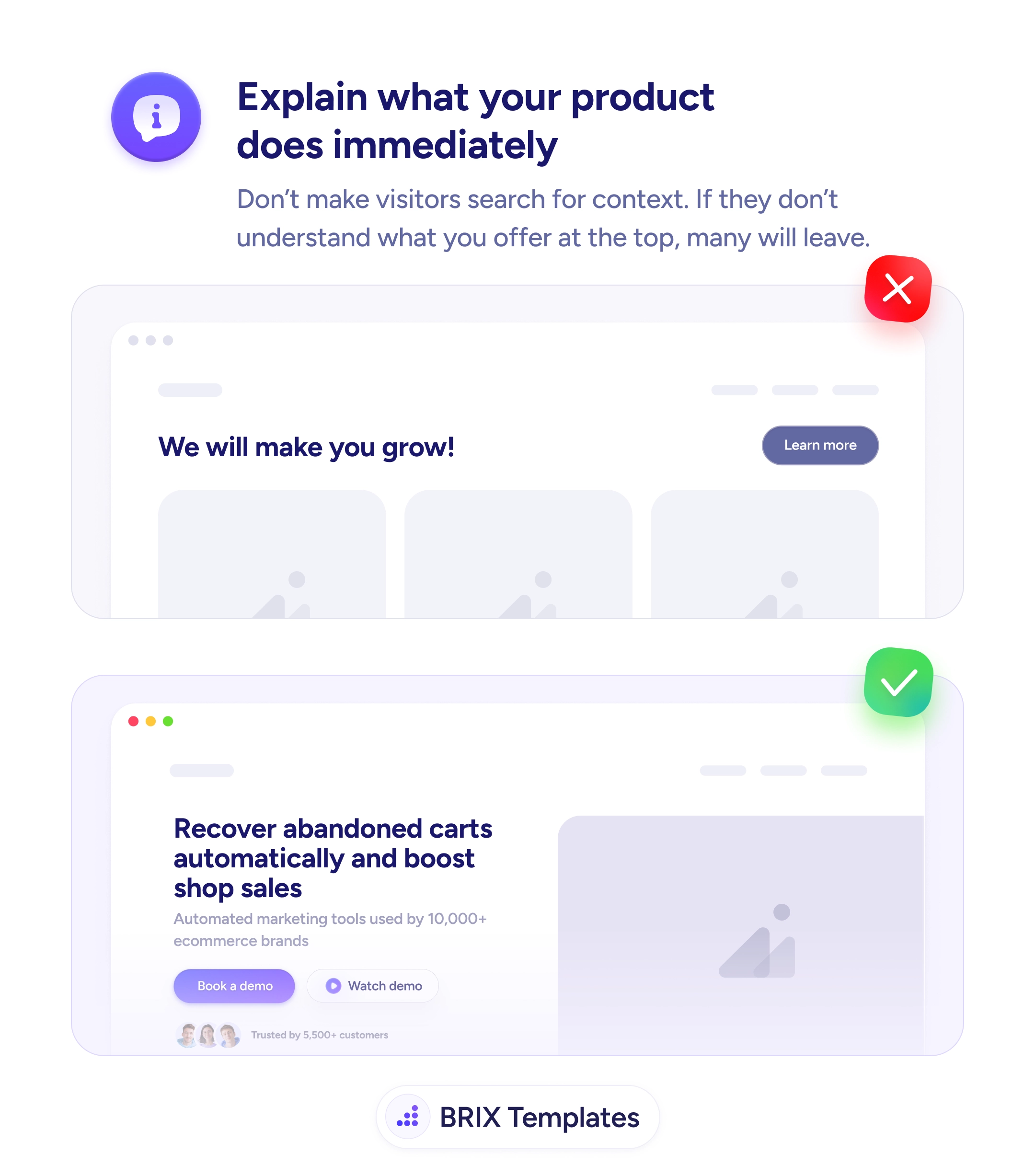
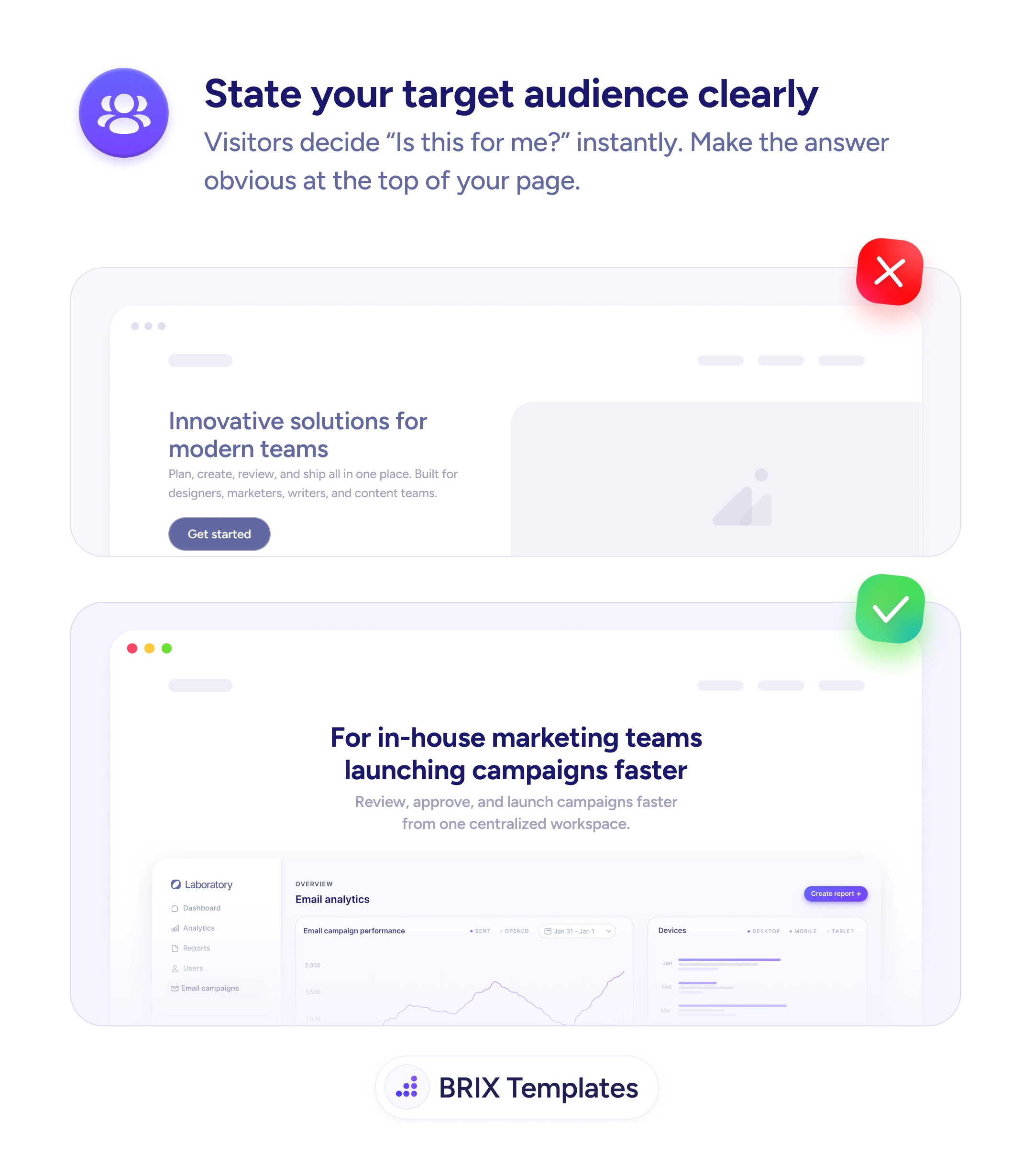
When a hero opens with generic positioning like “Innovative solutions for modern teams,” visitors have to do the work of figuring out whether the product is for them. Most won’t. They’ll scan, decide the page isn’t speaking to their specific role, and leave — even if the product would actually be a great fit. That moment of uncertainty is where audience-fit visitors get lost.
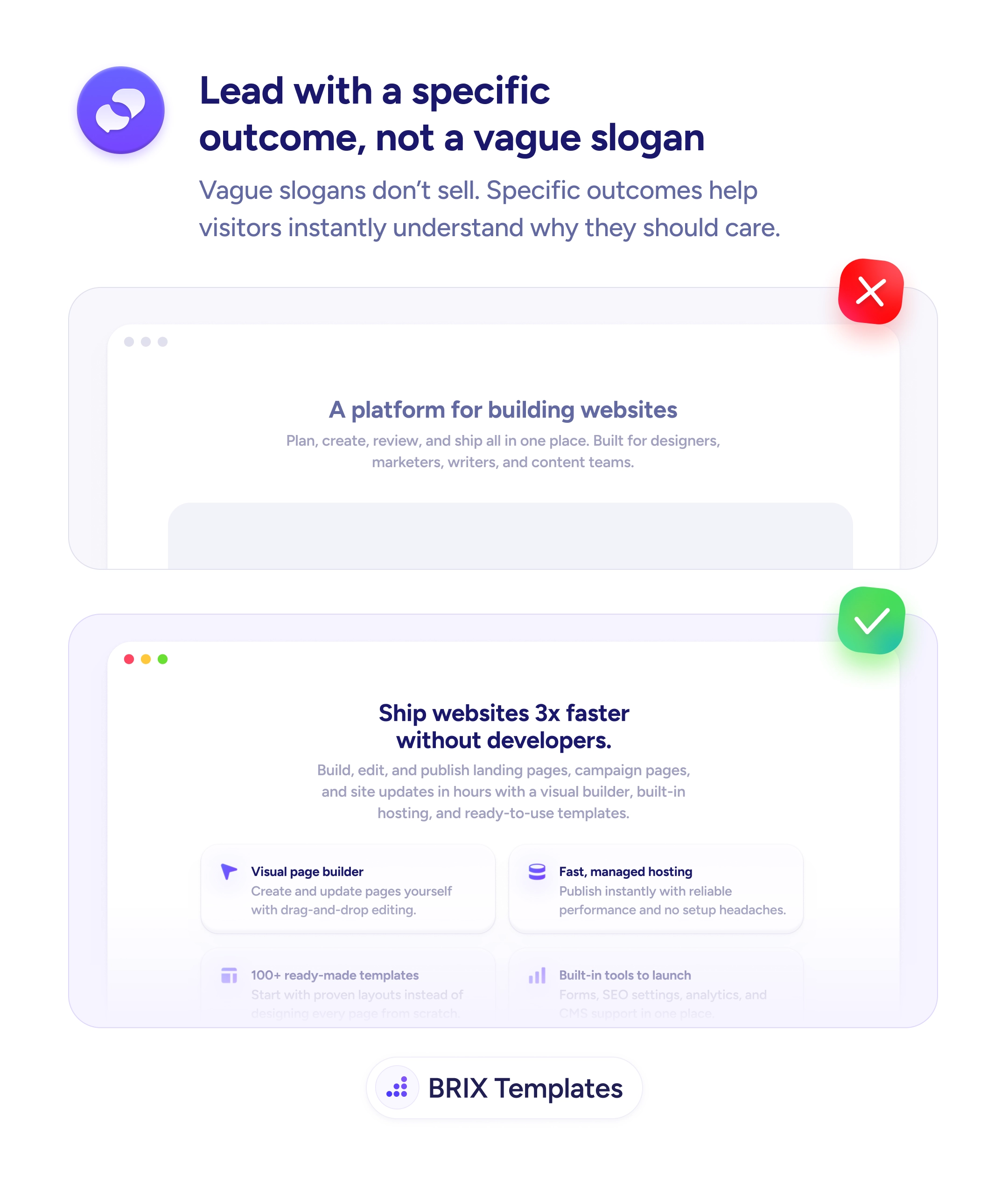
A more effective approach is to state the target audience explicitly in the hero copy. Audience-led headlines like “For in-house marketing teams launching campaigns faster” do two jobs at once: they name the audience and they hint at the outcome. Visitors who match the audience recognize themselves immediately and read on; visitors who don’t match self-select out — which keeps the funnel cleaner and the conversion stronger.
Open the headline by naming the audience — “For [role/team/use case]” is a direct frame that works across most B2B and product pages. Pair the audience with the outcome so recognition leads into value (“For in-house marketing teams launching campaigns faster”). Use the language your audience uses internally — “in-house marketing teams” is more specific than “marketers” and signals you understand their context. Reinforce the audience claim further down with relevant testimonials, logos, or use cases.
A hero that names the target audience can convert better with the right traffic and lose less time on the wrong traffic. When visitors see themselves in the first line, they typically read further — and the visitors who don’t see themselves move on faster, which is also a win.
Specific enough that the right reader nods, broad enough that you're not naming a tiny niche. 'For marketing teams' is broad; 'For in-house marketing teams at B2B SaaS' is specific; 'For Director of Demand Gen at Series B SaaS companies' is too narrow for most heroes.
Avoid it if you can. Heroes work best when they speak to one audience clearly. If you serve multiple distinct audiences, consider audience-specific landing pages instead of a single multi-audience hero.
Describe what they're trying to do instead — 'for teams launching campaigns faster' works when the role is fuzzy but the goal is clear. Goal-led framing can substitute for role-led framing.
In testimonial attributions ('Marketing Director at Acme'), case study titles, customer logos, and feature copy. Audience naming in the hero only works if the rest of the page reinforces the same audience.