Checkout & payments
A foreign currency at checkout is a calculation buyers don't want to do
International shoppers convert more when prices appear in their own currency with tax and shipping itemized so totals never surprise at checkout.

Checkout & payments
A foreign currency at checkout is a calculation buyers don't want to do
International shoppers convert more when prices appear in their own currency with tax and shipping itemized so totals never surprise at checkout.
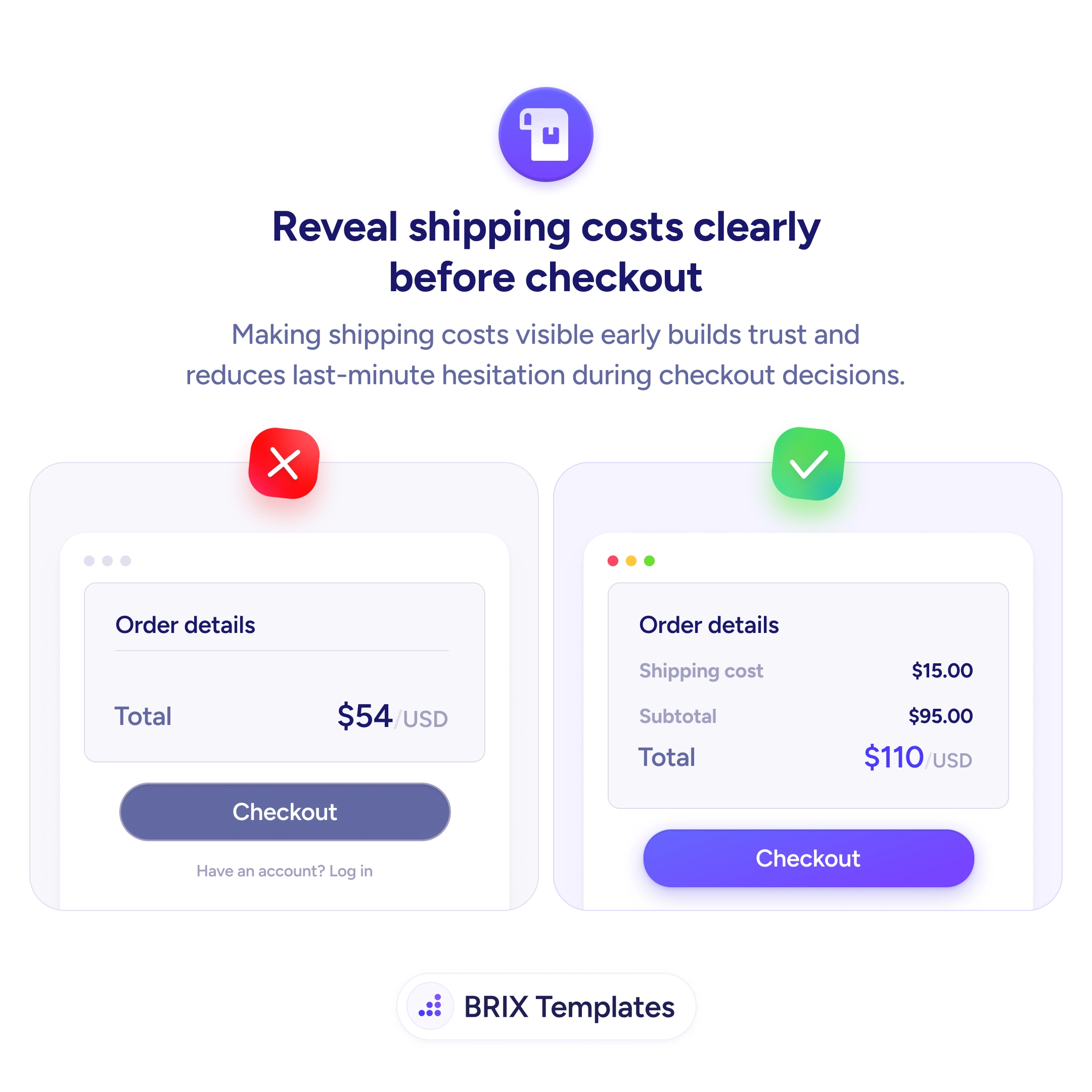
When a visitor lands on checkout and the price is in a foreign currency, they stop being a buyer and start being a calculator. Mental conversion is friction, and friction at the final step is where carts get abandoned. The problem compounds when shipping and tax are listed as “calculated at checkout” — the buyer can’t tell what they’re actually about to pay, and uncertainty at payment is one of the strongest abandonment triggers there is.
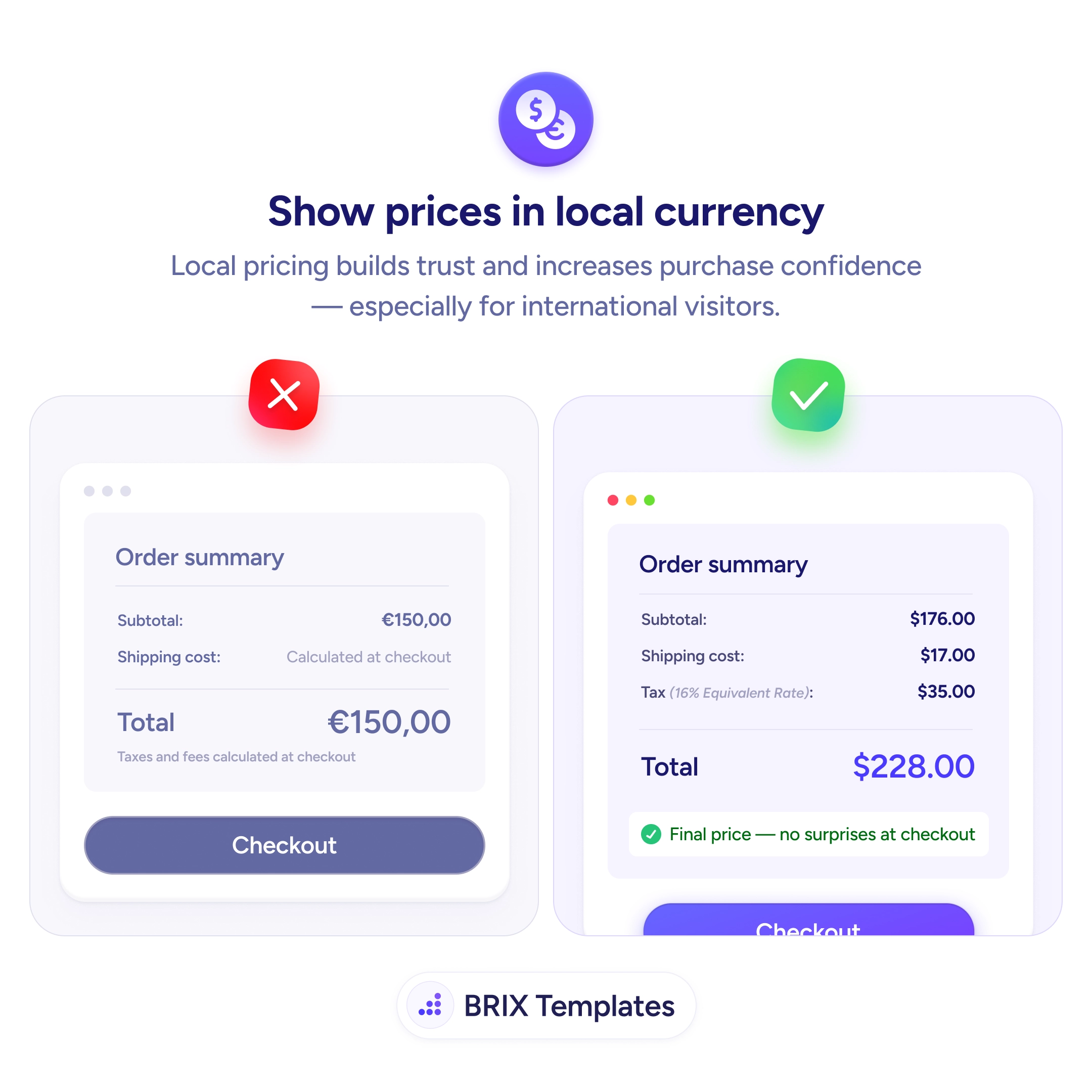
A stronger pattern is to show the full price in the buyer’s local currency, itemized, before they hit pay. That means the subtotal, shipping, tax, and final total all rendered in the currency of the country they’re shopping from, with the formatting conventions that country expects (decimal separators, currency placement, tax labels). When a buyer sees “Final price — no surprises at checkout” with every line filled in, the decision becomes almost mechanical.
Start by detecting currency from IP with a visible currency switcher in case the detection is wrong. Pull shipping and tax estimates as early as cart, not at the last step, so the totals stop being placeholders. If you charge in a different currency than the display, show both clearly — the local-currency total above and the charged amount below — so the buyer knows what their card will actually see.
When the price story is complete and local before checkout, international buyers typically complete more often because the decision stops being a math problem. Currency clarity often does more for cross-border conversion than discounts or shipping deals, because it removes the underlying uncertainty that those incentives are trying to compensate for.
Detect by IP geolocation as a default, then expose a currency switcher so users can override. Save the choice in a cookie so returning visitors don't have to reselect. Never lock the user into a guessed currency — always show the switcher near the price.
Display the local-currency price for clarity, but be explicit about which currency will be charged. The cleanest pattern shows the local-currency total prominently and the charged amount underneath, so the buyer knows exactly what their card will see.
Estimate both before checkout and itemize them in the order summary. Use the shipping address (or detected country) to pull the right tax rate and shipping cost. A 'Final price — no surprises at checkout' line reassures buyers that what they see is what they pay.
Lock the displayed rate for the session and surface a small note about it ('Rate held for this checkout'). If the rate changes between sessions, treat the new price as the new starting point — never silently update mid-flow, since that breaks the trust the local currency was meant to build.