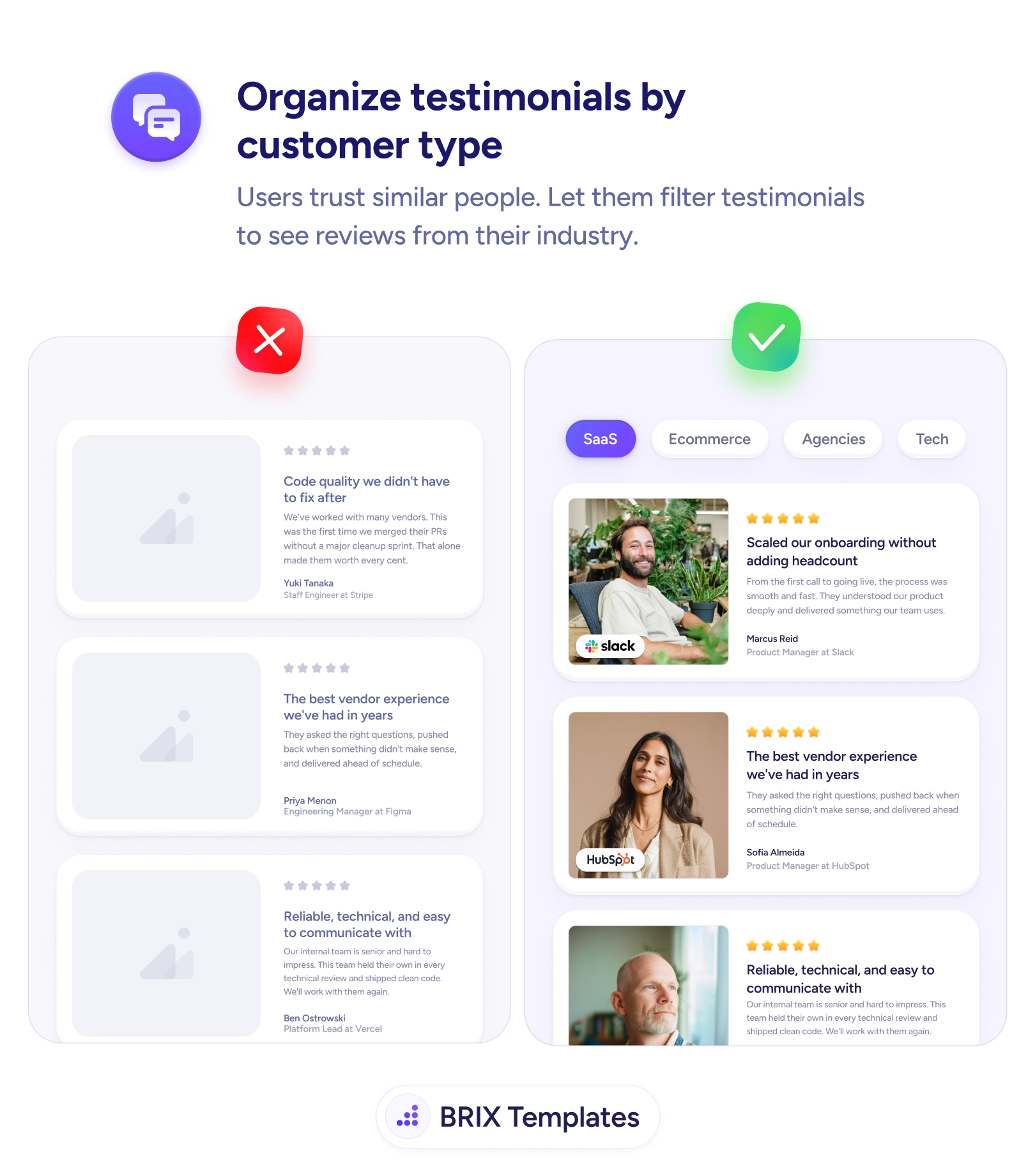
A long, undifferentiated wall of testimonials asks the visitor to do the sorting. They land on the page wondering “does this work for a business like mine?” and are met with a stack of quotes from people who could be anyone — grey avatars, generic names, no signal of industry or role. To find someone like themselves they’d have to read every card and infer the context, and most won’t. The proof is there, but it’s pointed at everyone, which means it lands squarely on no one.
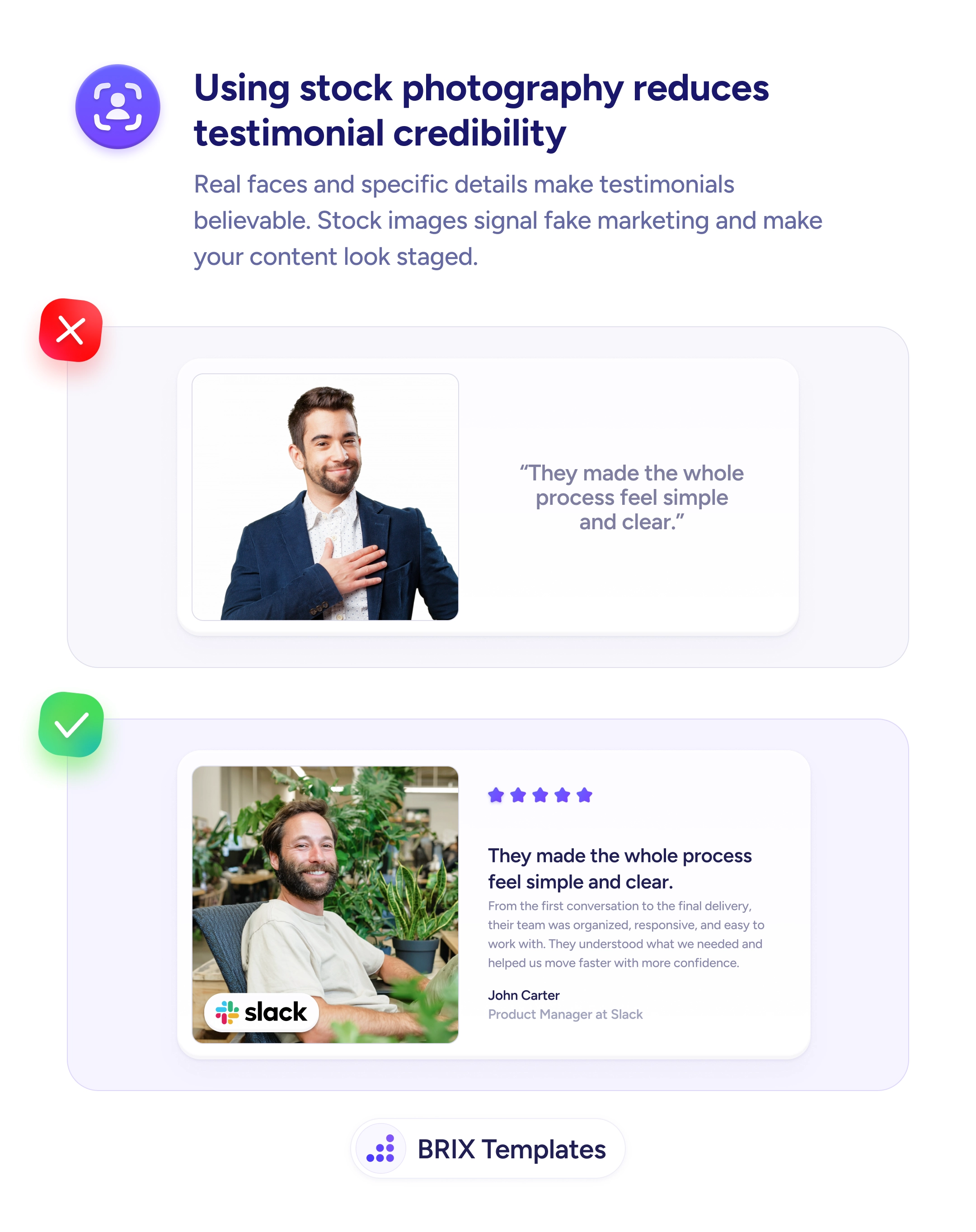
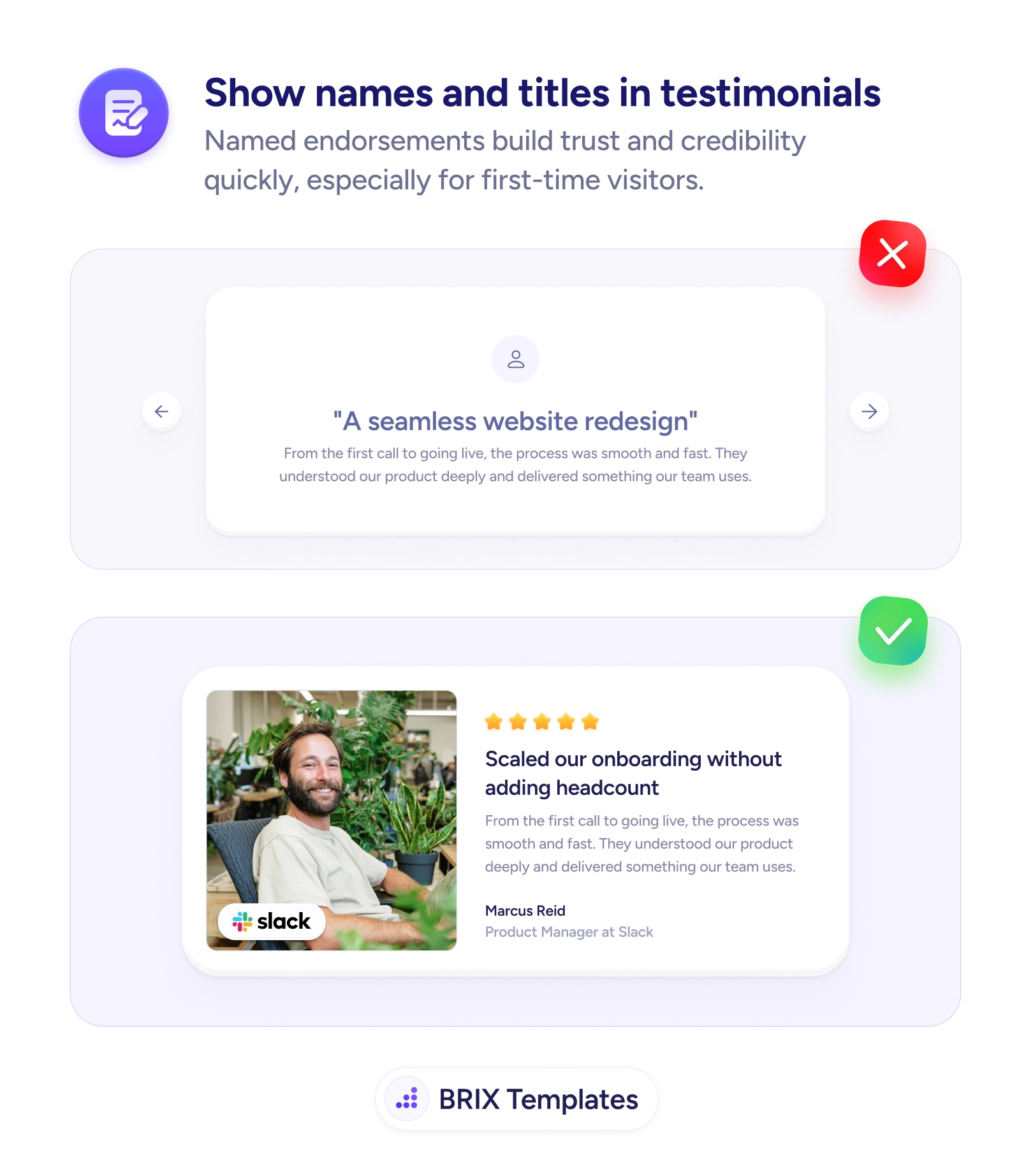
A stronger pattern lets the visitor filter testimonials by who they are. Tabs like SaaS, Ecommerce, Agencies, and Tech let a reader pull up reviews from their own world in a single tap, so the social proof they see is from peers facing the same problems. Relevance is what makes a testimonial persuasive, and it multiplies when each card carries a real photo that makes the reviewer believable and a name and title that show exactly who’s speaking.
Start by choosing the dimension your buyers use to identify themselves — usually industry, role, or company size — and tag each testimonial accordingly. Only build filters for segments you can genuinely fill; an empty tab reads as an absence of customers. Lead the unfiltered view with your strongest, most recognizable proof so it convinces the many visitors who never touch a filter, then let the rest narrow down to their segment when they want to.
- Filter by how buyers self-identify — industry, role, or company size — not by internal categories.
- Only show segments you can populate; an empty tab signals you have no customers like that.
- Tag testimonials across every segment they honestly fit so relevant proof always surfaces.
- Make the default view strong on its own for users who never apply a filter.
- Pair each card with a real face, name, and title so the matched reviewer reads as credible.
Testimonials persuade hardest when the visitor recognizes themselves in the reviewer. Let people pull up proof from their own industry or role, and a generic praise wall becomes a mirror — one that answers “this works for companies like mine” before they reach the CTA.