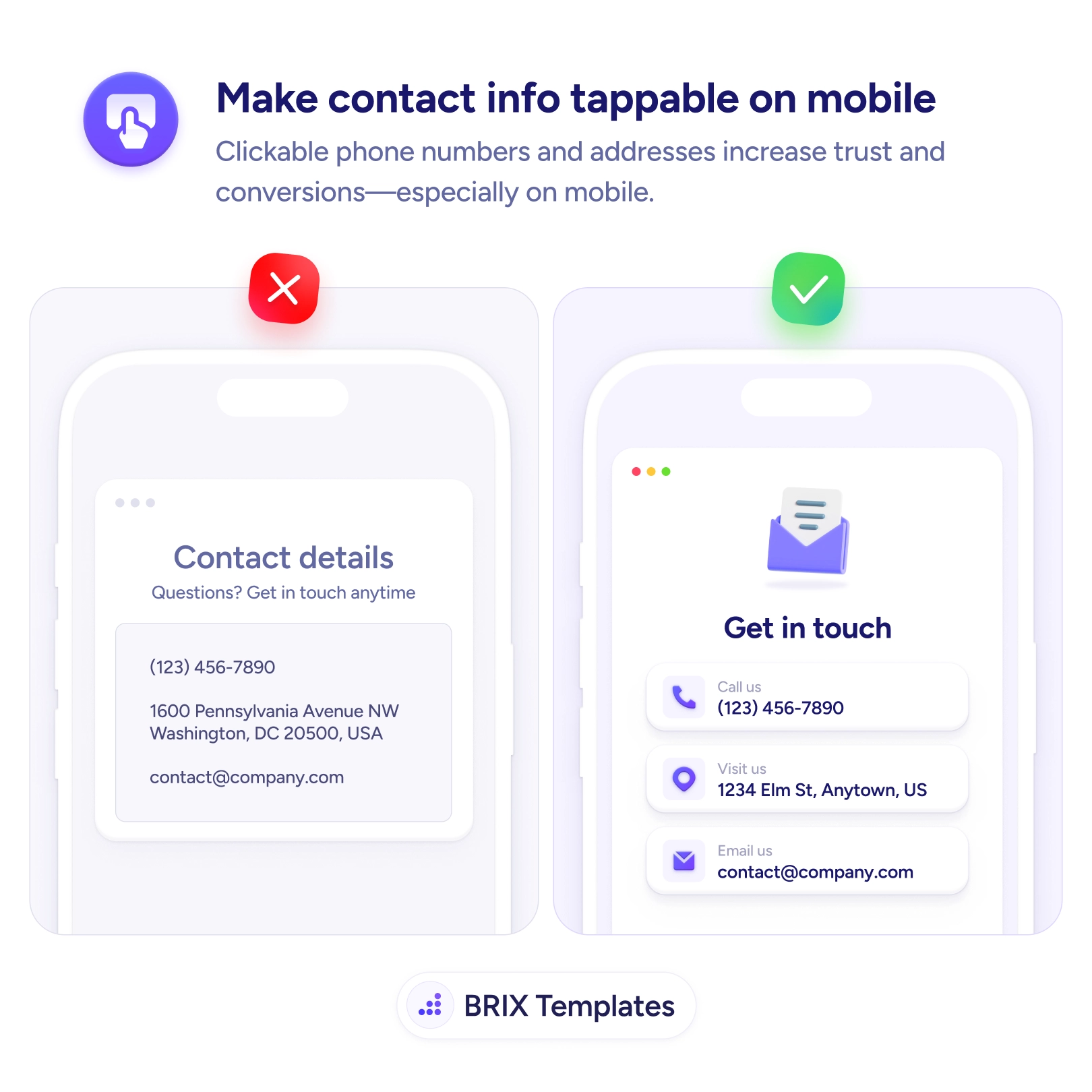
UX tip graphic titled 'Make contact info tappable on mobile.' The left panel marked with a red X shows a mobile 'Contact details' screen where the phone number '(123) 456-7890', a mailing address, and an email are shown as plain, unstyled text with no indication they can be tapped. The right panel marked with a green checkmark shows a 'Get in touch' screen where each detail is a distinct tappable card with an icon and label — 'Call us (123) 456-7890', 'Visit us 1234 Elm St, Anytown, US', and 'Email us contact@company.com' — each launching the relevant action on tap. BRIX Templates branding at the bottom.

Help & onboarding

On a phone, a number you can't tap is a number the user has to copy by hand

Plain-text phone numbers and emails force fiddly copy-paste on mobile. Make them tappable so one touch starts a call, map, or email — and more people reach out.

How to make contact info tappable on mobile

On a phone, contact information that’s only plain text quietly asks the user to do extra work. They see the number they want to call and then have to select it, copy it, switch to the dialer, and paste — or worse, memorize it a few digits at a time. The same goes for an address they’d like to navigate to or an email they want to send. Every one of those is a multi-step chore standing between a motivated visitor and the action they came to take, and some of them give up before finishing it.

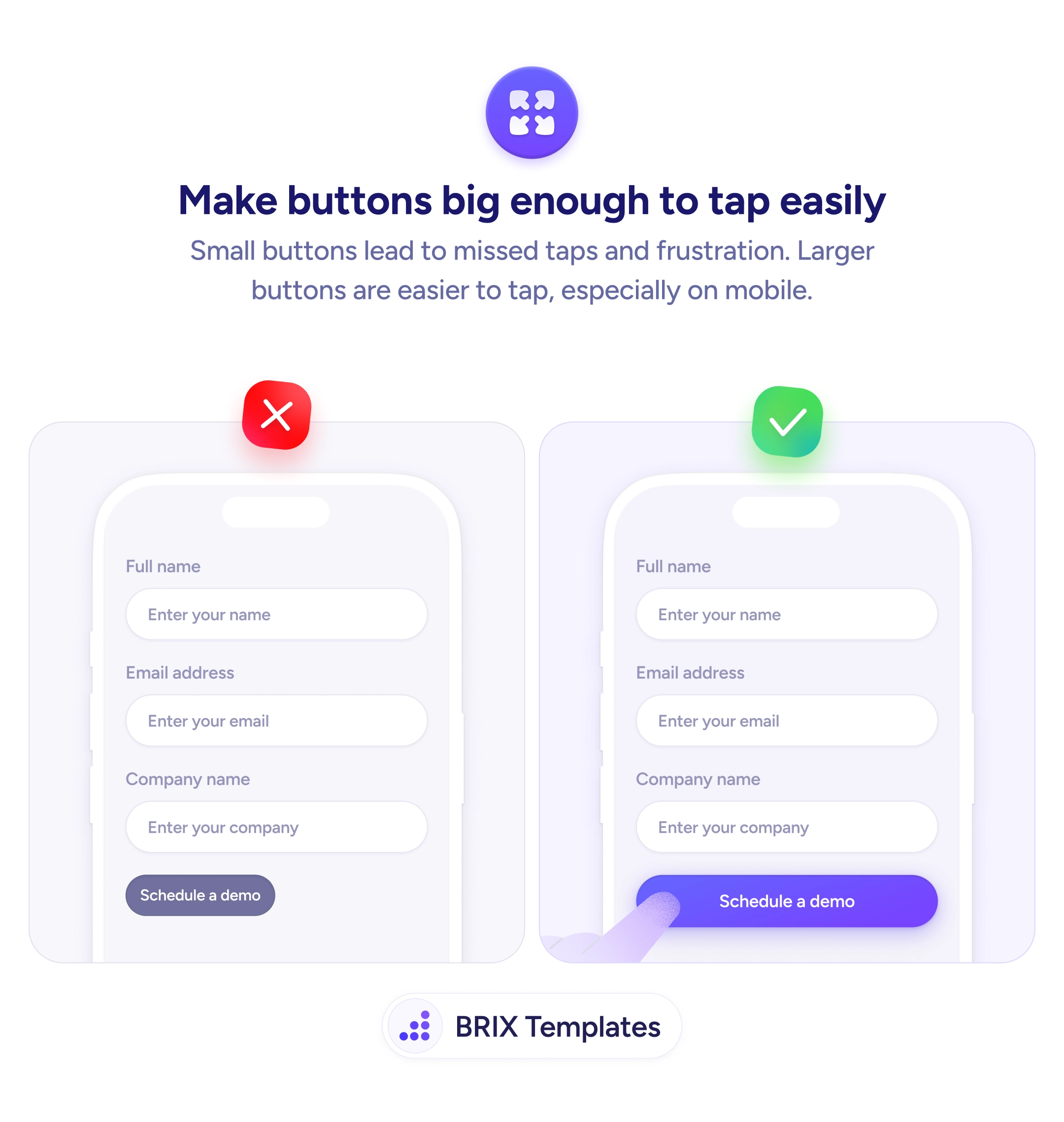
The fix is to make every contact detail tappable. A Call us row that dials on touch, a Visit us row that opens maps, an Email us row that launches the composer — each turns a copy-paste chore into a single tap. Presenting them as labeled icon cards also makes it obvious they’re actionable, the same clarity principle behind making buttons easy to tap on mobile. The detail isn’t just shown; it’s wired to the thing the user wants to do with it.

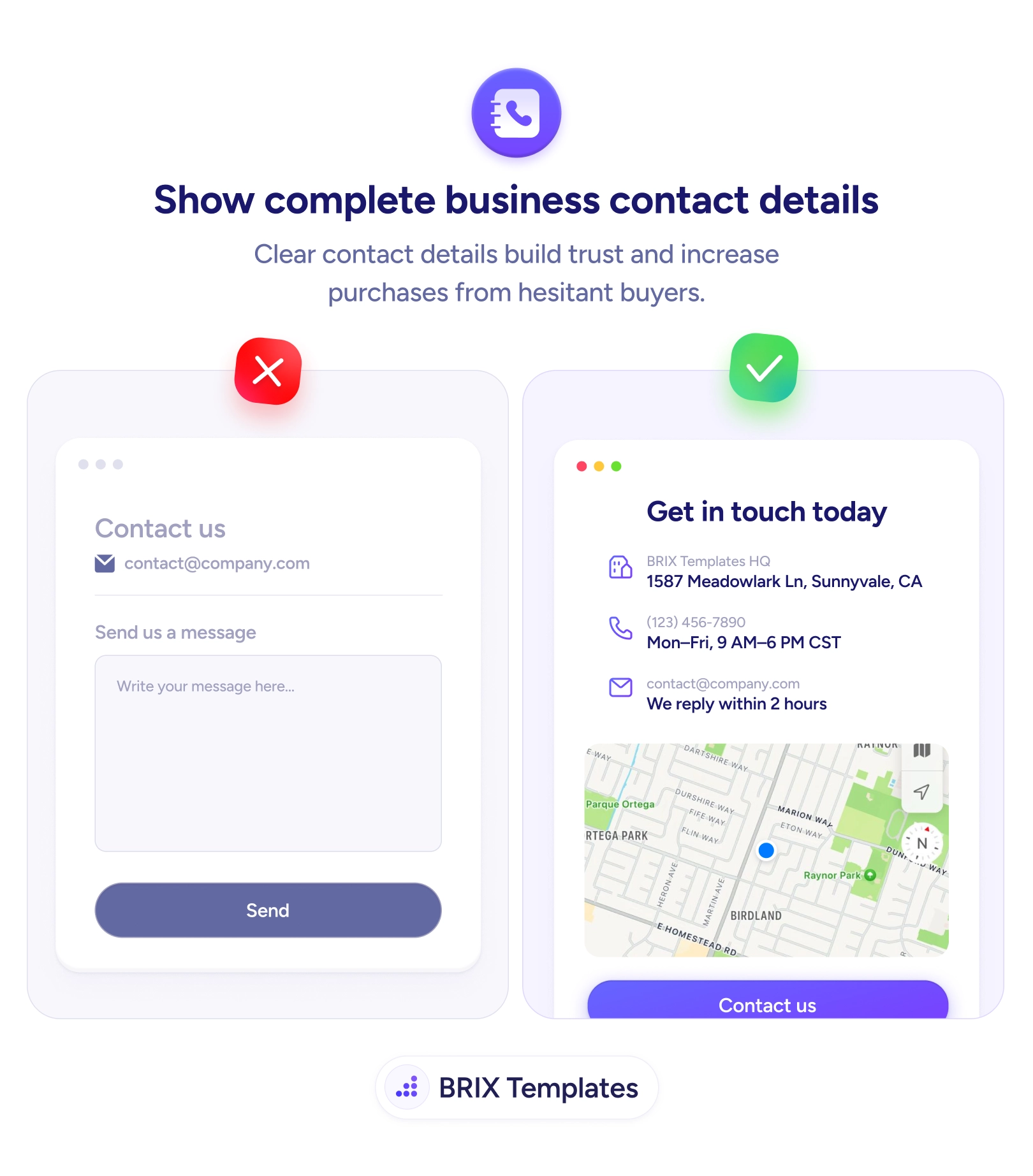
Start by linking each detail with the right schemetel: for phone, mailto: for email, a maps link for the address — and making the entire row the tap target, not just the raw value. Give each one an icon and enough spacing so it reads as an action and meets proper touch-target size. And make sure the details themselves are complete in the first place, which is the job of showing full business contact information.

  • Link phone numbers with tel:, emails with mailto:, and addresses with a maps link.
  • Make the whole row tappable — icon, label, and value — not just the text string.
  • Style each detail as an action with an icon and card so it’s clearly interactive.
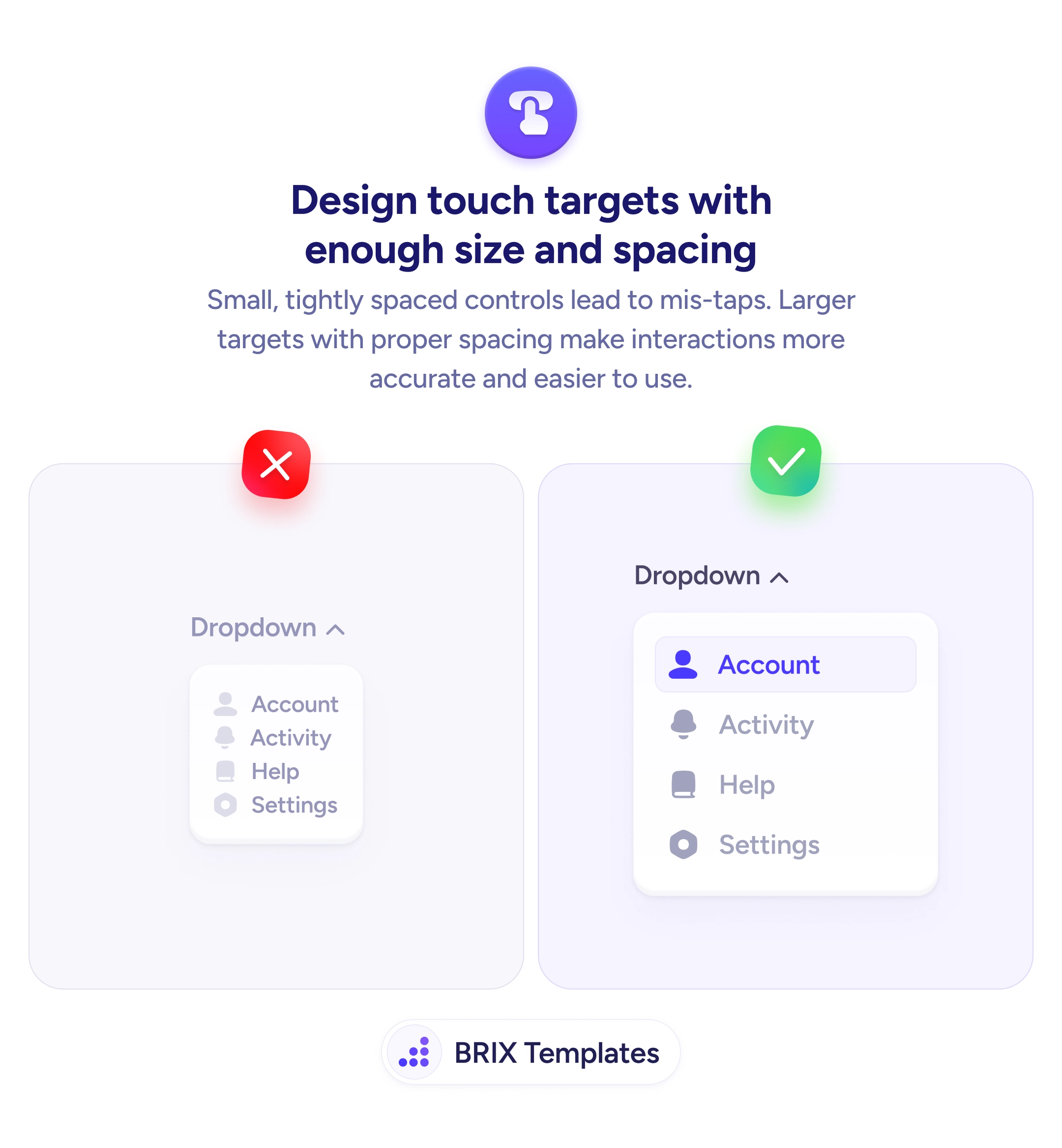
  • Give rows enough size and spacing so adjacent actions aren’t triggered by mistake.
  • Keep the details complete, so there’s a full set of actionable ways to reach you.

Reaching out should take one tap, not a copy-paste detour. Wire your phone, email, and address to the actions a phone can perform, make each clearly tappable, and you remove the small frictions that otherwise stop people from getting in touch.


Frequently asked questions

How do I make contact details tappable?

Wrap each detail in the right link type: phone numbers in a 'tel:' link to start a call, email addresses in a 'mailto:' link to open the mail composer, and addresses in a map link that opens the user's maps app. These are standard and well-supported, so a single tap launches the matching action instead of leaving the user to copy text manually.

Should the whole row be tappable or just the text?

Make the whole row — icon, label, and value — a single tap target. A larger target is easier to hit with a thumb and signals clearly that the element is interactive. If only the raw number is linked, users have to aim at a small string of text, which is both harder to tap and less obviously actionable.

How do I show that text is tappable and not just static?

Give it the visual affordances of an action: an icon, a button-like card or underline, and adequate spacing. Static plain text reads as information, not an action, so users won't try tapping it. The right example pairs each detail with a labeled icon card precisely so it's obvious a tap will do something.

Does this matter on desktop too?

It helps, but the payoff is biggest on mobile, where the device can act on the link directly — placing the call, opening maps, starting the email. On desktop a 'tel:' link may hand off to a calling app and 'mailto:' to a mail client, which is still convenient. Either way, linking the details costs nothing and removes manual copy-paste for everyone.