Status & feedback
Famous logos impress — but logos from your visitor's industry actually convert
A trust bar full of unrelated big brands feels disconnected. Show logos your visitors identify with to make social proof feel targeted and relevant.

Status & feedback
Famous logos impress — but logos from your visitor's industry actually convert
A trust bar full of unrelated big brands feels disconnected. Show logos your visitors identify with to make social proof feel targeted and relevant.
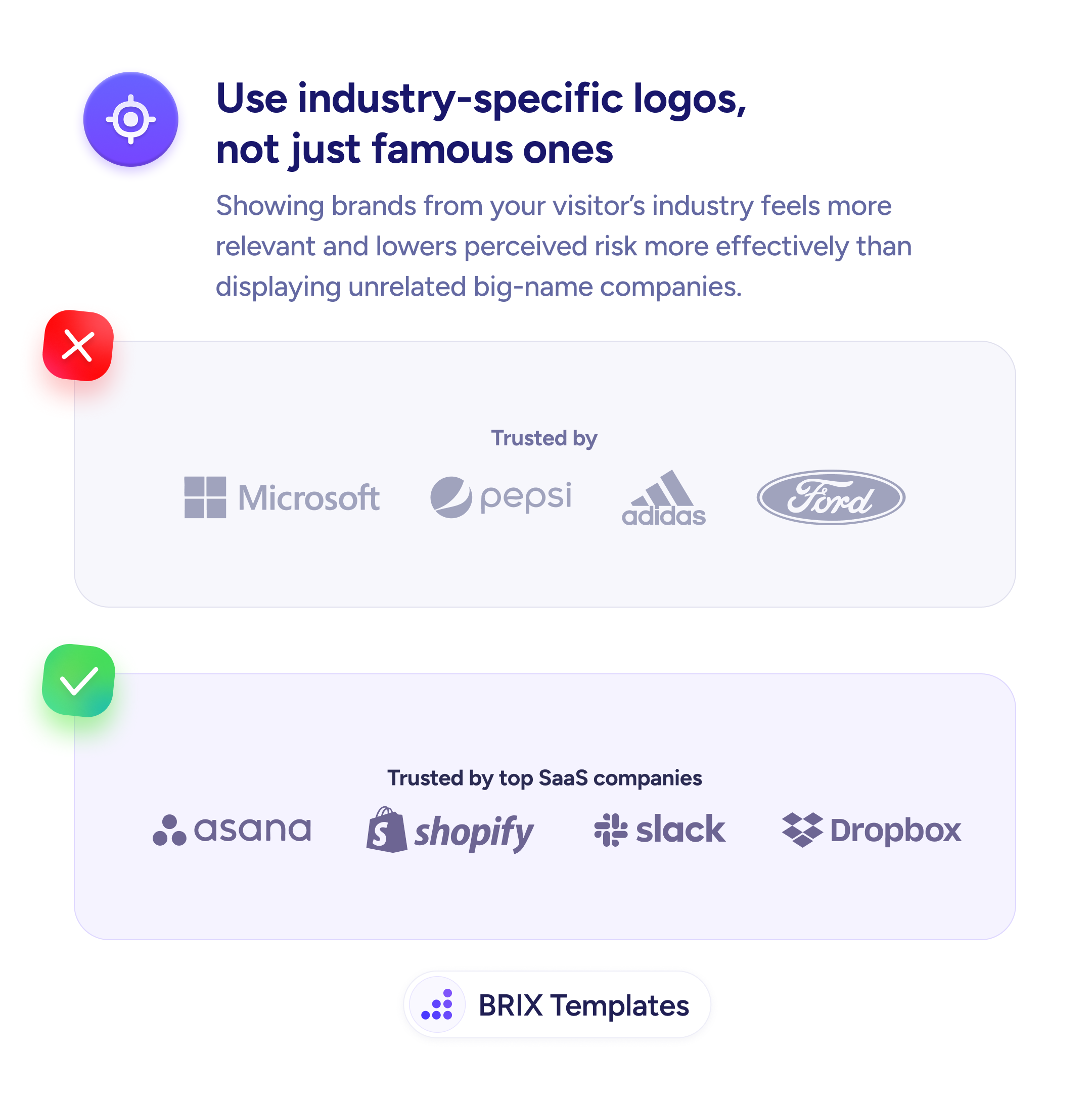
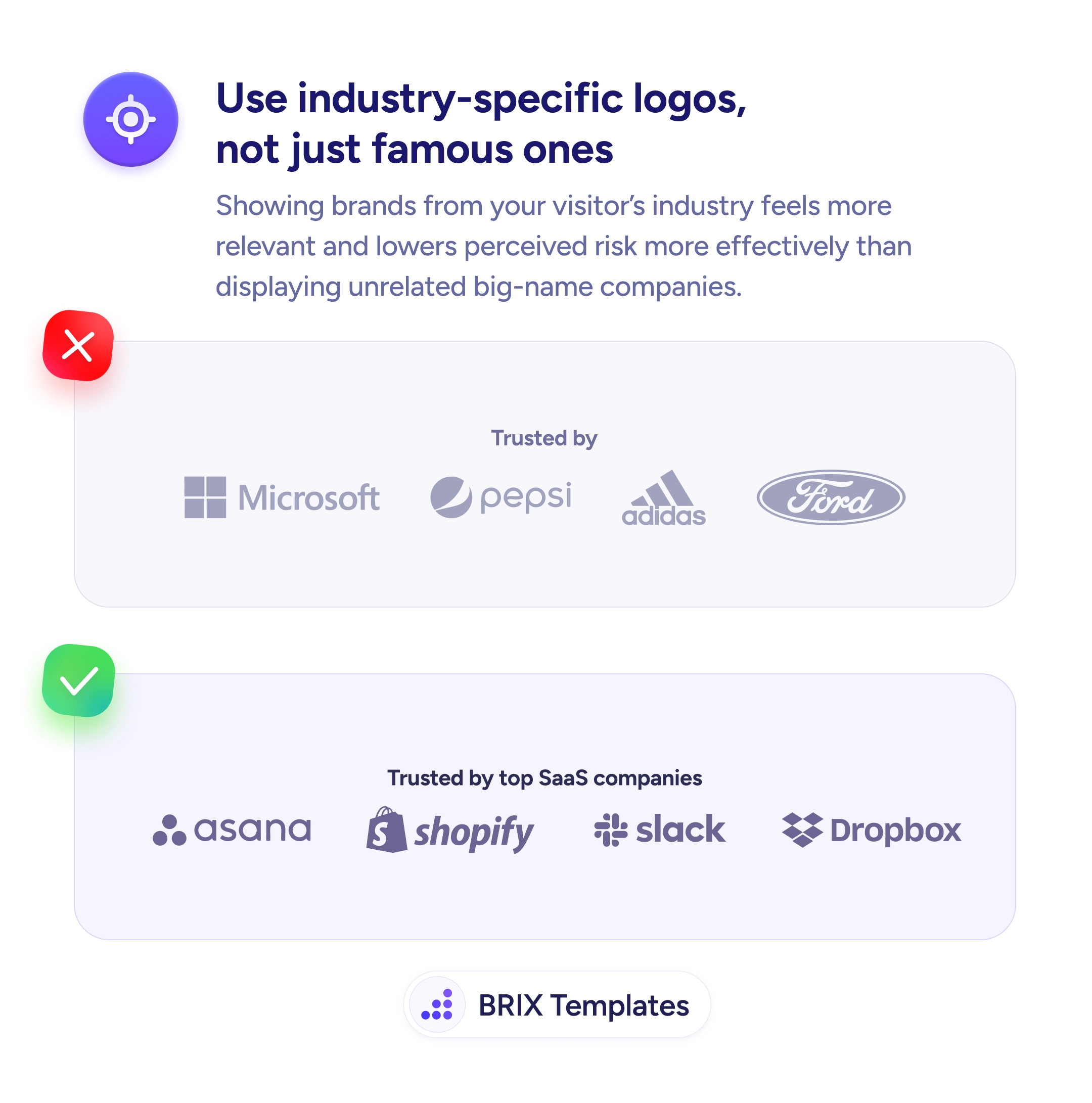
A trust bar filled with household names like Microsoft, Pepsi, or Ford can look impressive at first glance, but if your visitors work in a completely different industry, those logos often feel disconnected. The viewer can’t relate their own challenges to a beverage company or an automaker, so the social proof loses its persuasive weight.
A more effective approach is to show logos from companies your audience actually identifies with. When a SaaS buyer sees Asana, Shopify, Slack, and Dropbox in a “Trusted by top SaaS companies” bar, the message feels targeted and earned. Industry-relevant logos signal that your product solves problems for businesses like theirs, which can lower perceived risk far more than generic fame.
To apply this, start by defining your primary audience segment and the companies they would recognize as peers or leaders. Then replace broad, unrelated brands with 4-6 names from that vertical. Pair the logos with a contextual heading that names the industry (“Trusted by top e-commerce brands” rather than just “Trusted by”) so the relevance registers before the visitor even scans individual logos. If you serve multiple verticals, consider segmenting the trust bar by audience or showing different logo sets on different landing pages.
This kind of targeted social proof can make your credibility feel specific rather than borrowed. Visitors typically respond better to references they can picture themselves alongside, which often translates to stronger trust and lower hesitation at key decision points.
Start by defining your primary audience segment, then pick 4-6 companies they would recognize as peers or aspirational leaders in their industry. Relevance to the visitor's context matters more than general fame.
Four to six logos is the sweet spot. Enough to establish a pattern of credibility without overwhelming the section. Keep the bar compact and scannable in a single horizontal row.
Yes. A contextual heading like 'Trusted by top SaaS companies' makes the relevance clear before users scan the individual logos. A generic 'Trusted by' label is less effective because it doesn't signal who these companies are.
Segment the trust bar by landing page or audience. Show SaaS logos on your SaaS-focused pages and e-commerce logos on your e-commerce pages. Different buyer profiles respond to different references.