Actions & CTAs
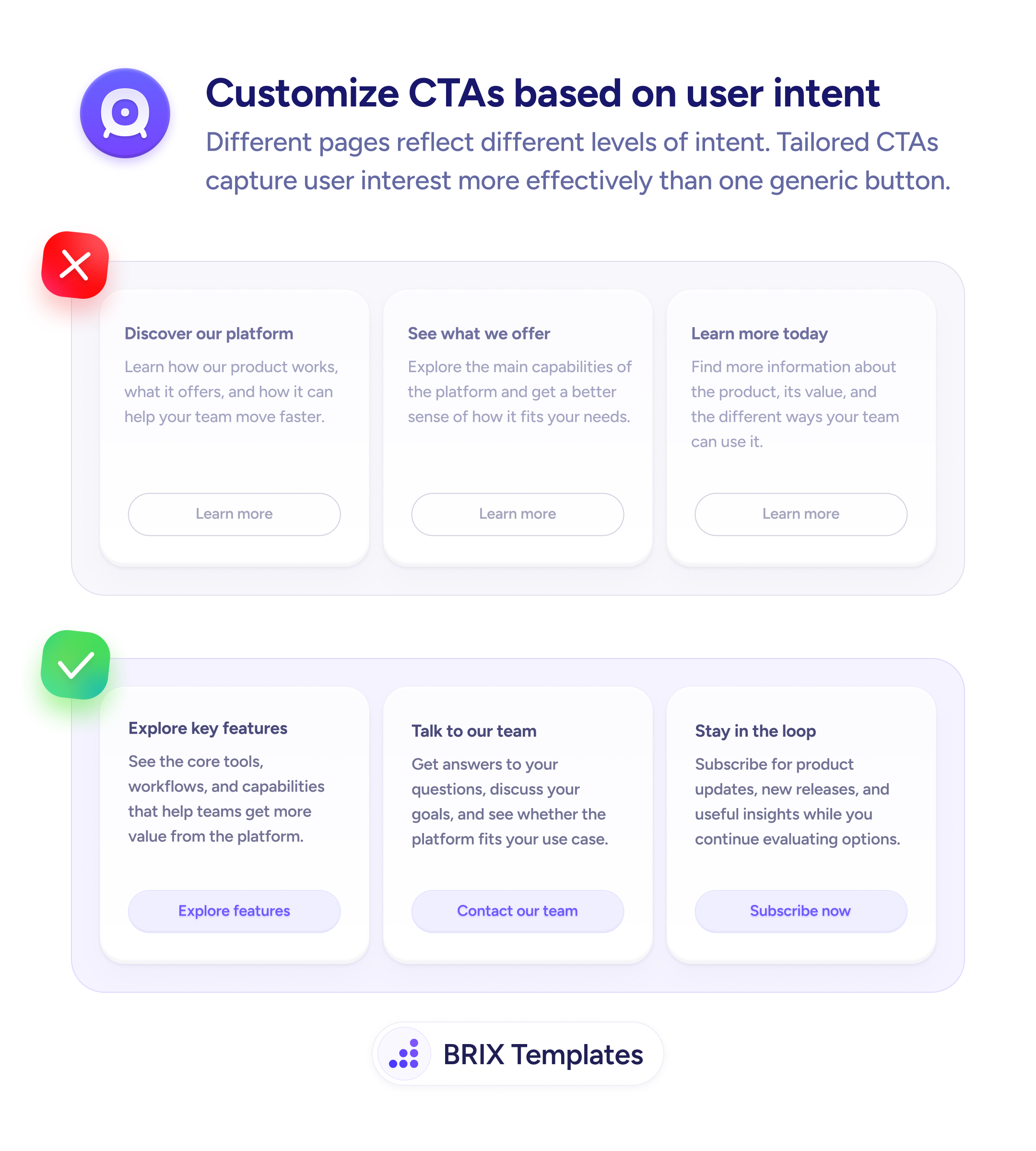
'Learn more' is a placeholder, not a call to action
Generic 'Learn more' buttons force users to read the full card before acting. Intent-matched labels like 'Explore features' do the work instead.

Actions & CTAs
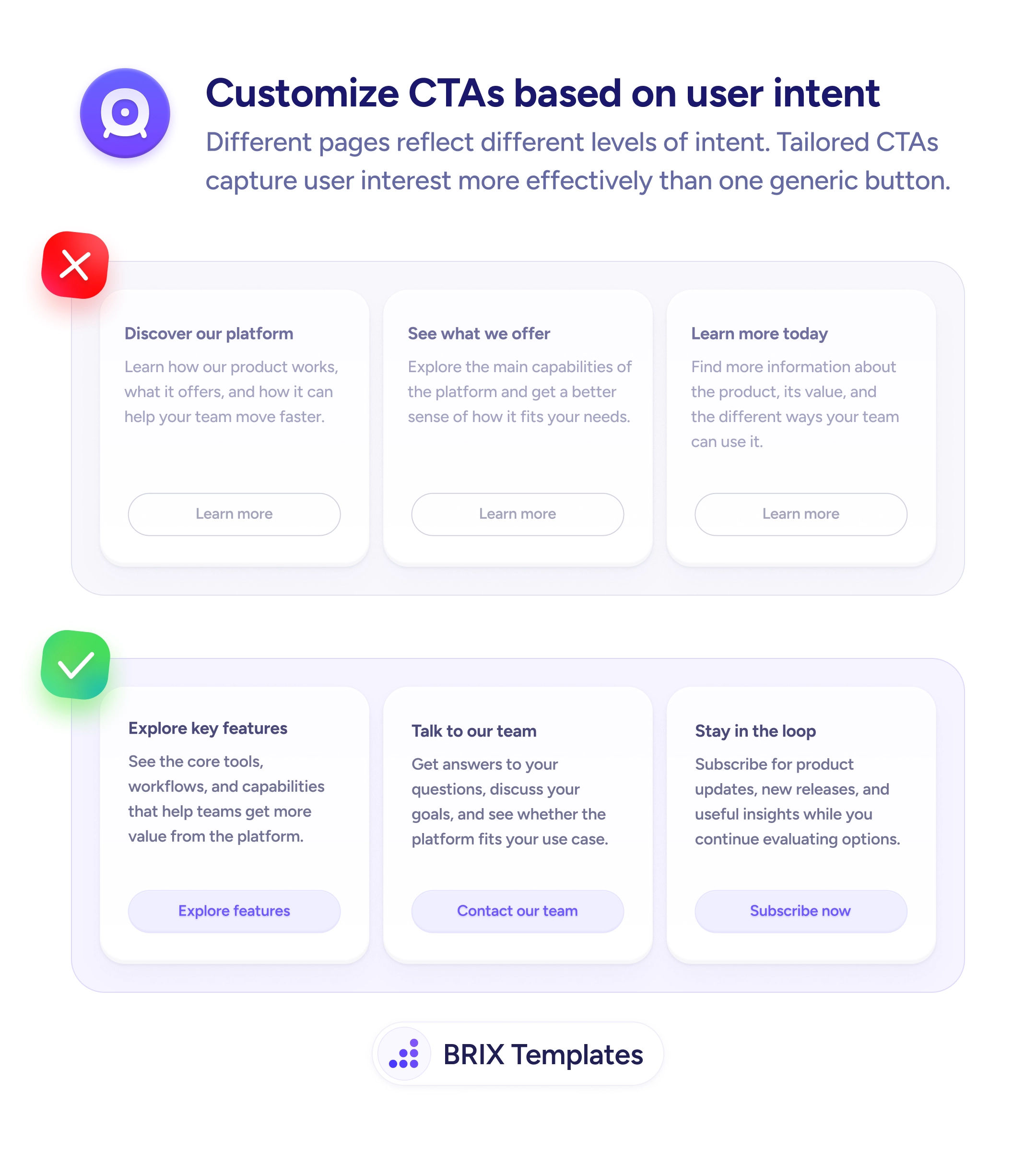
'Learn more' is a placeholder, not a call to action
Generic 'Learn more' buttons force users to read the full card before acting. Intent-matched labels like 'Explore features' do the work instead.
When every card or section on a page uses the same generic CTA label — “Learn more”, “Read more”, “Get started” — users have to read the card body to understand what will actually happen when they click. This adds friction at the moment of decision. On pages with several equal-weight cards, it also makes the actions feel interchangeable, reducing the motivation to click any of them.
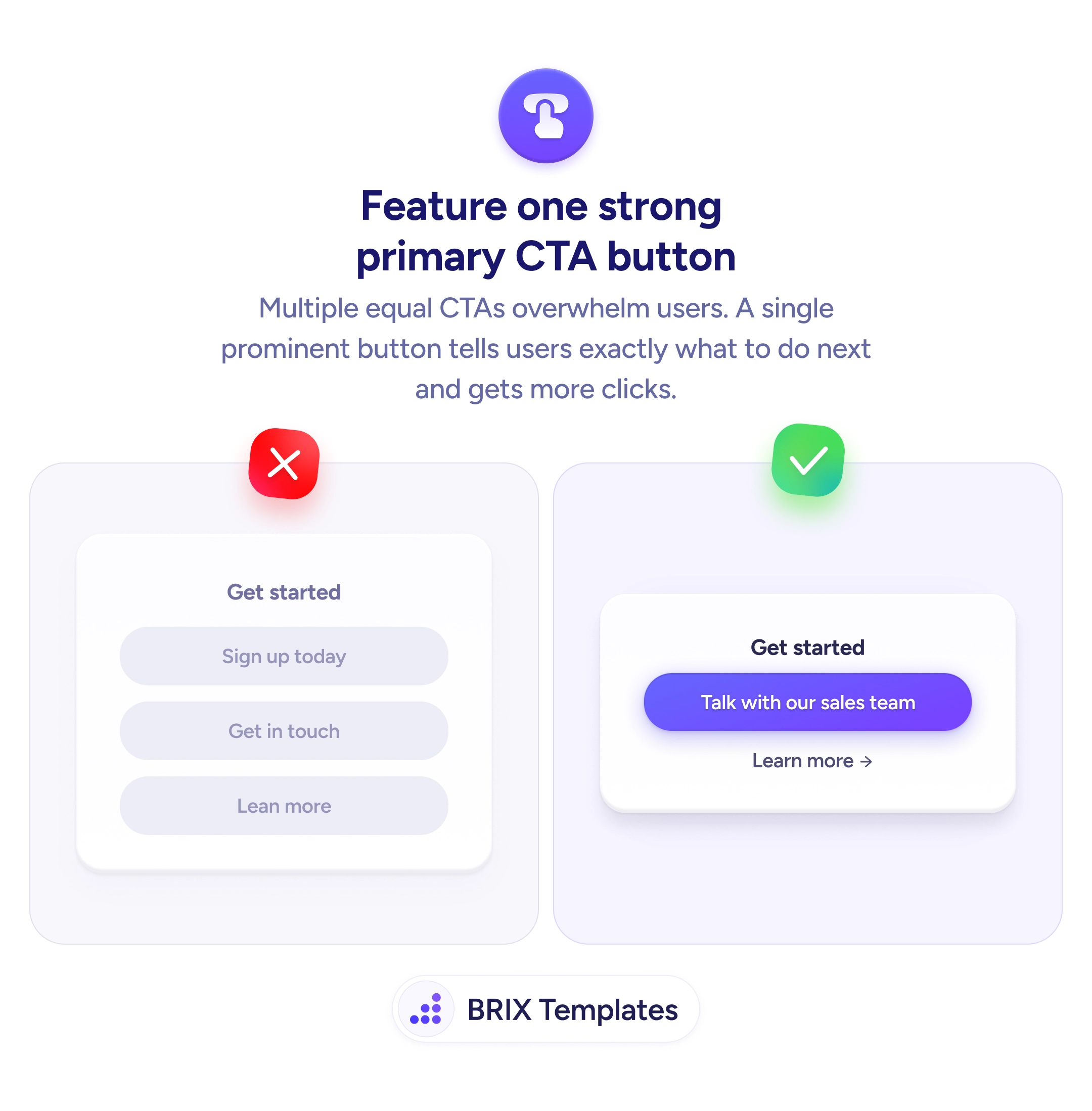
The more effective approach is to write a CTA that names the specific outcome. “Explore features”, “Contact our team”, “Subscribe now” — each label tells users exactly what they’ll get before they commit to a click. This lets users self-select based on where they are in their journey: someone evaluating a product wants to explore features; someone close to deciding wants to talk to the team. The CTA should match that intent level, not just describe the content block.
When writing CTA copy, start with the verb that describes the action, then add the object or outcome. Keep it short — 2–4 words is enough. Avoid labels like “Click here” or “Find out more” that rely on the surrounding context to carry the meaning. The button should be understandable on its own.
Intent-matched CTAs can meaningfully improve click-through on pages with multiple content blocks, because users can quickly find the action relevant to their current goal without reading every card in full.
Start with an action verb that describes what happens when the user clicks, then add the specific outcome or object. Labels like Explore features, Book a demo, or Download the guide are all clear; Learn more or Click here rely entirely on context to carry meaning.
Not always — on a very simple card with one obvious action, it can work. The problem is using it uniformly across multiple cards, where it makes all actions look identical and forces users to read each card to differentiate them.
2–4 words is usually enough. Longer labels are harder to scan at a glance. If you need more than 4 words to describe the action, the CTA may be trying to do too much — simplify the action or break the content into smaller pieces.
Yes. Pages attracting early-stage visitors benefit from lower-commitment labels like Explore or See how it works. Pages targeting higher-intent users should use action-forward labels like Start your trial or Talk to sales.