Actions & CTAs
Users who don't scroll will never see a CTA that lives below the fold
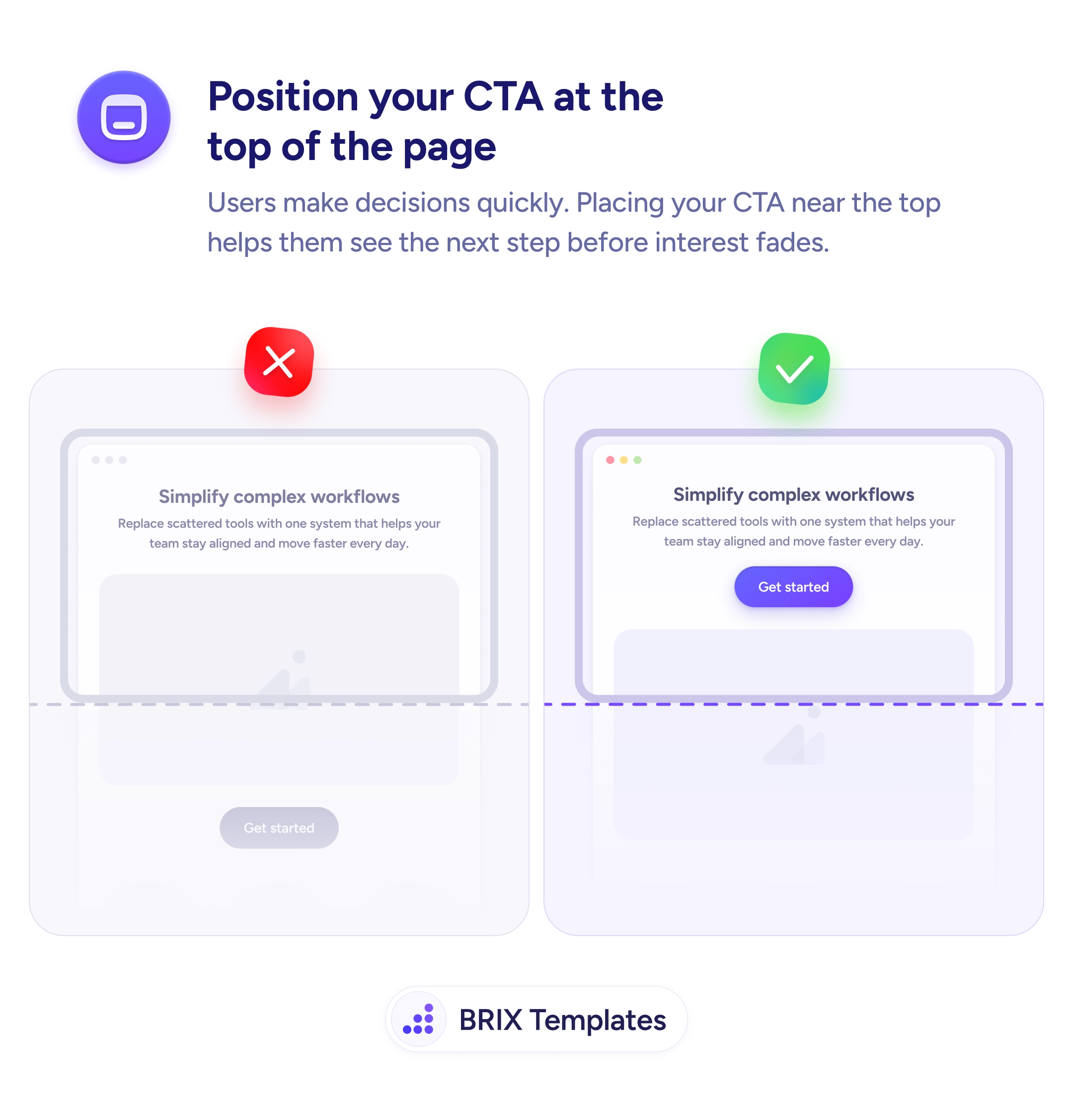
A CTA below the fold only reaches users who scroll. Placing it above the fold makes the primary action visible the moment users land on your page.

Actions & CTAs
Users who don't scroll will never see a CTA that lives below the fold
A CTA below the fold only reaches users who scroll. Placing it above the fold makes the primary action visible the moment users land on your page.
When a primary call to action sits below the visible area on page load, it becomes invisible to users who don’t scroll. On pages with rich content — hero text, product highlights, social proof — the CTA can end up far below the fold, seen only by users who actively explore. But many users who arrive with intent to act are looking for the action immediately, not after a full page tour.
The more reliable approach is to place the primary CTA in the first viewport — the area users see without scrolling. This ensures that decision-ready visitors can act the moment they arrive. It also means users who do scroll have already registered the CTA at least once before they continue reading.
When laying out a page, design the first screen as a complete unit: headline, supporting statement, and primary CTA all visible together. This doesn’t mean the CTA has to dominate — it can be well-integrated into the layout while still being above the fold. What matters is that the user doesn’t have to scroll to find the action.
Above-fold placement can improve engagement with the primary action, particularly on pages where users arrive with a specific intent. Users who are already considering your offer shouldn’t need to scroll to confirm what the next step is.
The primary CTA on a landing or conversion page should be above the fold. Supporting or secondary CTAs can appear further down, where they reinforce the action after users have read more. Not every page needs multiple CTA positions, but the main one benefits from above-fold visibility.
The fold is the bottom edge of the visible area on page load, before any scrolling. It varies by device and screen size — a 1080px desktop monitor has a larger above-fold area than a mobile phone. Test your page on representative viewport sizes to confirm the CTA is visible.
Reduce vertical padding in the hero, shorten the intro copy, or restructure the layout so the headline, a brief supporting statement, and the CTA all fit in the first viewport. An 80px reduction in hero padding can often bring the CTA into view without touching the messaging.
Consider placing a prominent CTA early and repeating it at natural end-of-section points. The above-fold CTA catches decision-ready users; lower CTAs catch users who needed more context. Both serve a purpose on longer pages.